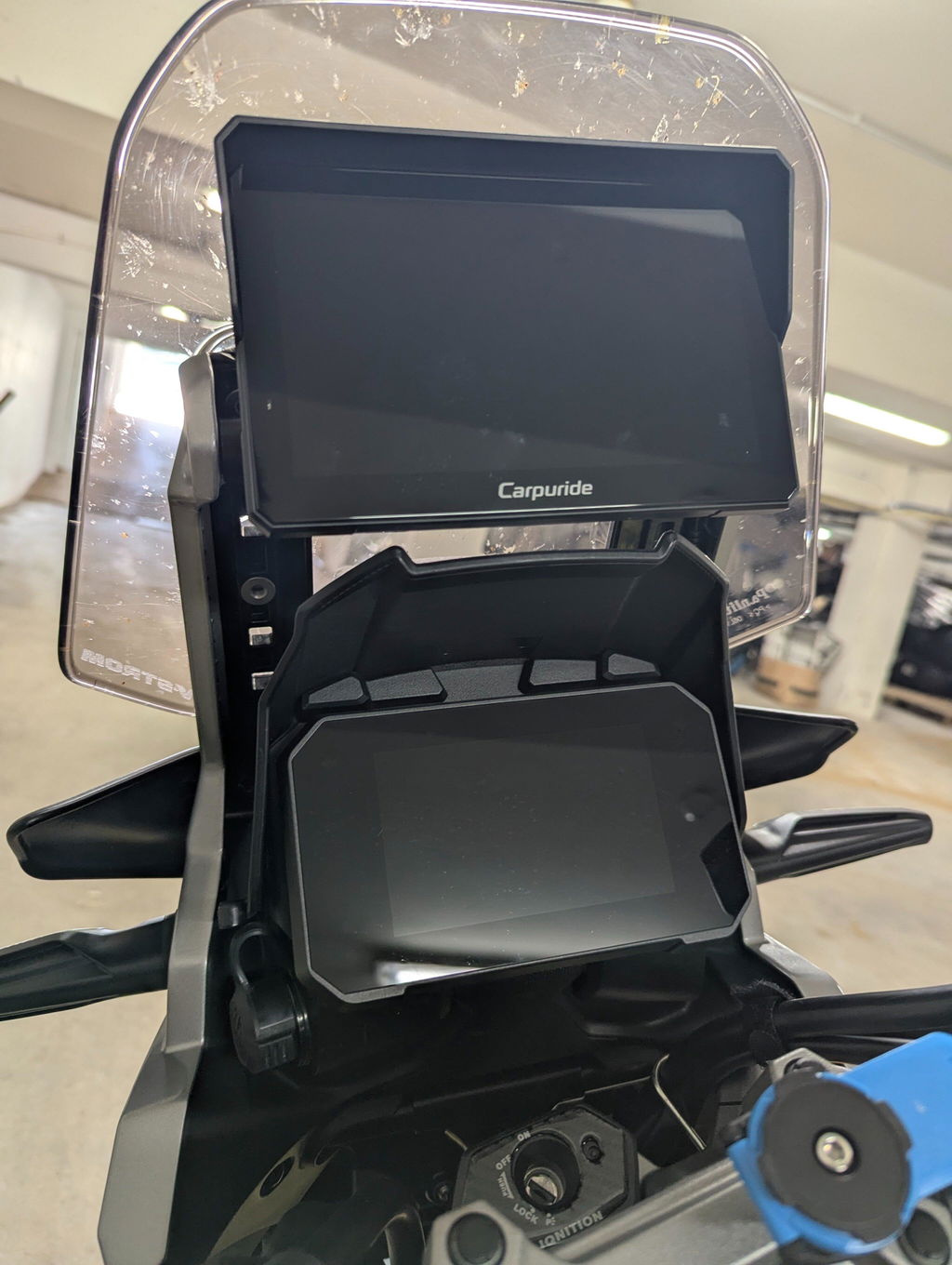
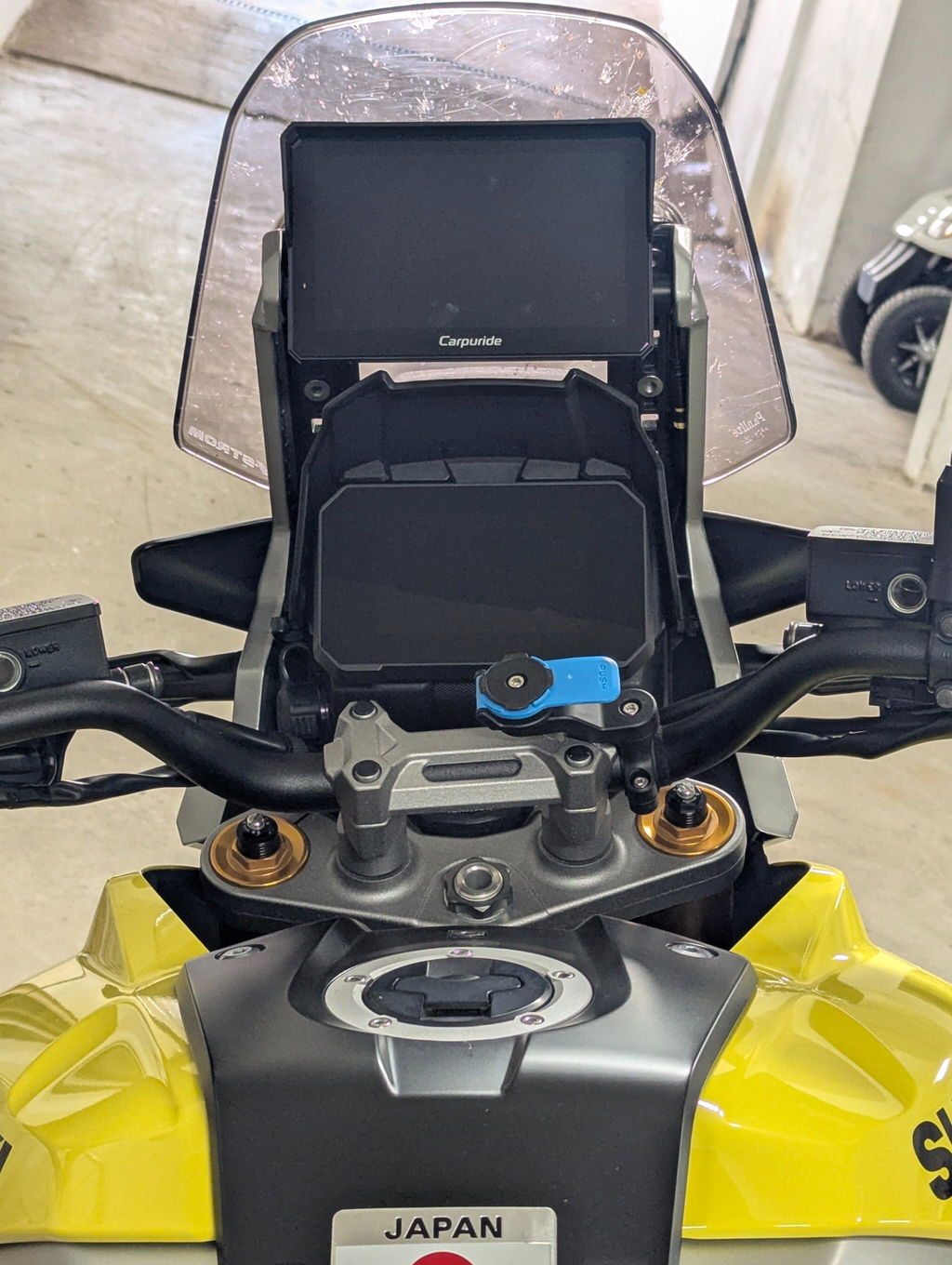
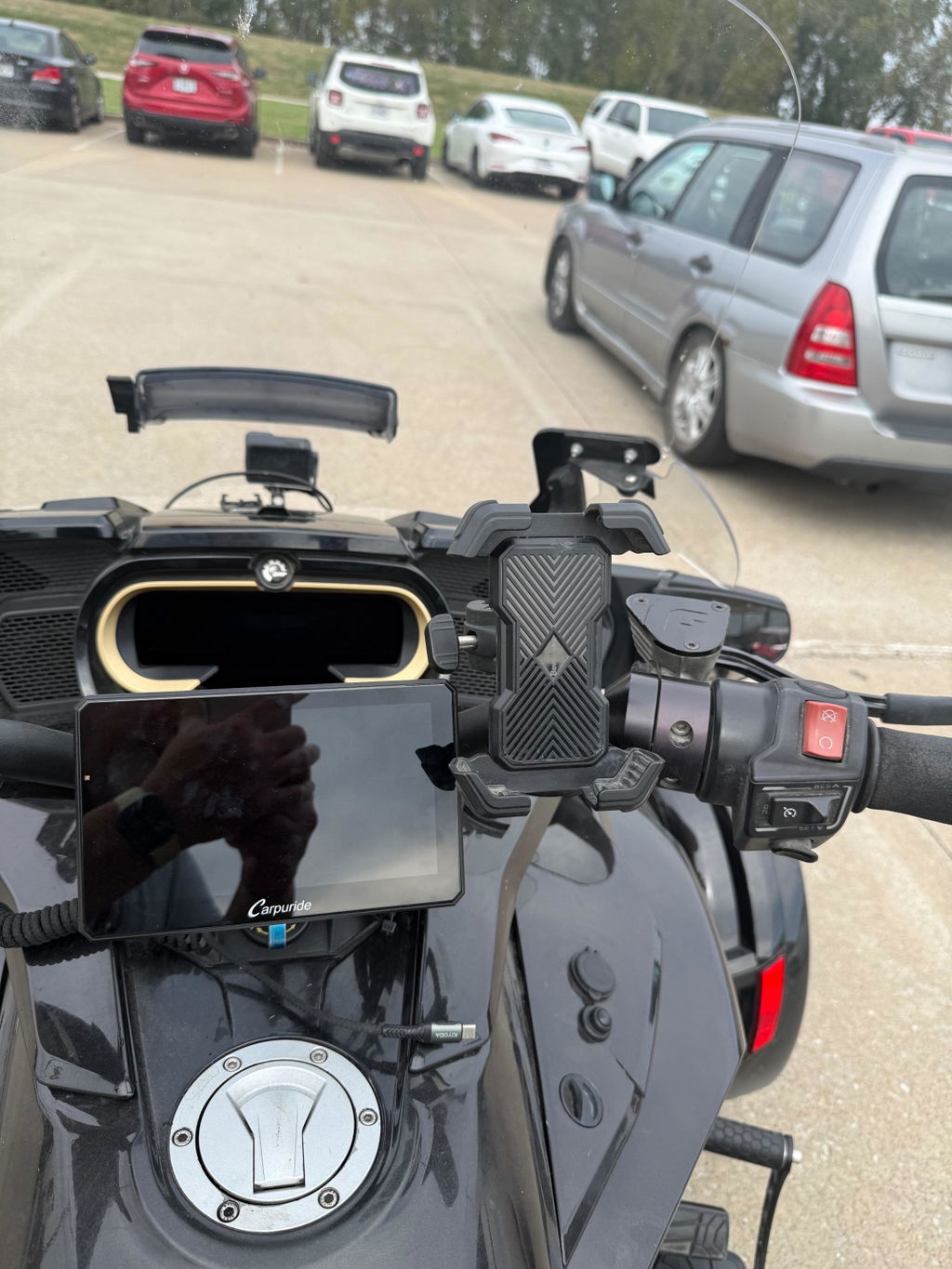
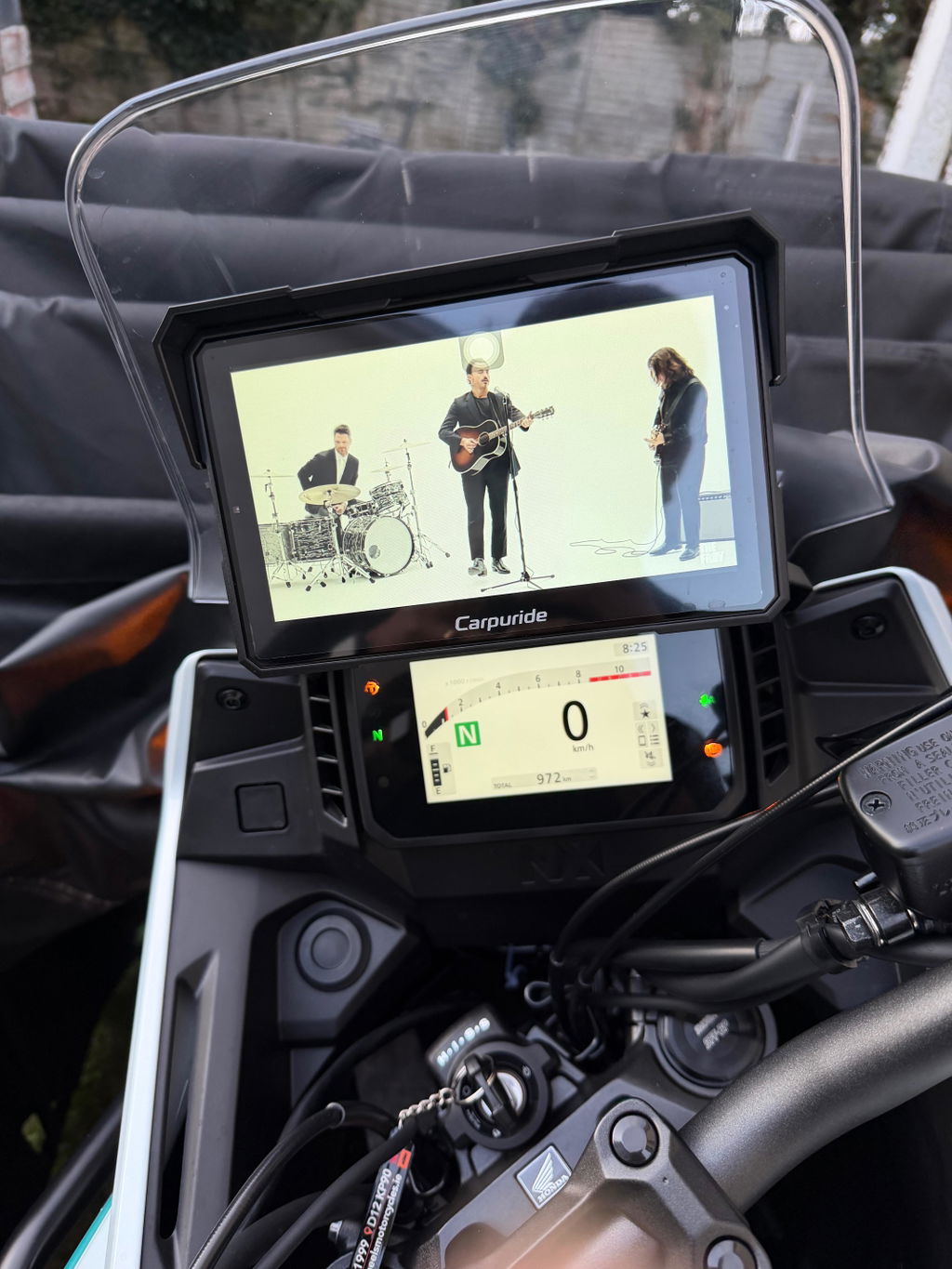
The Carpuride Dashcam Series combines smart motorcycle navigation with integrated video recording. Featuring five distinct models, this lineup offers diverse hardware options ranging from 90° rotatable displays to units supporting standalone app installation. This guide covers shared core features, key hardware differences, and a direct model comparison to help you choose the right setup.
Note: In addition to belonging to the Plus Series, the W702 Plus and W702S Plus are also included in this Dashcam Series due to their integrated dual-camera recording capabilities.
🌟 Core Features Across the Entire Dashcam Series
Every model in this series (W603D, W603DS, W712D, W702 Plus, and W702S Plus) comes factory-equipped with the following essential hardware and functionalities:
📹 Dual 1080P Dash Cameras
A dedicated recording system for complete ride documentation, ideal for accident documentation, scenic road recording, and insurance claims.
• Dual 1080P HD cameras: Provides clear front and rear video recording.
• 140° wide-angle view: Captures a wide field of vision on both ends of the motorcycle.
• Loop recording: Automatically overwrites the oldest footage when the storage card is full to maintain continuous recording.
• Split-screen DVR mode: Displays both front and rear camera feeds simultaneously on the screen.
• 64GB TF card included: Comes pre-equipped with storage capacity for hours of ride footage out of the box.
🎮 Handlebar Wired Controller
A dedicated wired remote controller mounted directly to the handlebar ensures accessible operation without taking your hands off the grips.
• Cycle Button:
Short press to toggle between front and rear camera feeds; long press to capture a photo.
• Phone Button:
Short press to answer or end a phone call; long press to reject an incoming call.
• Home/Lock Button:
Short press to return to the main homepage; long press (for 3 seconds) to lock the touchscreen.
☀️ Outdoor Visibility & Durability
• 1000 Nits Brightness:
The ultra-bright display provides high readability under direct sunlight.
• Auto Light Sensor:
An integrated sensor detects changes in ambient light and automatically adjusts screen brightness accordingly for optimal visibility.
• IP67 Waterproof Rating:
The main screen unit is sealed against dust and built to withstand heavy rain and wet riding conditions.
🗂️ Navigating the Dashcam Sub-Categories
The Dashcam Series is split into two primary categories: models focused on screen orientation flexibility and models focused on standalone app installation.
1. The 90° Rotatable Models (W603D, W603DS, W712D)
These models feature a screen rotation mechanism. Portrait mode (vertical) displays more of the road ahead during navigation, making it easier to anticipate upcoming junctions and turns.
• How the Rotation Works:
Select the "Screen Rotation" button within device settings. The unit will automatically restart, booting up 90 degrees in your selected orientation.
• Bracket Usage:
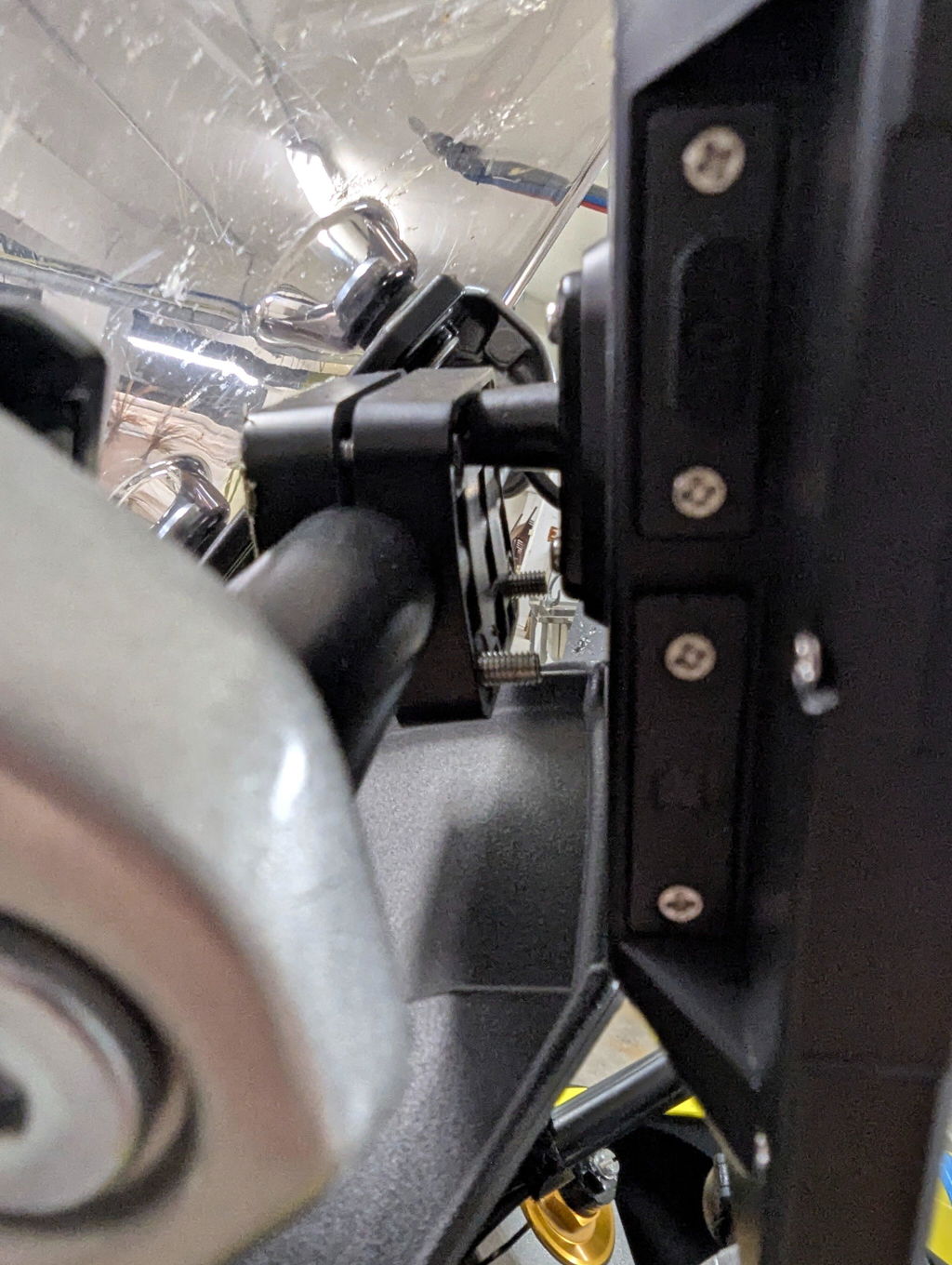
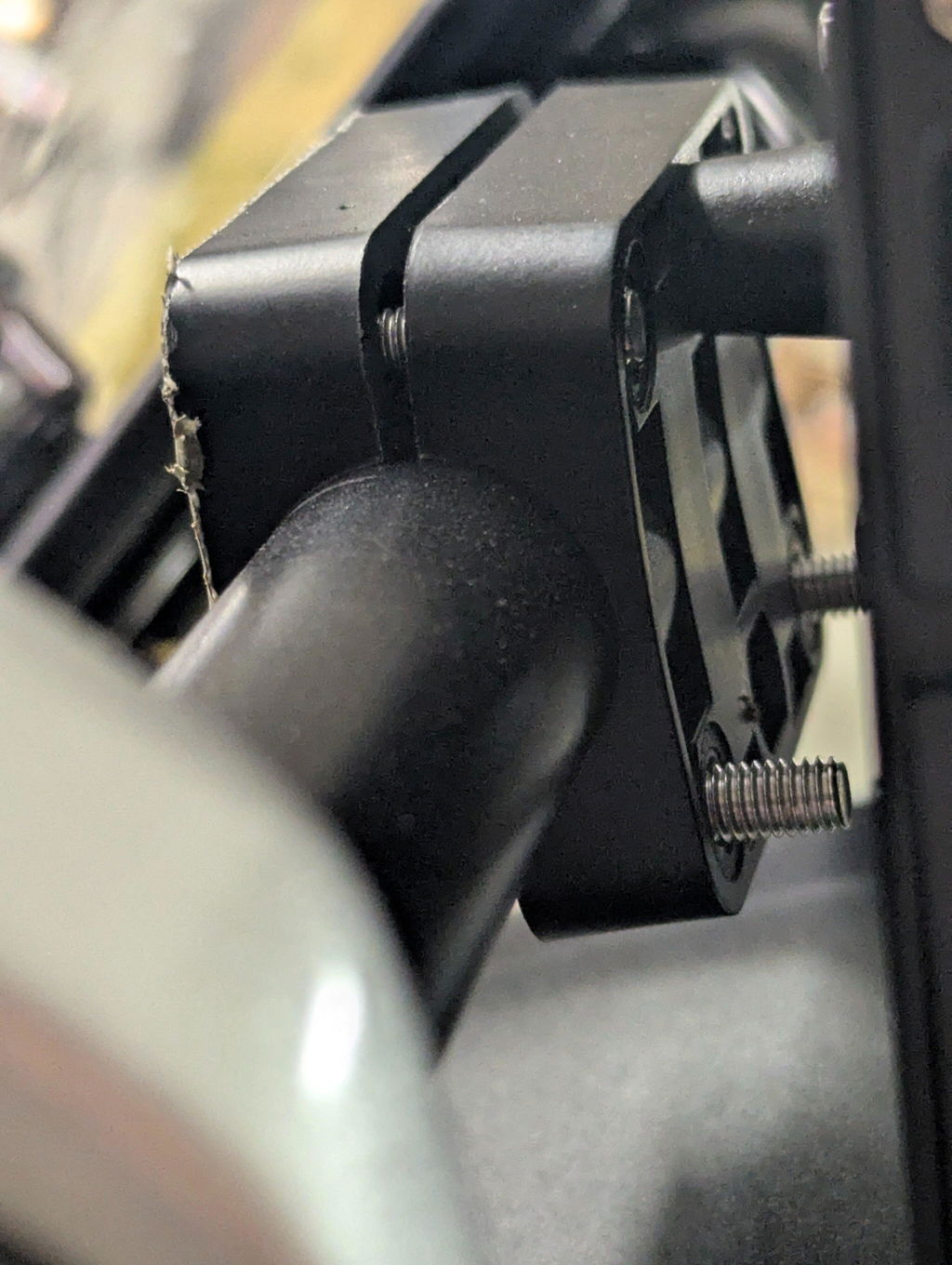
To use the screen rotation function, please use the included Ring bracket.
• Model Differences:
W603D (6-inch) & W712D (7-inch): Utilize standard fixed mounting brackets.
W603DS (6-inch): Upgraded quick-release version equipped with the BM05 bracket for convenient screen detachment.
• Firmware Updates:
These three models are updated manually via a TF card.
• Camera Setup Tip:
The Carpuride boot logo only displays in landscape mode. When installing the cameras, verify the live orientation on the screen first. If the image is upside down, loosen the bracket screws on the camera housing and rotate the lens to the correct angle.
2. The Plus Models (W702 Plus, W702S Plus)
The Plus models are engineered for riders looking for expanded standalone functionality.
• Built-in GPS & App Installation:
In addition to standard wireless Apple CarPlay and Android Auto projection, the Plus models include an integrated GPS module and support direct application installation onto the internal storage.
• Firmware Updates:
Both models support Online OTA updates over Wi-Fi, alongside traditional TF card updates.
• Model Differences:
W702 Plus (7-inch): Uses standard fixed mounting brackets.
W702S Plus (7-inch): Upgraded quick-release version featuring the BM05 bracket for rapid detachment.
📏 Model Comparison & Specifications
| Feature / Specification | W603D | W603DS | W712D | W702 Plus | W702S Plus |
|---|---|---|---|---|---|
| Screen Size | 6" | 6" | 7" | 7" | 7" |
| Dual 1080P Cameras & 64GB Card | Yes | Yes | Yes | Yes | Yes |
| Wired Controller Included | Yes | Yes | Yes | Yes | Yes |
| 1000 Nits, IP67 & Auto Light Sensor | Yes | Yes | Yes | Yes | Yes |
| 90° Screen Rotation | Yes (Use Ring bracket) | Yes (Use Ring bracket) | Yes (Use Ring bracket) | No | No |
| BM05 Quick-Release Bracket | No | Yes | No | No | Yes |
| Built-in GPS & App Installation | No | No | No | Yes | Yes |
| Firmware Update Method | TF card update | TF card update | TF card update | Online OTA update; TF card update | Online OTA update; TF card update |
❓ Buyer's Guide FAQ
Q1: Can I buy a standard model now and upgrade it to quick-release or add app installation later?
A: No. The BM05 quick-release interface, 90° rotation components, and internal GPS/App modules are factory-installed hardware configurations. You cannot retrofit a W603D into a W603DS, nor can you add app installation capabilities to a standard W712D later. Please choose the model with your required physical features before purchasing.
Q2: I park my motorcycle outdoors and want to detach the screen easily to prevent theft. Which models offer quick removal?
A: Choose the W603DS or the W702S Plus. Both variants include the BM05 quick-release bracket, allowing you to detach and reattach the screen conveniently without tools or dismantling handlebar clamps.
Q3: Between the W603DS and W702S Plus, which quick-release dashcam model should I choose?
A: Both models feature the BM05 quick-release bracket, dual 1080P recording, and a handlebar controller. Choose the W603DS (6-inch) if you prefer a compact screen with 90° rotation for vertical navigation. Choose the W702S Plus (7-inch) if you want a larger display, built-in GPS, app installation capabilities, and online OTA updates.
Q4: I rotated my screen to portrait mode, but the camera feed is sideways. How do I fix this?
A: The camera lenses are physically mounted and do not rotate digitally with the screen software. If the camera view appears tilted or upside down after rotating the screen, loosen the screws on the camera mount, manually twist the lens until the image is level, and tighten the screws back down.
Q5: I want to use portrait mode for navigation to see more of the route ahead. Which model should I choose?
A: You should choose the W603D, W603DS, or W712D. These models support 90° screen rotation. Please note that you should install the device using the Ring bracket to allow the necessary clearance to turn the screen vertically.
⚠️ Important Notice Regarding Hardware & Upgrades:
Carpuride smart screens feature fixed factory hardware configurations. Specific features—such as BM05 quick-release brackets, 90° screen rotation, and built-in GPS/App support—are model-exclusive. They cannot be added, unlocked, or retrofitted later via firmware updates or standalone accessories. Please select the model with your required physical features before purchasing.