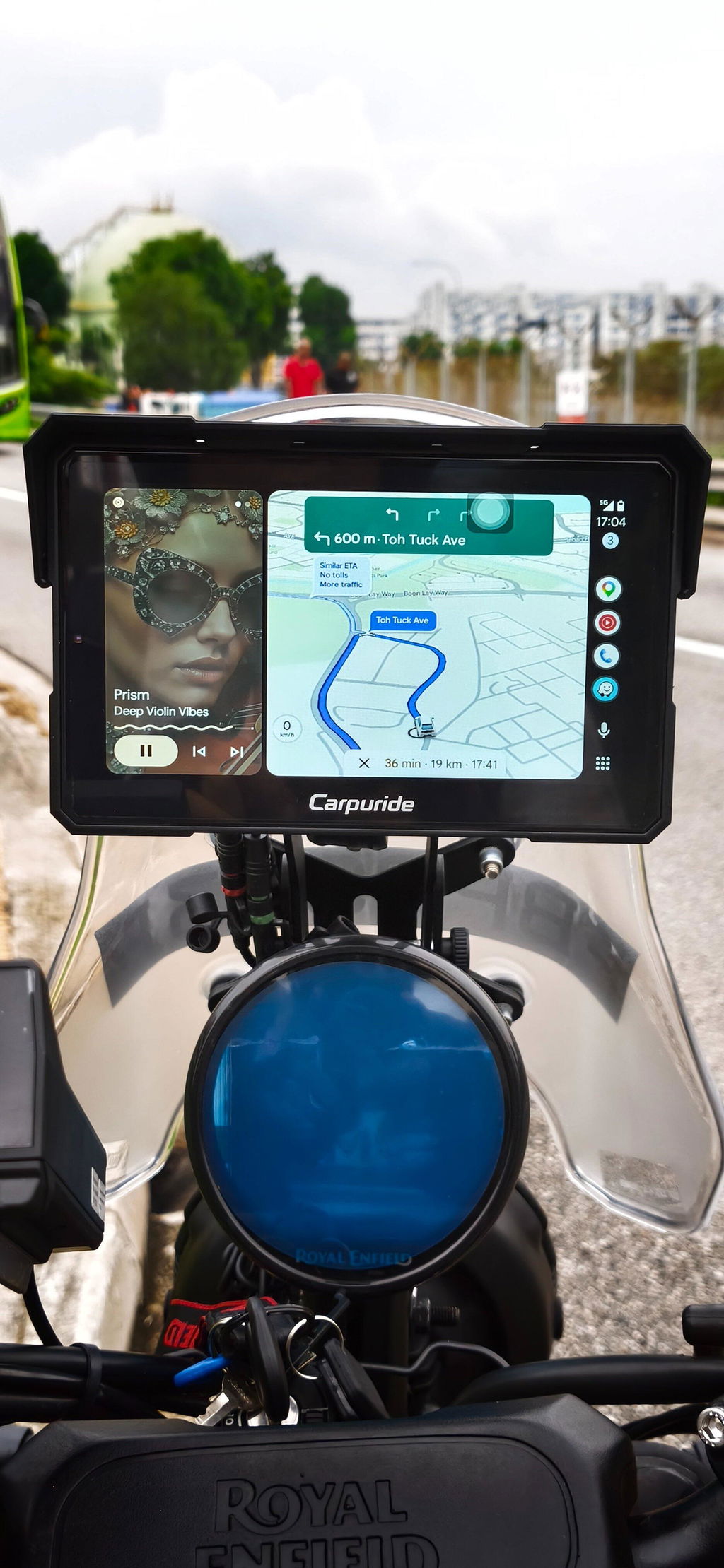
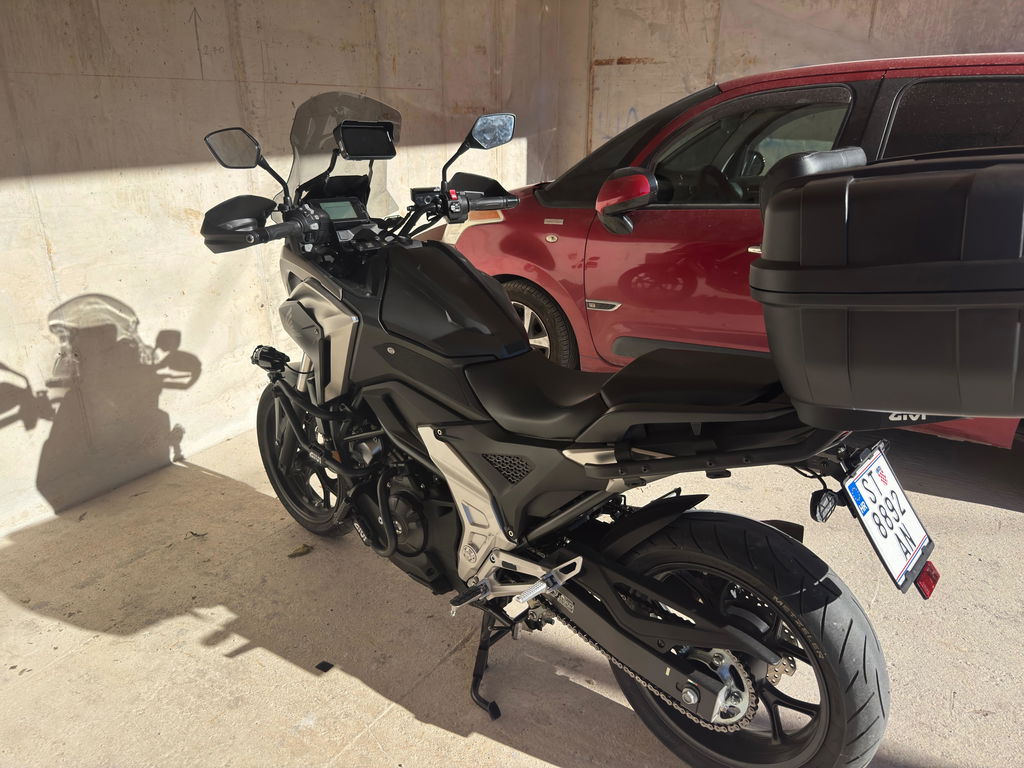
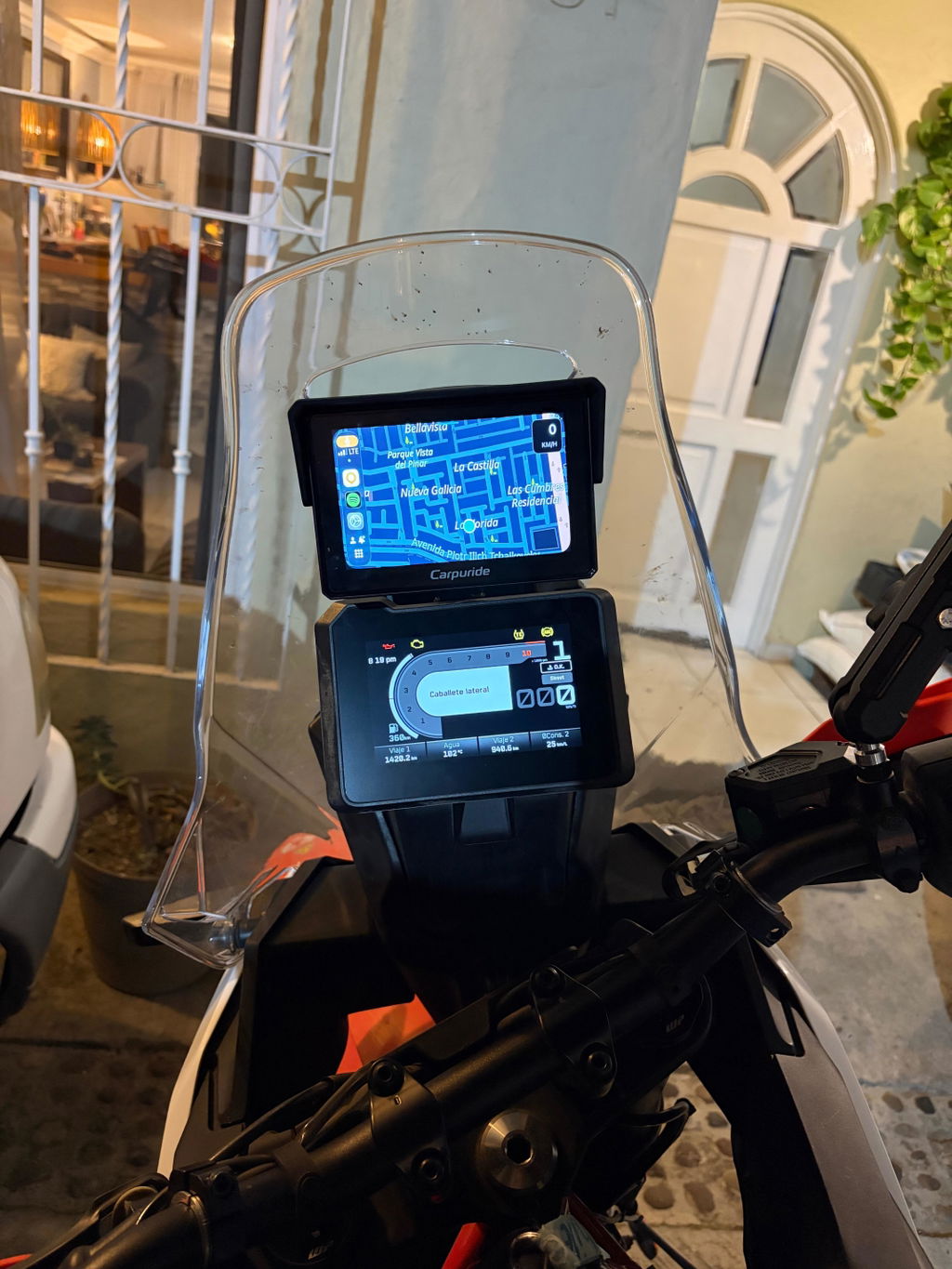
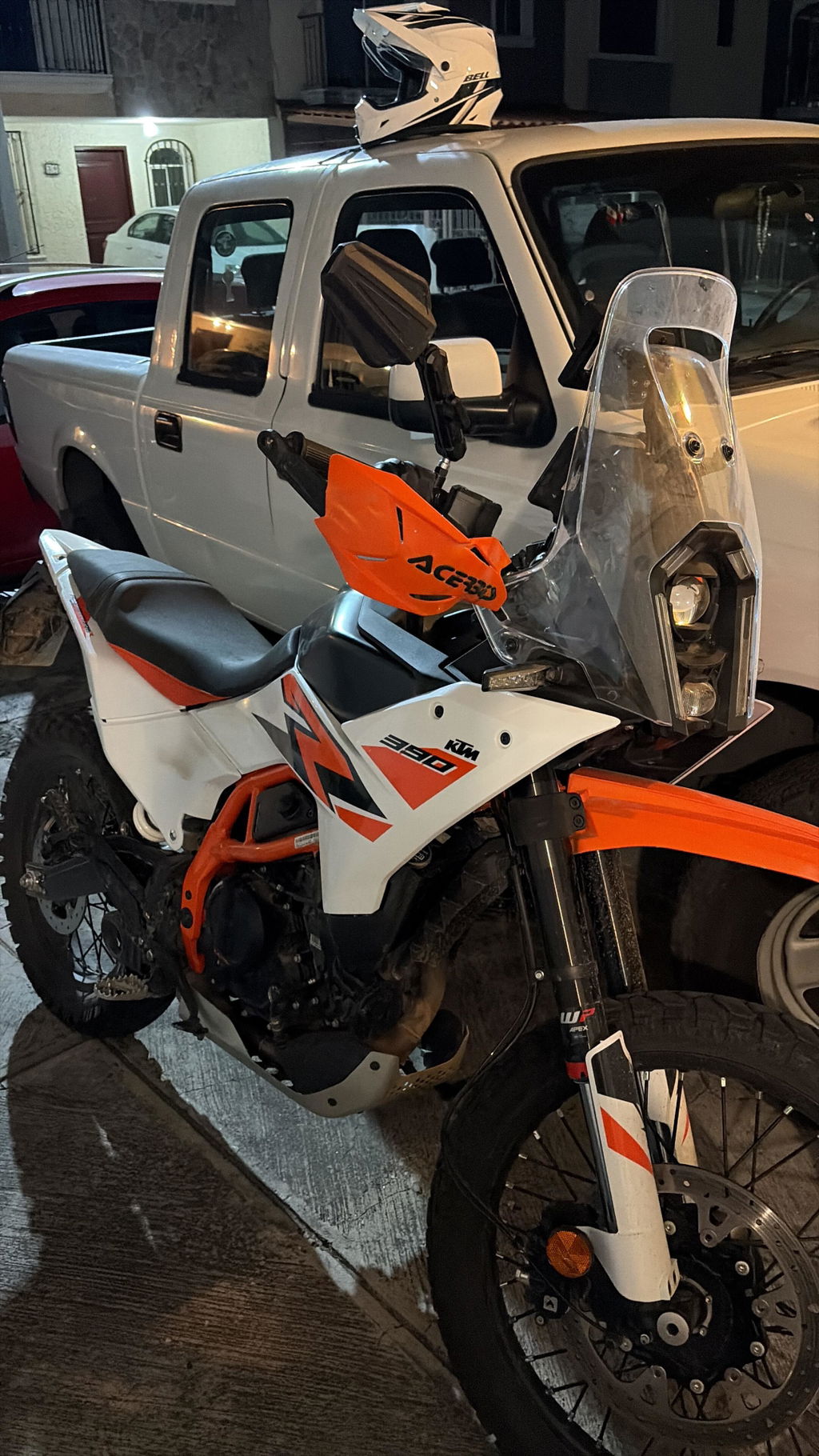
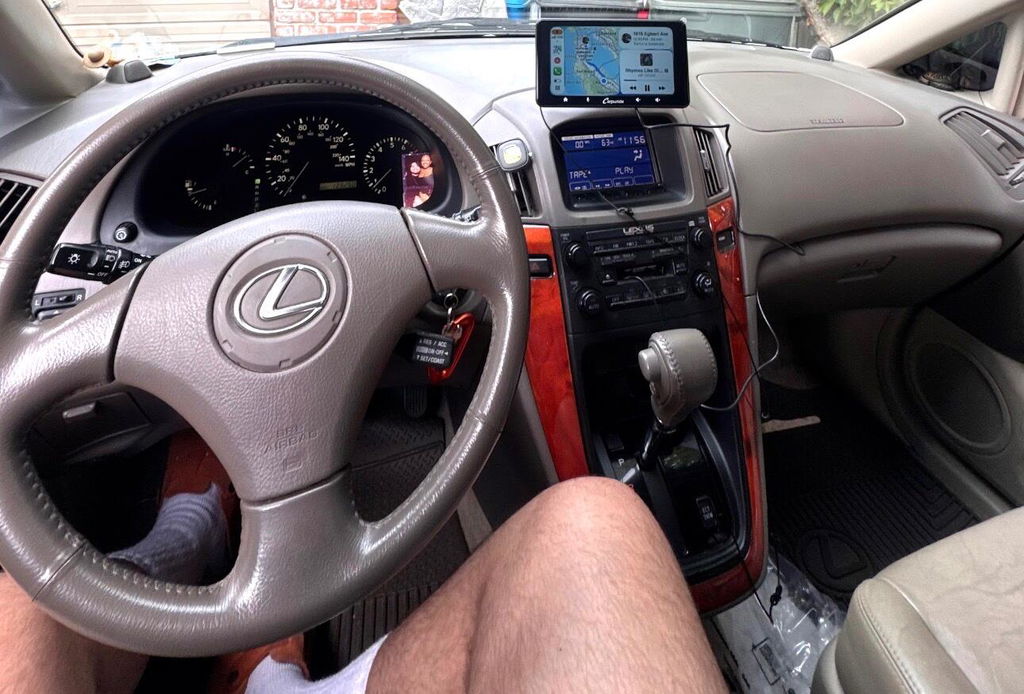
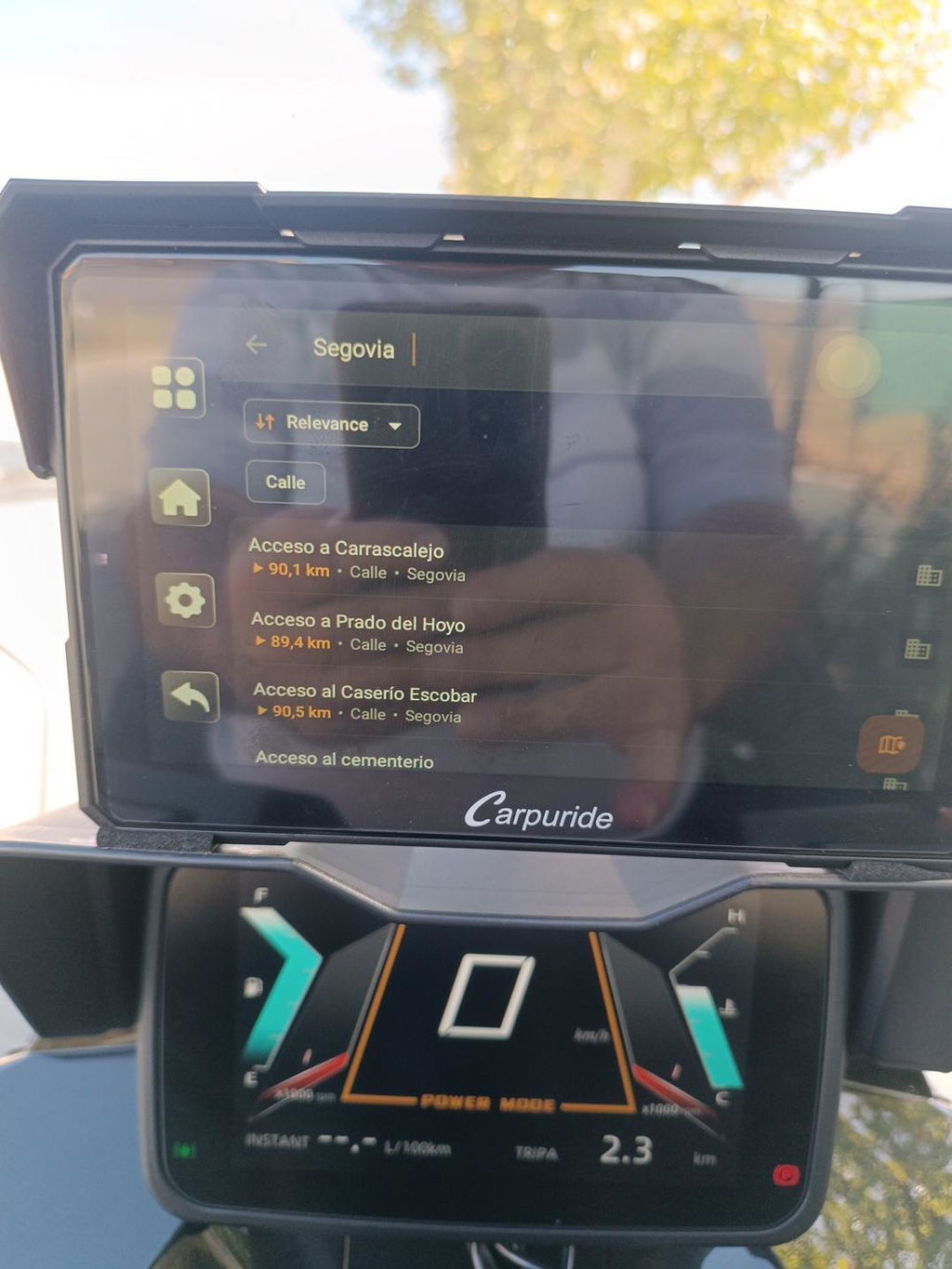
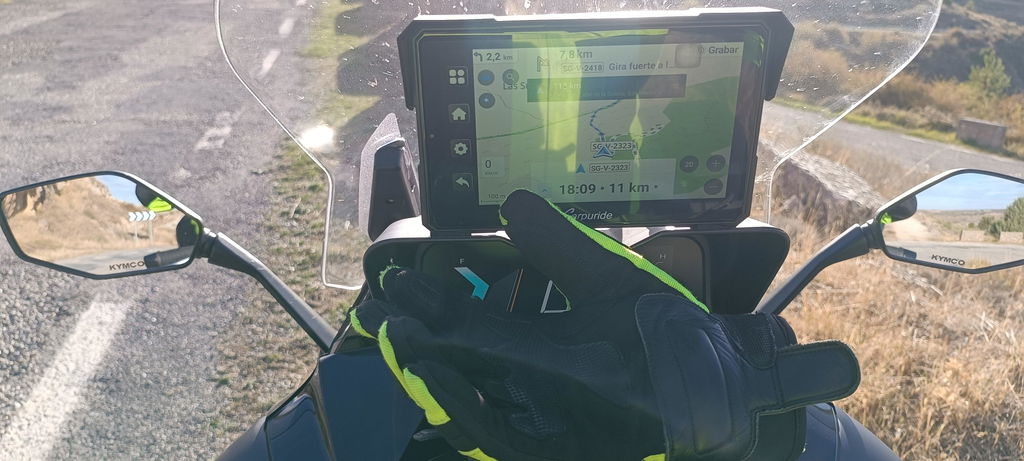
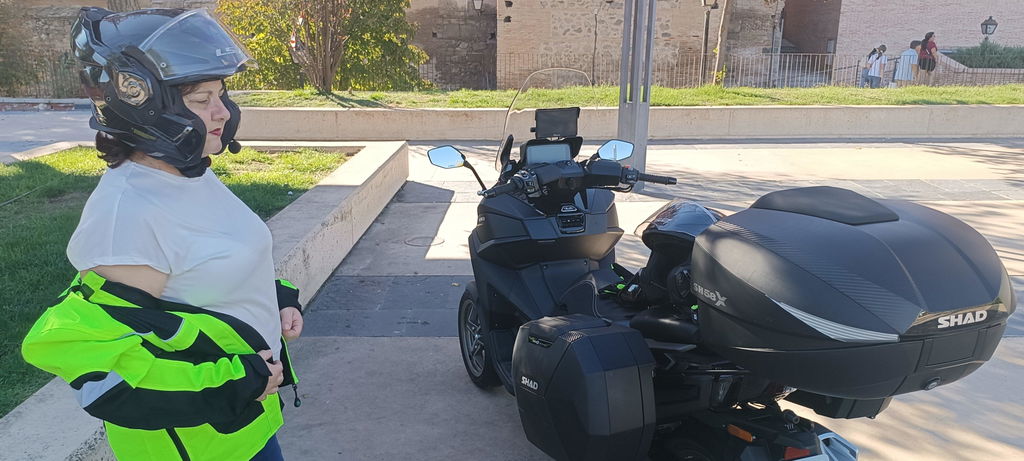
A Carpuride motorcycle CarPlay screen shows supported Apple CarPlay or Android Auto interfaces from a compatible smartphone. Depending on the model, it mounts on the handlebar or in a compatible BMW factory navigation cradle. It can give riders a larger view of supported apps such as navigation and media. Wireless projection depends on the phone and the required wireless connection; it does not mean every app or feature works on every device.
What a Carpuride motorcycle CarPlay screen is—and is not
A Carpuride motorcycle CarPlay screen connects to a compatible phone and displays a supported projection interface. It should be distinguished from models that can run apps on the device itself. Many displays primarily show a compatible phone interface. Some models add features such as an operating system, built-in GPS, or cameras. These capabilities vary by model and package, so they should not be assumed across all motorcycle CarPlay displays.
How the wireless connection works
For wireless projection, the motorcycle supplies power, the rider pairs a compatible phone, and the display connects using the supported CarPlay or Android Auto connection. Bluetooth and Wi-Fi are involved; setup steps depend on the phone and device.
On the W702S Plus, iPhone users can find “Carpuride-xxxx” in Bluetooth settings, pair with it, allow the requested connection, and select “Use CarPlay.” Android users can add a new device, pair with “Carpuride-xxxx,” and follow the prompts to activate Android Auto. Compatibility is not universal: the described wireless connection does not support HarmonyOS devices or Huawei EMUI P and Mate series. Most Android 11-and-later phones are usually compatible, but compatibility is not guaranteed for every model. Check the product manual and official product information for your phone.
What the display does—and does not do
With phone projection, the phone provides the apps and their data. What appears on the display depends on the phone, the supported apps, and, for online features, network access. Built-in GPS does not itself provide cellular service, map data, or live traffic.
Some models add an operating system, GPS receiver, or camera system. The W702S Plus runs Android 12, has built-in GPS, and includes front and rear cameras. It can run compatible apps on the device itself, which is different from mirroring a phone. To navigate offline on the W702S Plus, install a compatible app and download its offline maps in advance; offline use does not provide real-time traffic. The unit has no SIM card, so it cannot make independent cellular calls or send texts.
Motorcycle speed, engine data, and tire-pressure readings are not automatic features of a generic CarPlay display. They depend on the specific model, compatible hardware, motorcycle interface, and package. Check the exact model and included accessories before assuming vehicle data or tire-pressure monitoring is supported.
Installation, power, and mounting
Before installation, check the supplied clamp and mounting parts, handlebar fit, cable routing, and motorcycle power connections. The W702S Plus uses a dedicated BM05 quick-release mount and a four-route harness for power, the rear camera, the front camera, and the controller. Its BM05 mount is specific to the W702S Plus and should not be assumed to fit other BM05 models. Handlebar fit depends on the supplied clamp parts, available space, and the instructions.
For the W702S Plus, connect the yellow wire to battery positive (B+), the red wire to ACC, and the black wire to negative. Do not connect the red and yellow wires together to battery positive. The Type-C port is for factory debugging and does not supply power; the manufacturer warns that input above 5V through this port can damage the device. Follow the wiring diagram and instructions for the exact model and package.
The quick-release mount allows the screen to be removed from its bracket, but it does not guarantee protection against theft. Use the metal key to unlock or lock the W702S Plus screen, and avoid pulling on the wiring when removing it. Check the included mount parts and manual for fitment and installation details.
Riding uses and audio routing
Commuters may use phone-projected navigation and calls; touring riders may value compatible apps with downloaded offline maps; riders who want recorded footage should check camera and storage details. A product’s headline description does not confirm that every feature or accessory is included.
Audio routing depends on whether you are using phone projection or an app running directly on the W702S Plus. For CarPlay or Android Auto projection, connect the helmet headset to the phone. For apps running on the device, the W702S Plus can pair directly with a Bluetooth headset through More settings > Pair new device. The manual states that this direct-headset mode cannot be used at the same time as CarPlay or Android Auto. Calls require a helmet or headset with a microphone.
Offline audio and offline navigation are different. The W702S Plus can play music from a TF card without phone projection. Offline navigation requires a compatible app and maps downloaded in advance; real-time traffic is not available offline. Before a trip, check that the intended app, map area, audio route, and headset pairing are ready.
Selection checklist for a Carpuride motorcycle CarPlay screen
Compare these details before choosing a Carpuride motorcycle CarPlay screen:
| Check | What to confirm |
|---|---|
| Phone compatibility | Supported phone, operating-system version, and wireless connection requirements |
| Projection or built-in apps | Whether the unit displays phone apps, runs compatible apps itself, or supports both |
| GPS and offline maps | Whether GPS is built in, whether maps must be downloaded, and whether live traffic needs a network connection |
| Mount and fit | Bracket type, handlebar fit, model-specific mount, and whether the screen is removable |
| Power and wiring | Required motorcycle connections, harness layout, and port-use restrictions |
| Weather rating and screen | The exact model’s published rating and display specifications |
| Cameras and storage | Whether cameras and a storage card are included, plus recording specifications |
| Tire-pressure monitoring | Whether TPMS is standard, optional, or requires a compatible separately purchased kit |
For a concrete package example, the W702S Plus has a 7-inch, 1024 × 600 display, an IP67 rating, and front and rear 1080p cameras. The standard package includes a 64GB TF card; the card capacity can be expanded up to 256GB according to the product information. TPMS is optional and is not included in the standard package. The W702S Plus BM05 mount is model-specific, and its harness should not be assumed interchangeable with those of other product lines. Package contents and compatibility can vary by version; check the product manual and official product information.
Key takeaway
A Carpuride motorcycle CarPlay screen is best understood as a screen for a compatible phone—not automatically as an independent navigation device. Some models, including the W702S Plus, add on-device apps, built-in GPS, or cameras, but these capabilities are model- and package-specific. Confirm phone compatibility, audio routing, installation requirements, and included features before purchase, and follow the manual for the selected unit.
FAQ
Q: What is a Carpuride motorcycle CarPlay screen?
A: It shows supported Apple CarPlay or Android Auto interfaces from a compatible smartphone. The mounting method depends on the display model and motorcycle. It is not automatically an independent navigation device.
Q: Does the W702S Plus work with every phone?
A: No. The described wireless connection does not support HarmonyOS devices or Huawei EMUI P and Mate series. Most Android 11-and-later phones are usually compatible, but compatibility is not guaranteed for every model.
Q: Does the W702S Plus need a SIM card?
A: No. The unit has no SIM card, so it cannot make independent cellular calls or send texts. Online features depend on the phone or network access.
Q: How should a rider route audio?
A: For CarPlay or Android Auto projection, connect the helmet headset to the phone. For apps running on the W702S Plus, pair the headset directly through More settings > Pair new device. Direct-headset mode cannot be used at the same time as CarPlay or Android Auto.
Q: Is TPMS included with the W702S Plus?
A: TPMS is optional and is not included in the standard package. Check the selected package or compatible separately purchased kit.