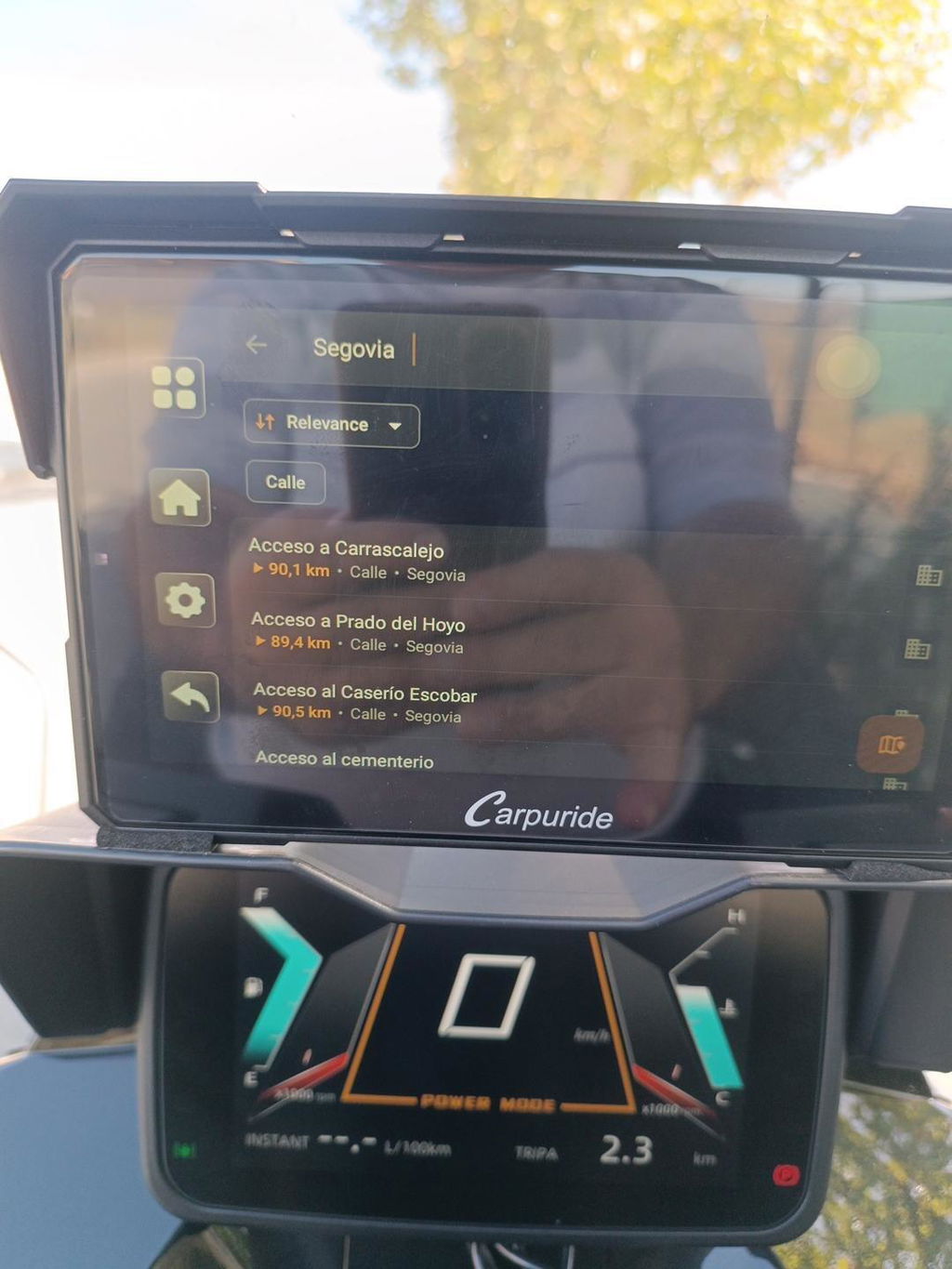
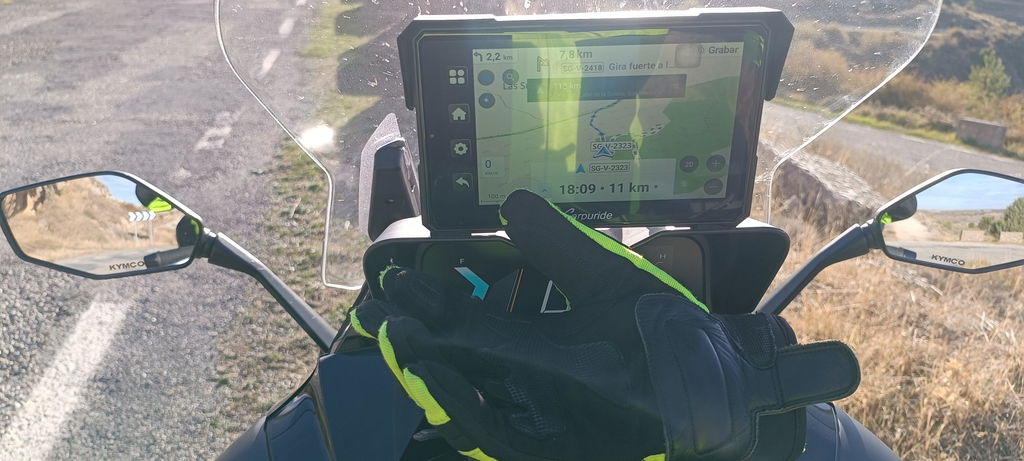
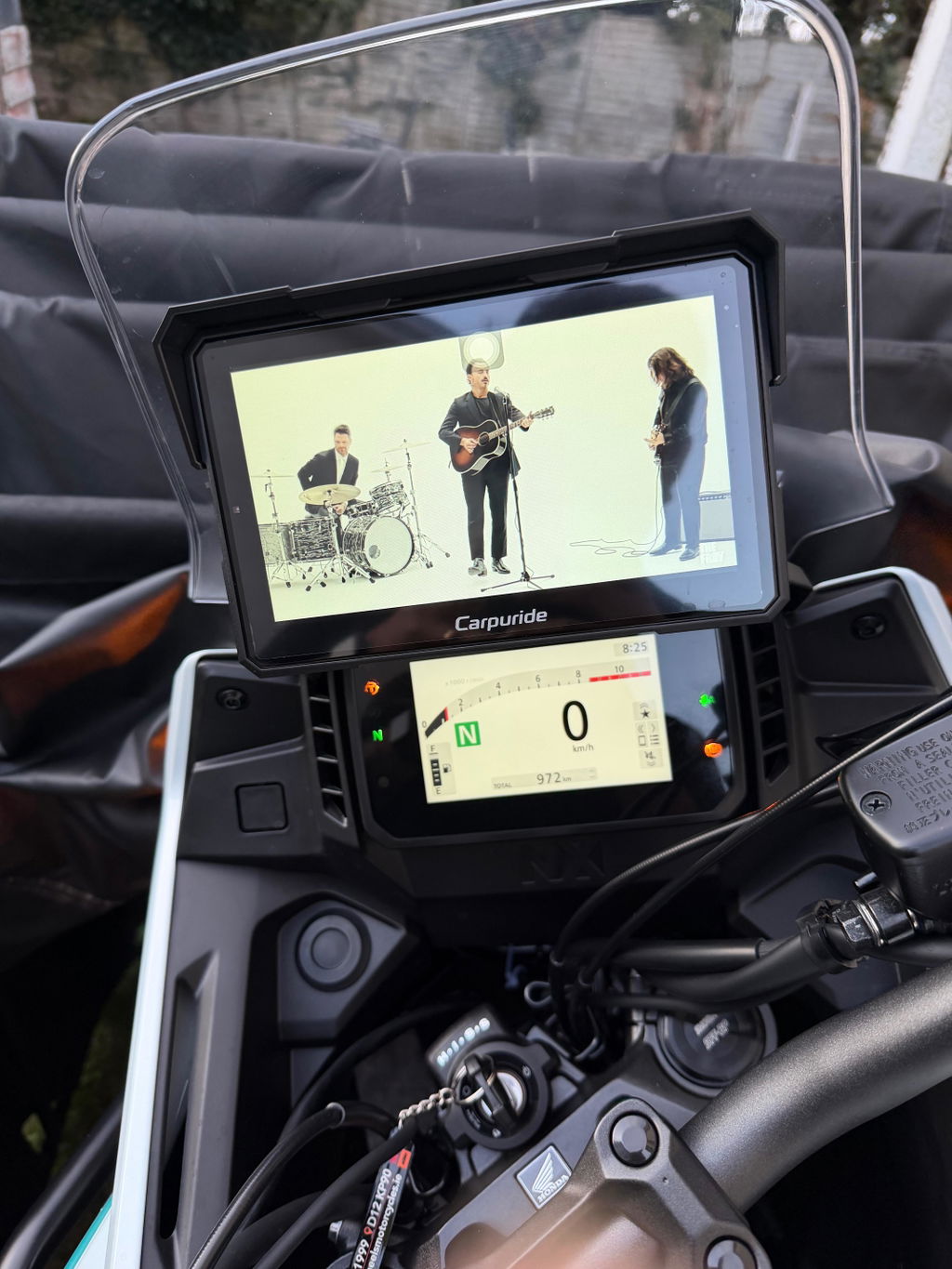
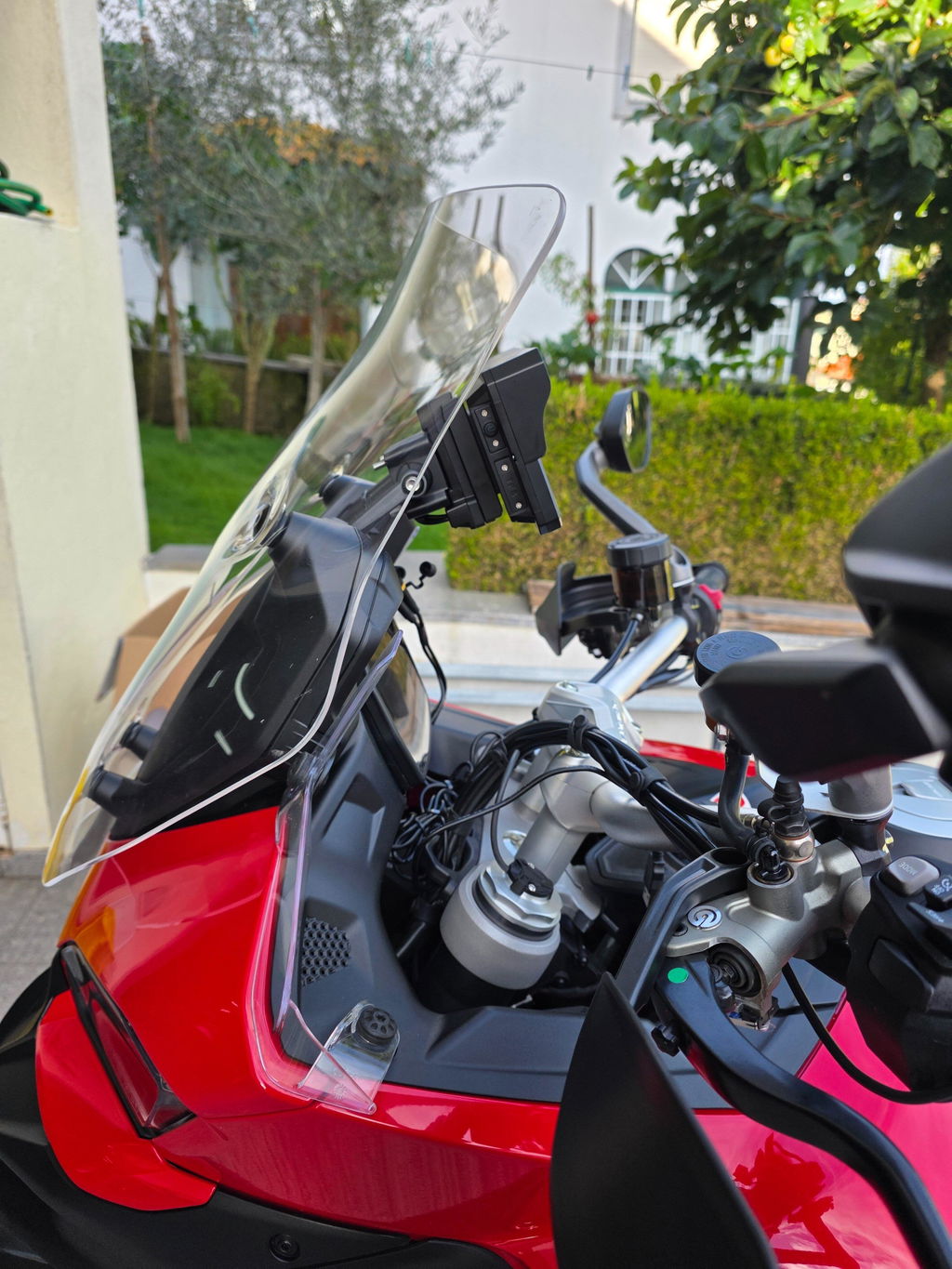
Motorcycle Wireless Apple CarPlay sends supported iPhone apps to a handlebar-mounted display so a rider can use navigation, calls, messages, and audio without mounting the phone. The display is a screen and interface, not a phone: CarPlay depends on a compatible iPhone, and the motorcycle display still needs its own power. CarPlay provides access to directions, calls, messages, and music through a compatible display; on a motorcycle, the screen must specifically support wireless CarPlay.
Product overview: what the Carpuride W702S Plus is and who it serves
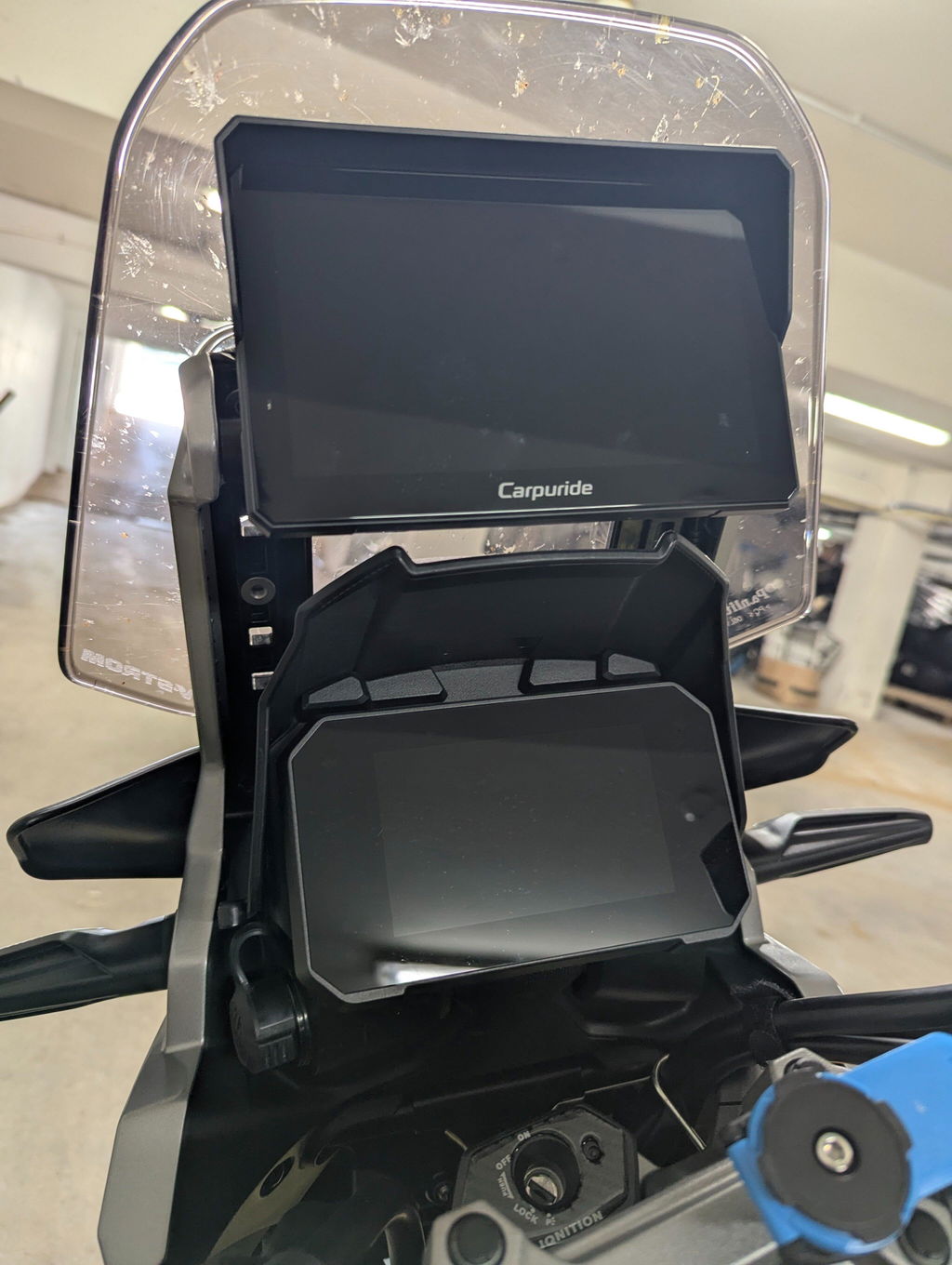
The Carpuride W702S Plus is a motorcycle smart screen that combines Motorcycle Wireless Apple CarPlay and Android Auto with other functions. Its 7-inch IPS touchscreen has a 1024 × 600 resolution, and the unit includes front and rear 1080p cameras, built-in GPS, and storage for apps and media. Unlike a CarPlay-only display, it offers three navigation paths: phone projection, online apps on the device, and offline maps using its built-in GPS.
That combination may suit riders who want phone-based directions for everyday use but also want onboard apps, map options, or ride recording. It does not make the device a standalone phone: the W702S Plus has no SIM card and cannot independently make calls or send texts. Motorcycle Wireless Apple CarPlay remains a connection between the iPhone and screen, not a replacement for the phone.
Compatibility check for Motorcycle Wireless Apple CarPlay and Android Auto
For Motorcycle Wireless Apple CarPlay, a rider needs an iPhone that supports CarPlay and a motorcycle display that supports the wireless connection. Wireless CarPlay requires Wi-Fi to be on, in addition to connecting through the display’s Bluetooth or wireless pairing process. On the W702S Plus, pair the iPhone with the screen’s Bluetooth name, shown as “Carpuride-xxxx,” then select “Use CarPlay.”
Android Auto follows a separate pairing path: add a new device, pair the phone, and activate Android Auto. HarmonyOS devices and Huawei P- and Mate-series phones using EMUI are not supported for the described wireless connection. Most Android 11-and-newer phones are likely to be compatible, while hardware, operating-system versions, and customized Android ROMs can affect stability. Check the exact phone model before buying rather than assuming compatibility from the operating system alone.
Installation and wiring: BM05 mount, four-wire harness, and power safety
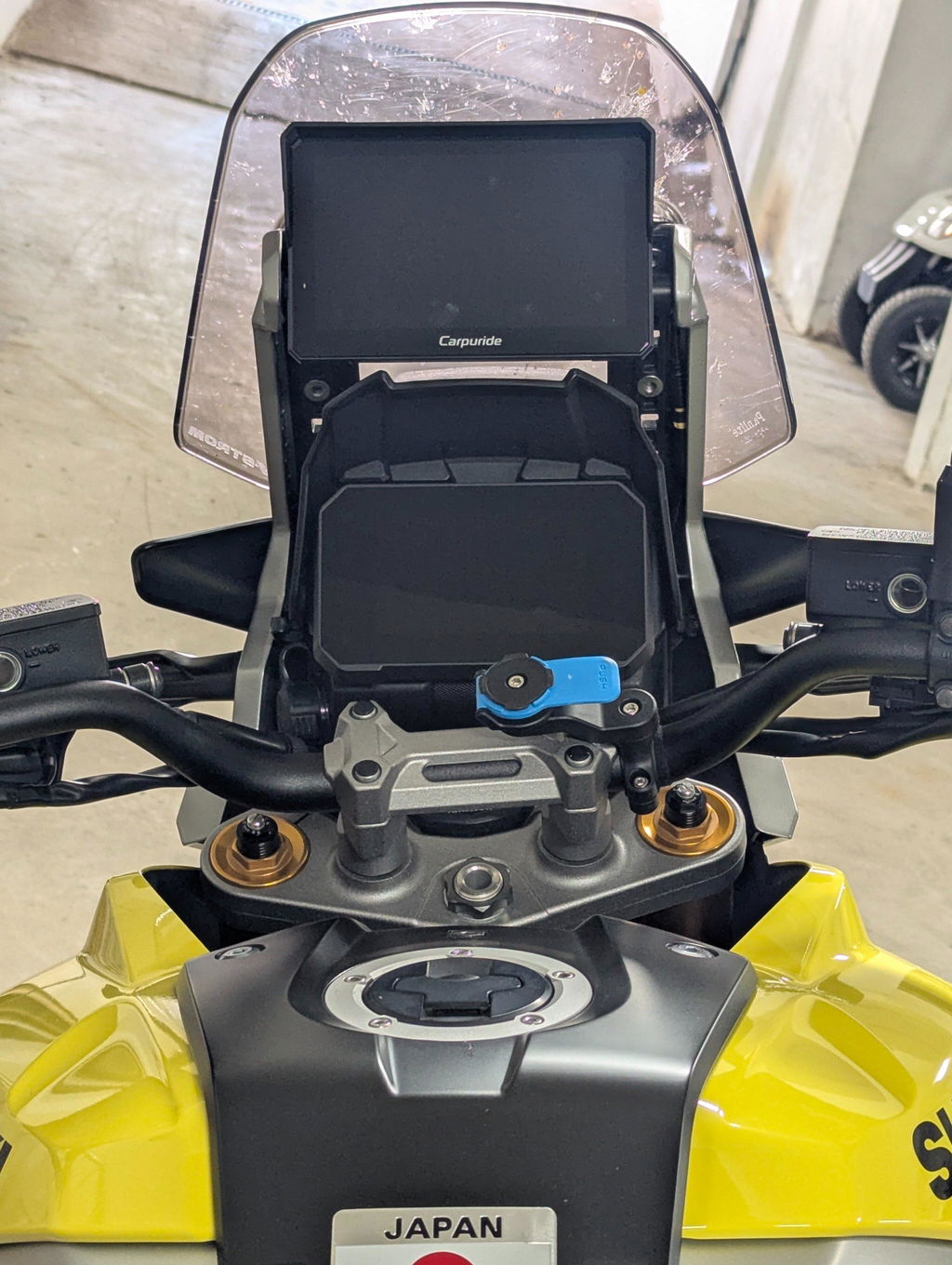
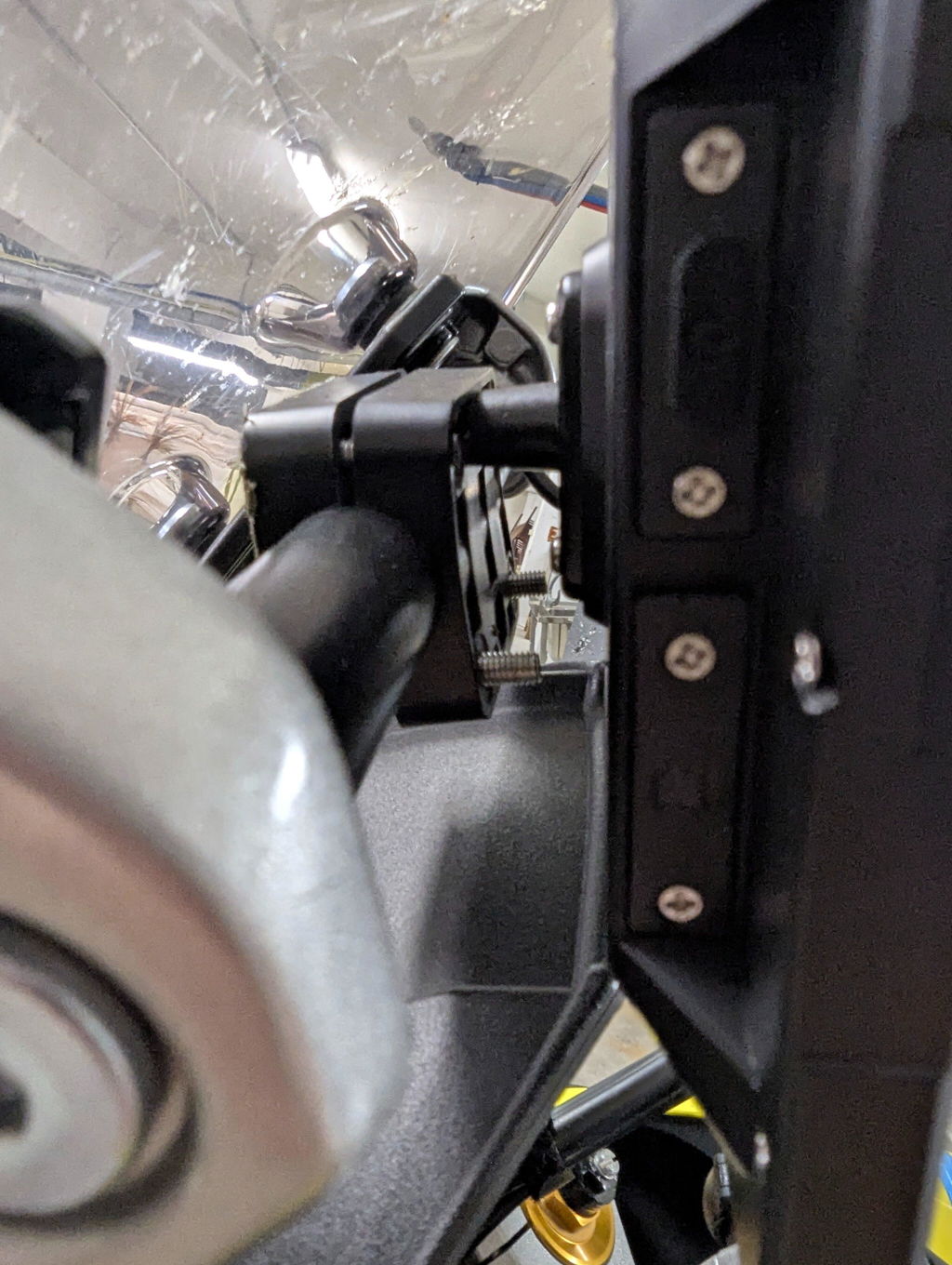
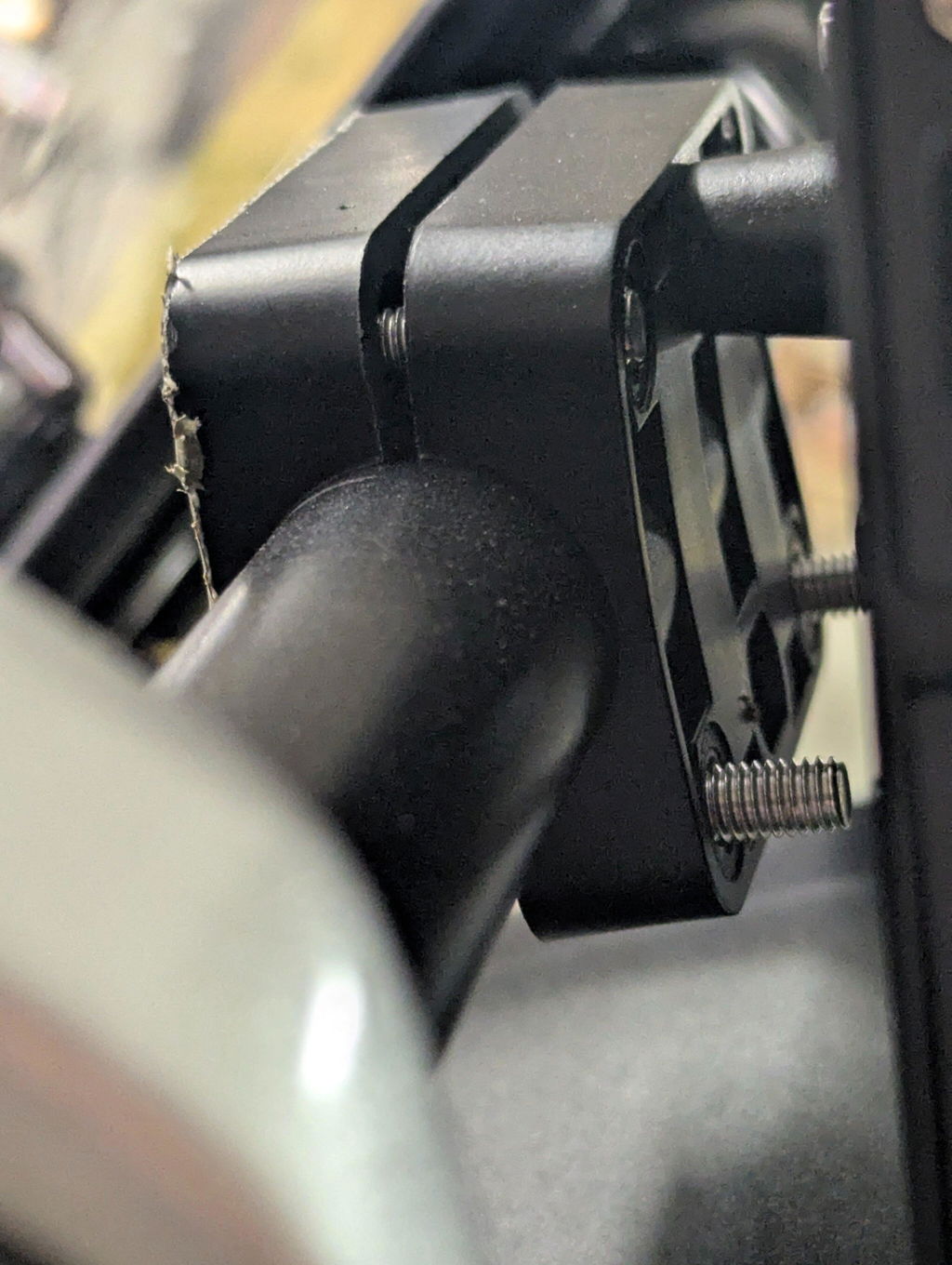
The W702S Plus uses a dedicated BM05 quick-release bracket with a locking mechanism. Silicone handlebar pads accommodate 12, 22, 25.4, or 28 mm bars and can be stacked to match bar thickness. The BM05 supplied for this model is not interchangeable with other BM05 versions, so confirm the mount matches the W702S Plus rather than choosing by bracket name alone.
Its four-branch harness connects power, the rear camera, the front camera, and the wired controller. For power, yellow is B+ (battery positive), red is ACC (switched power), and black is negative; do not connect the red and yellow wires together directly to positive. The Type-C port is for factory debugging, does not power the unit, and can damage it if supplied with more than 5 V. Use the specified motorcycle power connection and consult a qualified installer if you are unsure about the bike’s wiring.
Setup paths: projection, online apps, offline maps, and helmet audio
The choice of navigation mode affects what needs to connect. Phone projection uses CarPlay or Android Auto, so navigation apps and phone data come from the paired phone. Online apps run directly on the W702S Plus and need an internet connection through external Wi-Fi or a phone hotspot; the device itself has no SIM card. Offline navigation uses the built-in GPS and offline maps downloaded in advance in a compatible navigation app, so it can work without a live phone connection, though live traffic and online search require internet access.
| Mode | Main connection | Useful when |
|---|---|---|
| Wireless CarPlay or Android Auto | Paired phone | Using compatible phone apps and services |
| On-device online apps | Wi-Fi or phone hotspot | Running supported apps directly on the screen |
| On-device offline maps | Built-in GPS and stored maps | Navigating where mobile data is unavailable |
For sound in projection mode, pair the helmet headset with the phone so calls, prompts, and audio route from the iPhone. In the W702S Plus’s on-device mode, the screen can pair directly with a Bluetooth headset through More settings > Pair new device; that direct-audio mode cannot be used at the same time as CarPlay or Android Auto. Calls and voice control also require a helmet headset or other audio device with a microphone.
Controls and recording: buttons, split view, loop recording, and display settings
The wired controller provides physical shortcuts for common actions. A short press of the loop button switches between front and rear camera views; a long press takes a photo. The phone button answers or ends a call with a short press and rejects one with a long press, although call rejection is not supported on Android. A short press of the home/lock button returns to the home screen, while holding it for three seconds locks the screen.
The cameras record in front-and-rear views, including split view, and loop recording divides footage into selectable segments from one to five minutes. When the TF card fills, the system overwrites older segments; formatting the card permanently deletes its contents, so back up important clips first. The W702S Plus has dual 1080p cameras, a 64GB TF card in the package, and expansion up to 256GB.
Brightness can be set from 1% to 100%, or adjusted with adaptive brightness. The device resumes operation if the motorcycle is restarted within four hours after being switched off, and shuts down completely after that interval. This sleep behavior may consume the motorcycle battery.
Selection guidance: matching the screen to commuting, touring, off-road, or content use
A motorcycle smart screen can reduce the need to handle a phone for route information, but it does not remove distraction risk. Set destinations and audio before moving, keep attention on traffic and terrain, and avoid using touch controls while riding.
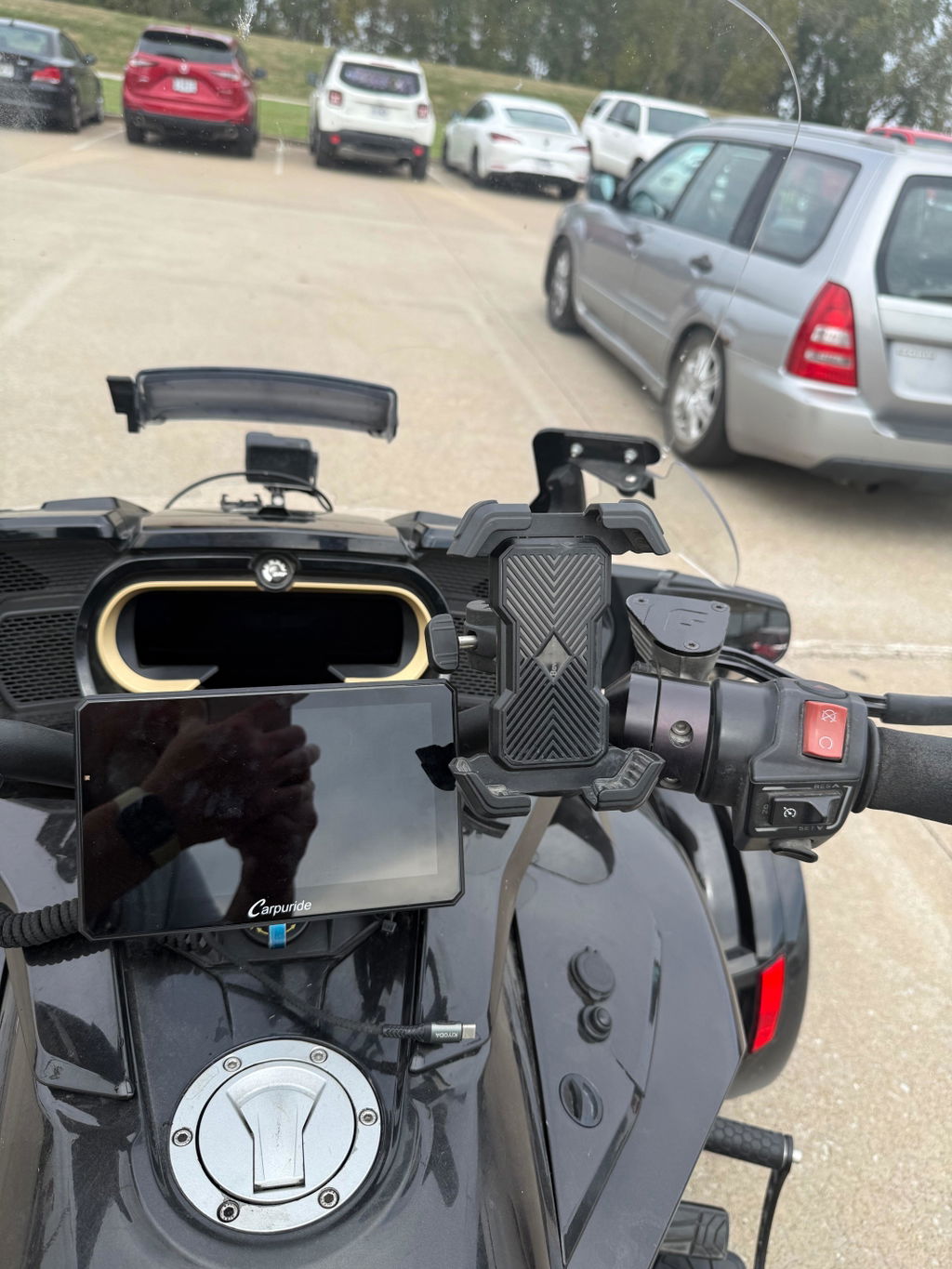
The W702S Plus may appeal to commuters who want wireless phone projection, touring riders who value offline maps, and content creators who want front-and-rear recording. Before purchase, confirm phone compatibility, handlebar fit, camera placement, wiring access, and whether the screen’s size suits the bike’s cockpit. TPMS is optional and is not included in the standard package, so check the selected bundle if tire-pressure monitoring is important. A smart display works best when its connection, power, and audio setup are tested while parked before the first ride.
FAQ
Q: Does the Carpuride W702S Plus support Motorcycle Wireless Apple CarPlay without a SIM card?
A: Yes for CarPlay itself: Motorcycle Wireless Apple CarPlay connects a compatible iPhone to the display. The W702S Plus has no SIM card and cannot independently make calls or send texts; phone calls and messages remain tied to the paired iPhone and a helmet headset or audio device with a microphone.
Q: What is the iPhone setup for Motorcycle Wireless Apple CarPlay on the W702S Plus?
A: Pair the iPhone with the screen’s Bluetooth name, shown as “Carpuride-xxxx,” then select “Use CarPlay.” Wireless CarPlay requires Wi-Fi to be on in addition to the Bluetooth or wireless pairing process.
Q: Which phones are not supported for the described wireless connection?
A: HarmonyOS devices and Huawei P- and Mate-series phones using EMUI are not supported. Most Android 11-and-newer phones are likely compatible, but hardware, operating-system versions, and customized Android ROMs can affect stability, so check the exact model before buying.
Q: Can the W702S Plus run navigation without a phone connection?
A: Yes, through its built-in GPS and offline maps downloaded in advance in a compatible navigation app. Online apps on the device need external Wi-Fi or a phone hotspot, and live traffic or online search requires internet access.
Q: Is TPMS included?
A: TPMS is optional and is not included in the standard package. Check the selected bundle if tire-pressure monitoring is important.