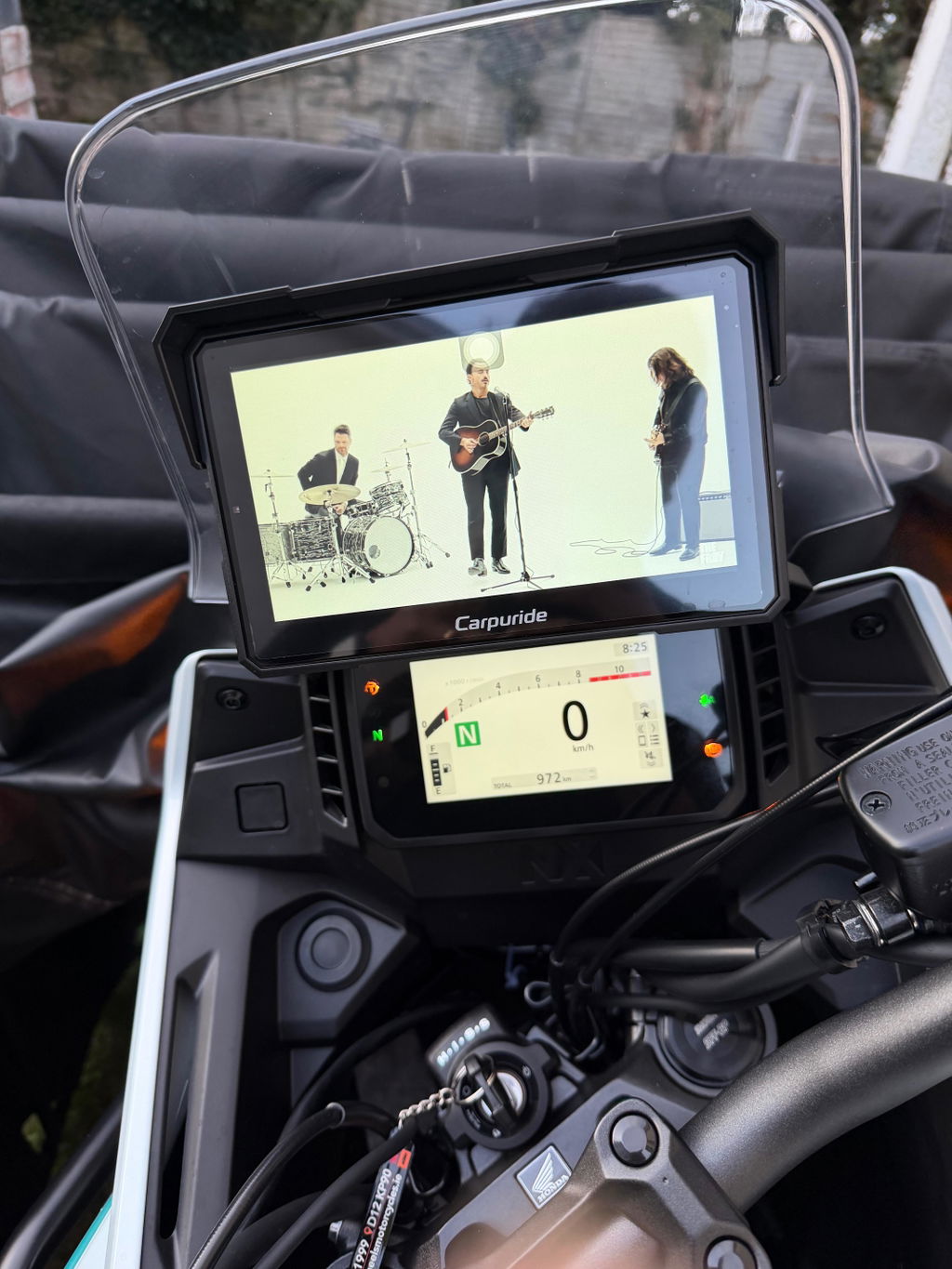
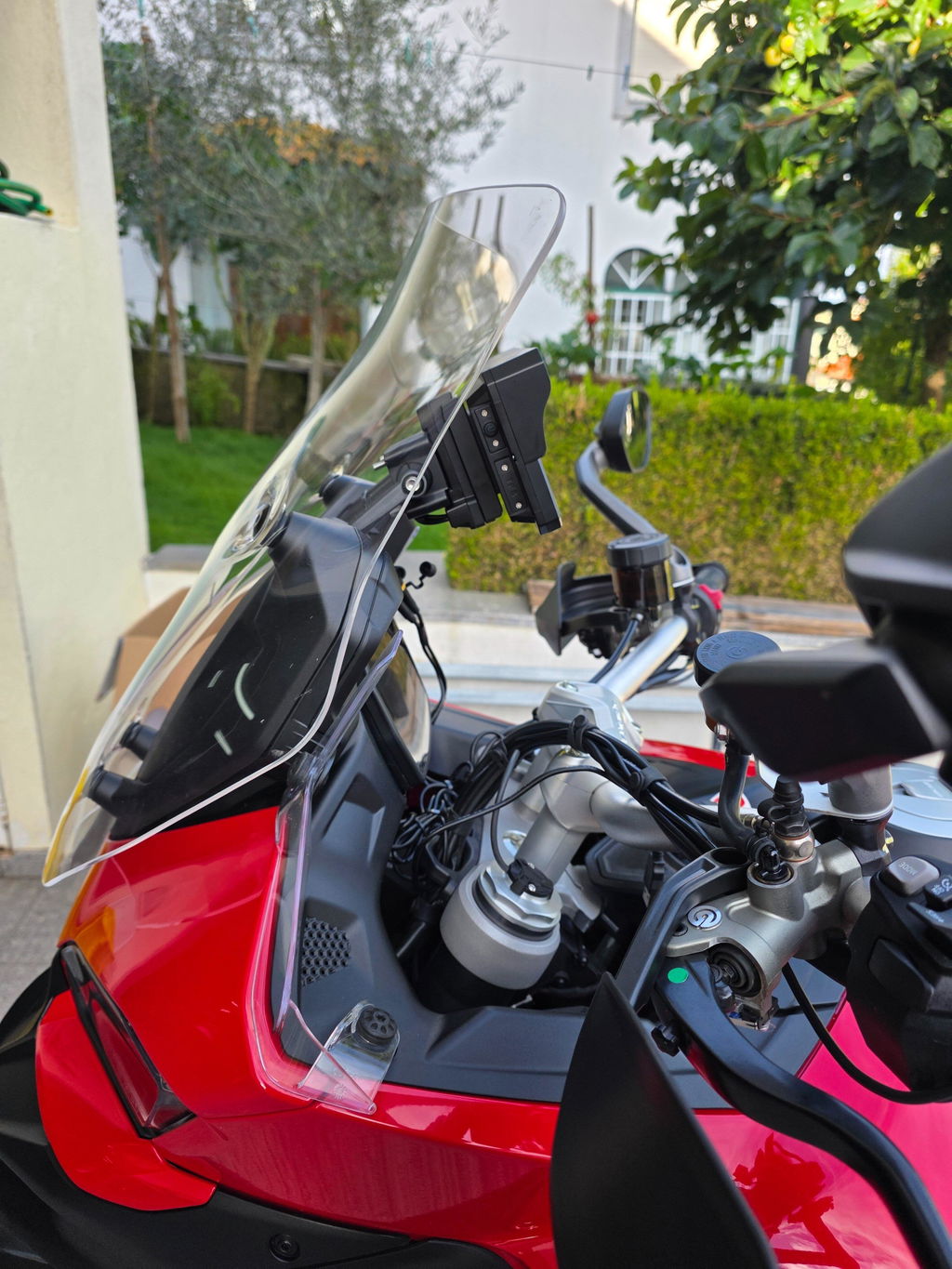
If you encounter frequent power-off and restart issues with your W712D or W603D when powering it via a USB cable, don't worry! We've compiled the most common causes of this fault and detailed solutions to help you get your device back to normal use quickly.
I. Common Causes and Solutions
Combining device characteristics and practical usage scenarios, we've summarized 5 core issues and corresponding solutions. You can troubleshoot them one by one according to your scenario:
1. Insufficient Voltage/Current from USB Port (Most Common)
Issue Analysis: Since the two additional front and rear cameras require power, the W712D's (or W603D's) USB power supply needs to meet specific specifications. If the USB port you're using (such as a computer USB or old car USB) outputs voltage lower than 5V or current lower than 2A, it will cause unstable power supply to the device, resulting in restart, shutdown, or recording abnormalities. The device has a built-in voltage monitoring function. If the voltage displayed on the device's home screen is lower than 4.8V and continues to drop, this issue can basically be confirmed.
Solutions:
-
Prioritize changing the power supply method: Use a power cable to connect directly to the positive and negative terminals of the motorcycle battery (this is the most stable power supply solution);
-
If you're worried about the device draining the motorcycle battery: You can press and hold the power button to shut down the device before turning off the motorcycle engine, or connect the power cable to the motorcycle's ACC ignition switch (power is only supplied when the ignition is on, and automatically cut off when the engine is off);
-
If you insist on using USB power supply: Ensure the USB port or power adapter can provide an output of 5V 2A or above (3A is recommended). Switch to the rear USB port of the computer host, a high-power car USB, or a dedicated 3A power adapter.
2. Poor Quality or Damaged USB Cable
Issue Analysis: Inferior USB cables have thin cores and poor connector contact. Using a non-specialized cable that doesn't support both charging and data transmission will cause excessive power loss. Even if the port specification meets the requirements, stable power supply cannot be guaranteed. Some users report that "the device worked normally before but suddenly developed problems," which is mostly caused by aging and damage to the USB cable.
Solutions:
-
Immediately replace with a high-quality USB cable: Choose a thick-core data cable that supports 5V 3A (it will be marked "3A Fast Charging" or "5V3A" on the packaging);
-
Check the cable condition: Before replacement, check if the cable is damaged or bent, and if the connector is oxidized and blackened. If so, discard it directly.
3. Abnormal Device Firmware or Software
Issue Analysis: An outdated device firmware version may have power supply logic compatibility issues, causing the device to trigger an abnormal restart protection mechanism when powered by USB. This situation mostly occurs on devices after a system update or those that haven't been updated for a long time.
Solutions:
-
Check and update the firmware: Enter the device settings interface, find the "System Update" option, check if there is the latest firmware version, and follow the prompts to complete the update (ensure stable power supply during the update process; it is recommended to use battery power for the update);
-
Contact the official to obtain firmware. Email: service@carpuride.com
4. Unstable USB Power Interface Contact
Issue Analysis: Some car USB interfaces and multi-port USB hubs may have loose interfaces, oxidation, or excessive voltage fluctuations due to long-term use. Especially during motorcycle riding, vibrations will exacerbate poor contact.
Solutions:
-
Test with a different interface: If using a car USB, you can switch to another car power interface, or temporarily use a household 3A power adapter for testing to rule out interface issues;
-
Clean the interface: Dip a dry cotton swab in a small amount of alcohol, gently wipe the device's USB interface and the power supply interface to remove oxide layers and dust (wait for it to dry before use after wiping);
-
Use a stable power supply: For in-vehicle scenarios, it is recommended to match a dedicated in-vehicle 5V 3A power adapter to reduce the impact of voltage fluctuations.
II. Summary of Quick Troubleshooting Steps (5 Steps to Fix)
-
Check Voltage: Check the voltage displayed on the device's home screen. If it is lower than 4.8V, directly switch to a high-power power supply port or power source;
-
Replace Cable: Replace with a high-quality USB cable that supports 5V 3A to rule out cable damage issues;
-
Update Firmware: Check and update the device to the latest firmware version;
-
Reset Settings: Restore the device to factory settings to rule out incorrect settings;
-
Change Interface: Switch to a stable power interface or use a dedicated power adapter.
III. Warm Reminder
If the device still powers off and restarts after troubleshooting according to the above methods, it may be a hardware failure. We recommend that you contact our customer service team (service@carpuride.com) in a timely manner, provide the device model, usage scenario, and fault screenshots, and we will provide you with further technical support!
Note:If you encounter a similar restart issue with other models of your Carpuride product, you can also refer to the above solutions to try troubleshooting the problem yourself!