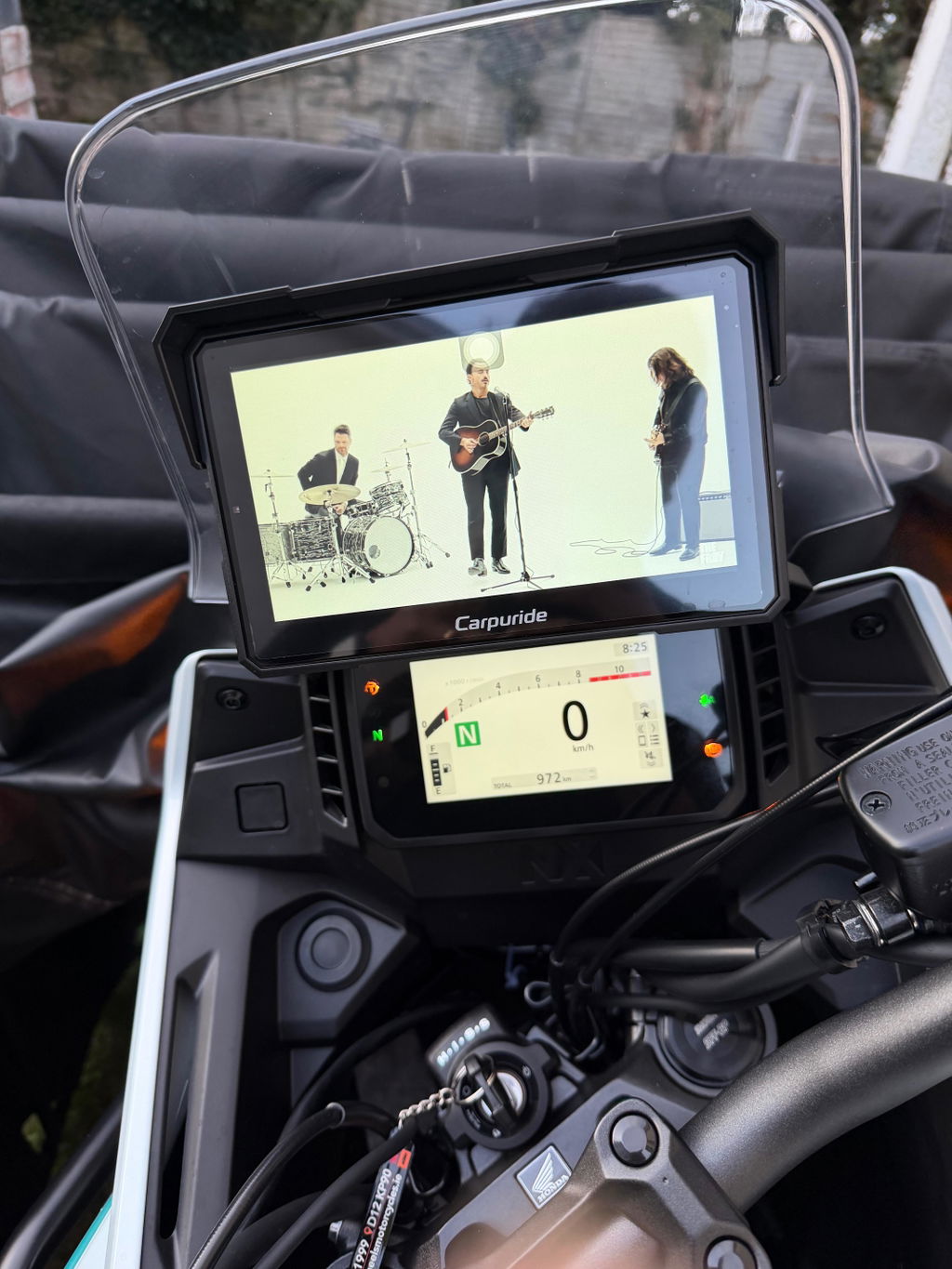
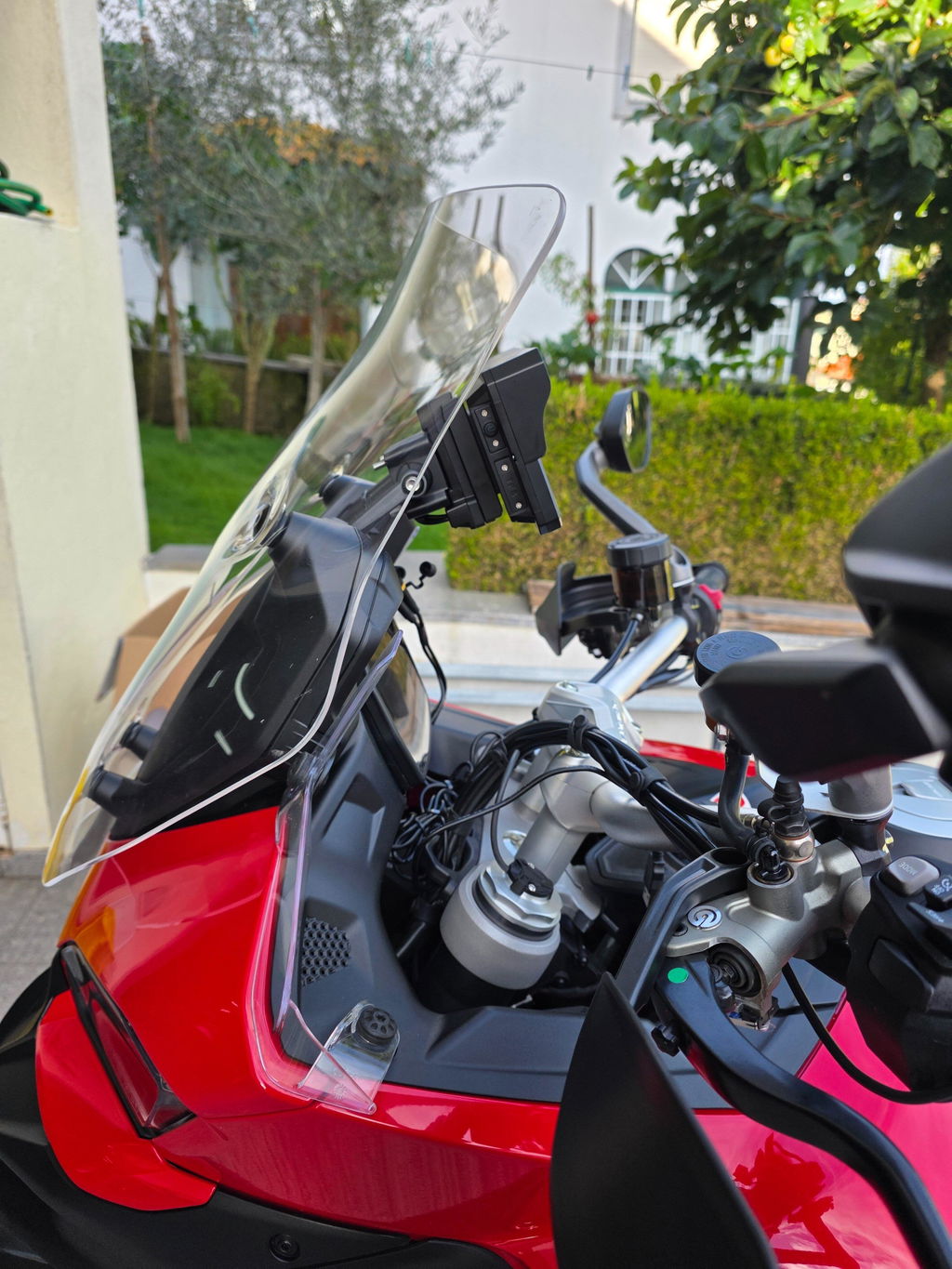
Despues de tres meses de uso y unos 3100km utilizando la CARPURIDE w 702 Plus, no le encuentro ninguna cosa negativa. Al soporte si, no es el adecuado para esta pantalla que va ser utilizada en una moto. Hablo de la que viene con la pantalla,pero hay opciones de compra más adecuadas para la sujeción de esta pantalla. Segunda cosa que creo que se le ha escapado a la persona que revisó el producto es , el cable que sale desde el mando de manillar se ve los hilos y que conste que venía así y no he tirado yo de hilo cuando lo he montado. La pantalla funciona de maravilla, se puede lavar la moto con la pantalla y a presión y no le pasa nada, el sistema operativo Android funciona perfectamente,la antena del GPS que la tiene integrada también funciona perfectamente y se conecta a lós satélites enseguida. Estoy muy,muy contento con la compra,con el trato impecable del equipo de atención al cliente y del envío y de la manera de tratar a un cliente cuando el envío tarda en llegar más de lo prometido. La comunicación exelente! Me faltó el soporte de una cámara que venía sin el , me puse en contacto con los de Carpuride atención al cliente les he comentado lo que pasa con el envío y sin preguntas tontas o mostrar señales de desconfianza me enviaron un pack completo de soportes en vez de enviar solo un soporte. Es algo de tener en cuenta y mostrar agradecimiento. RECOMIENDO ESTE PRODUCTO Y LA MARCA AL 100%. GRACIAS por todo. Volveré siempre que me hace falta algún producto que tengáis en venta! También he ayudado y he aconsejado a varios compañeros moteros para que compre la misma pantalla Carpuride w 702 plus. Compraron 3 de ellos. Un 🫂!
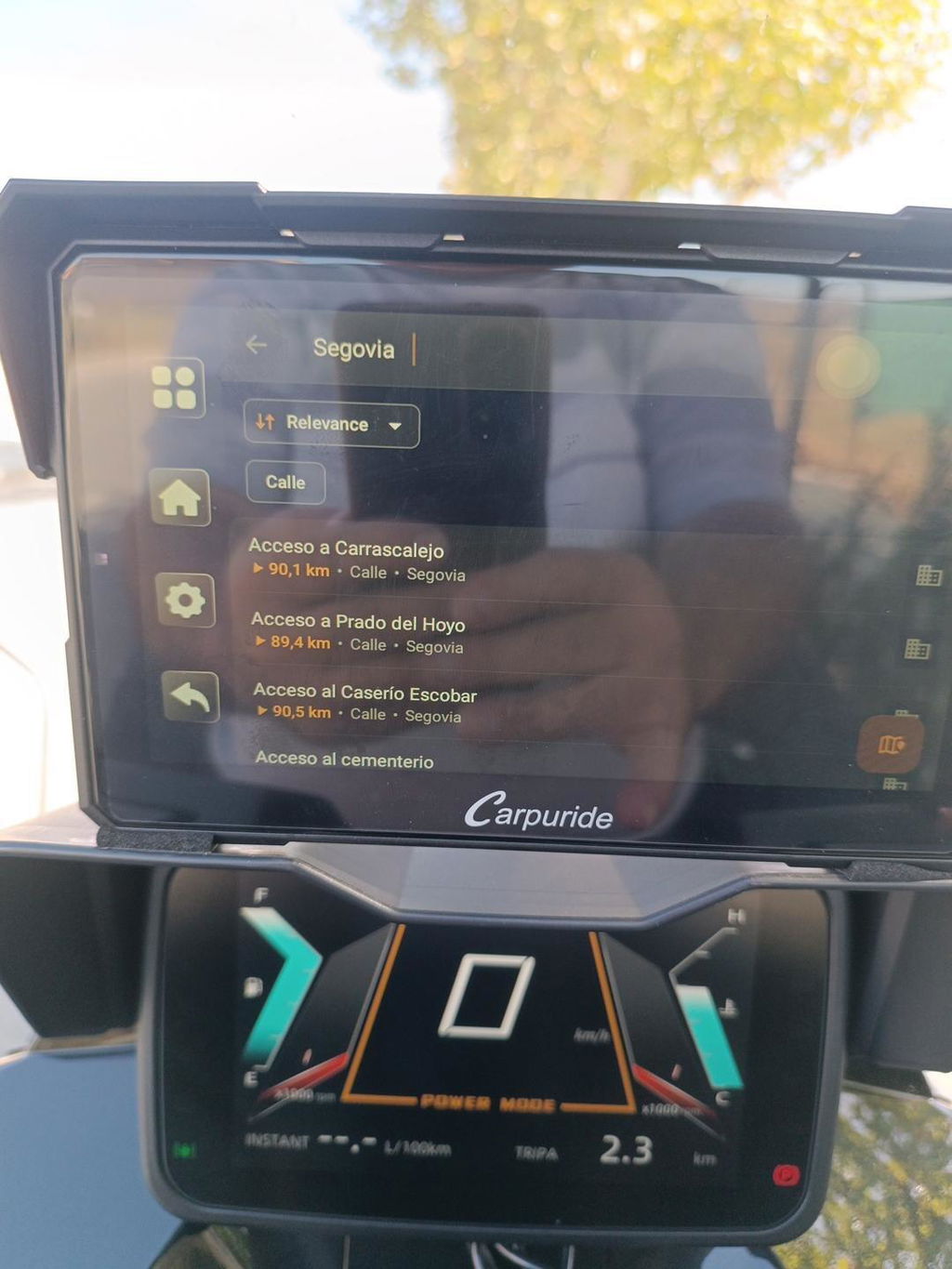
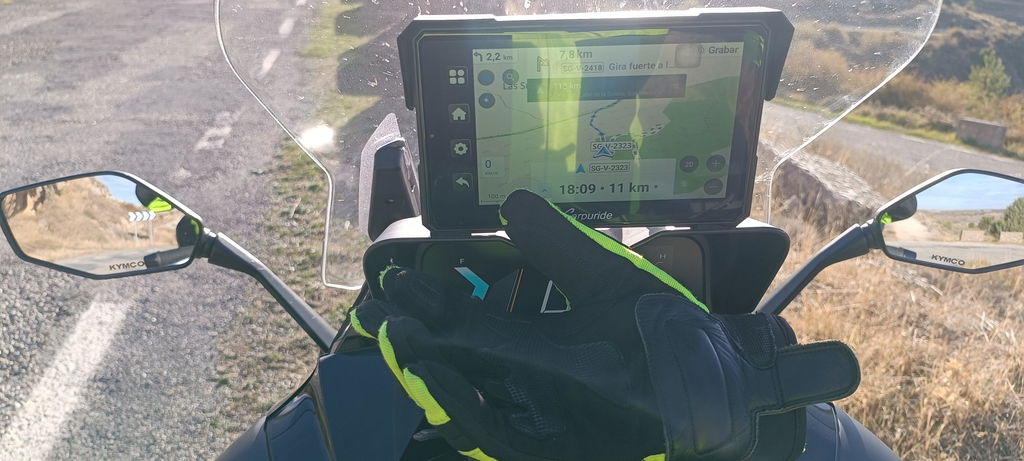
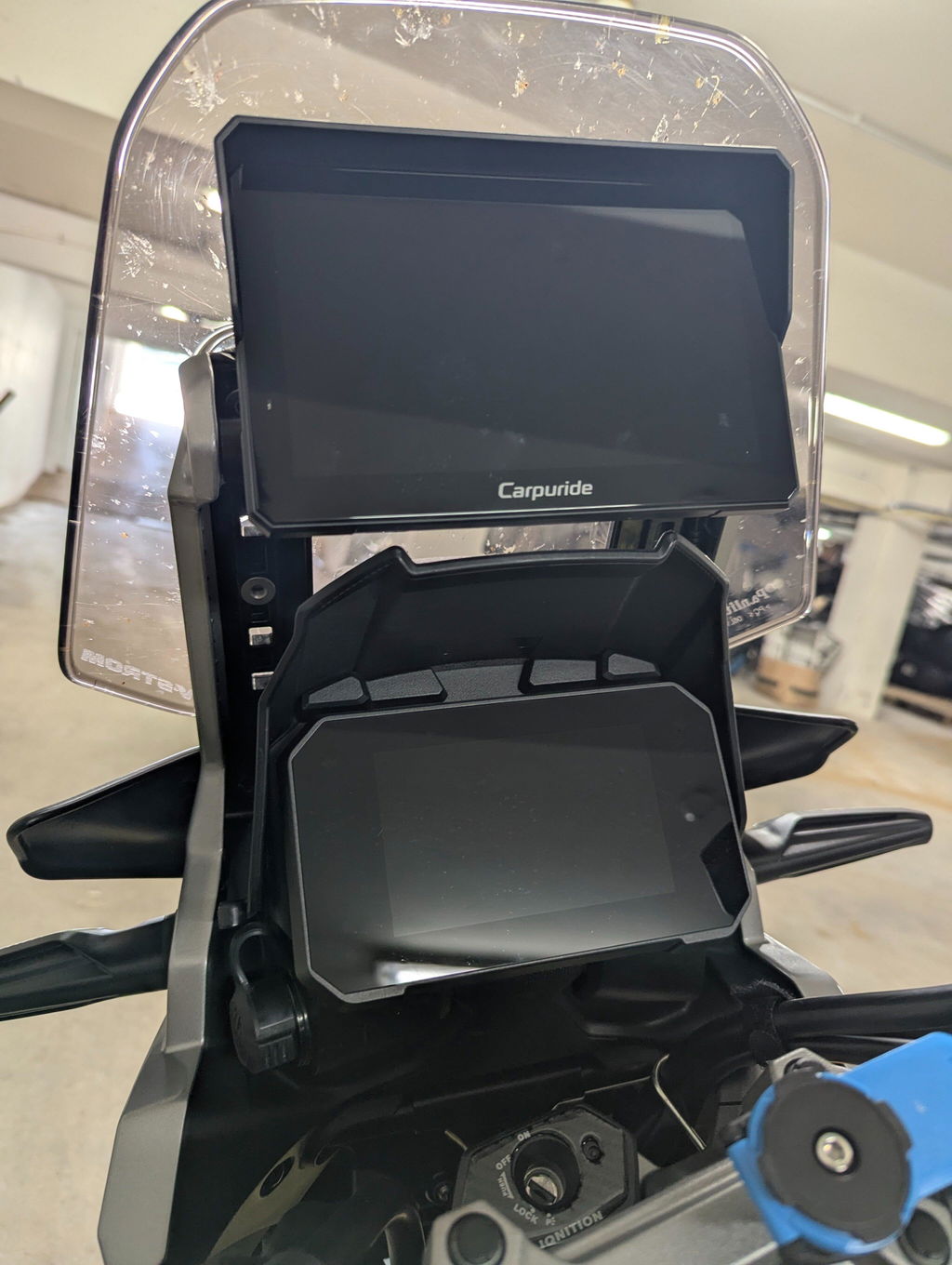
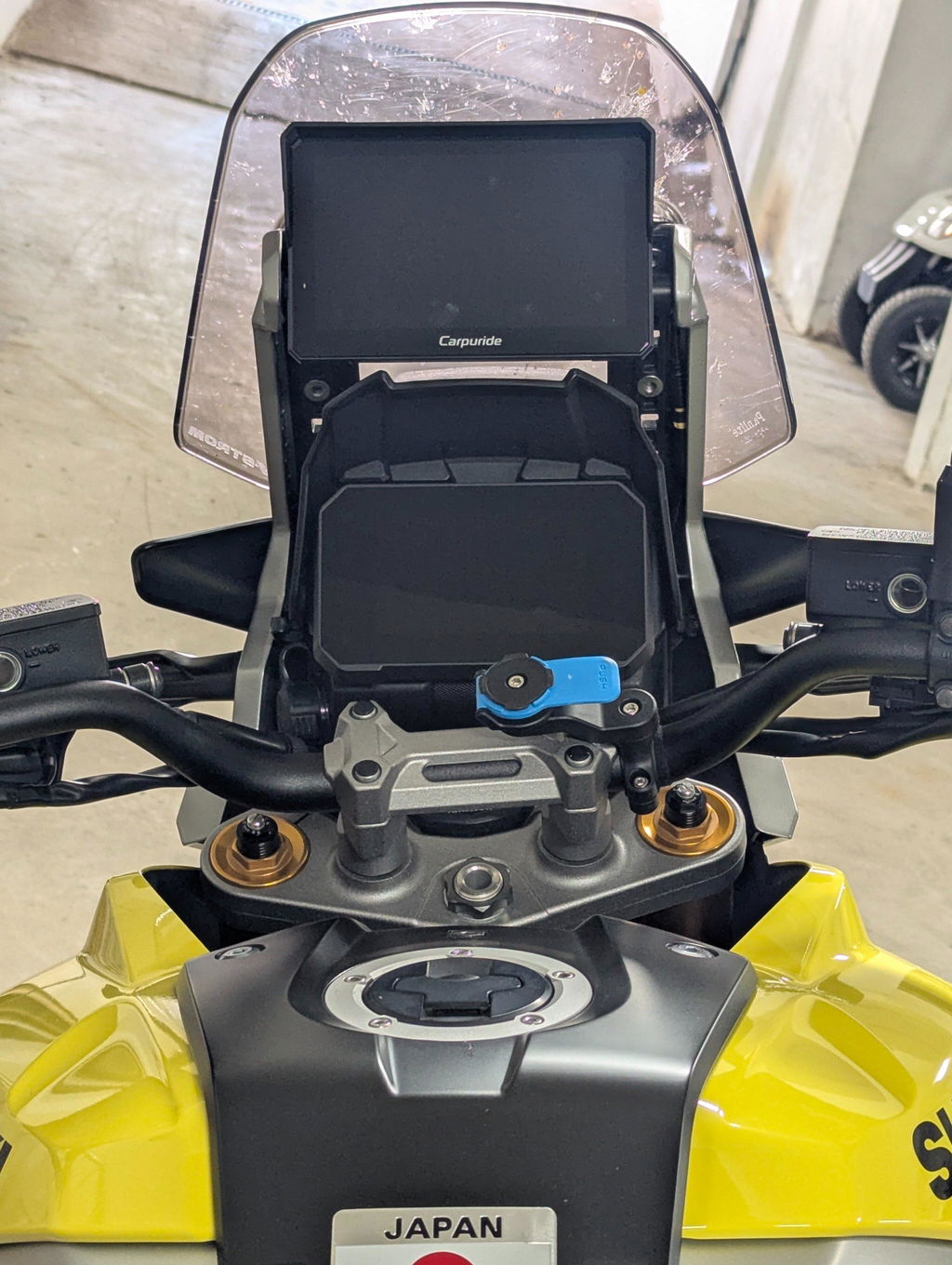
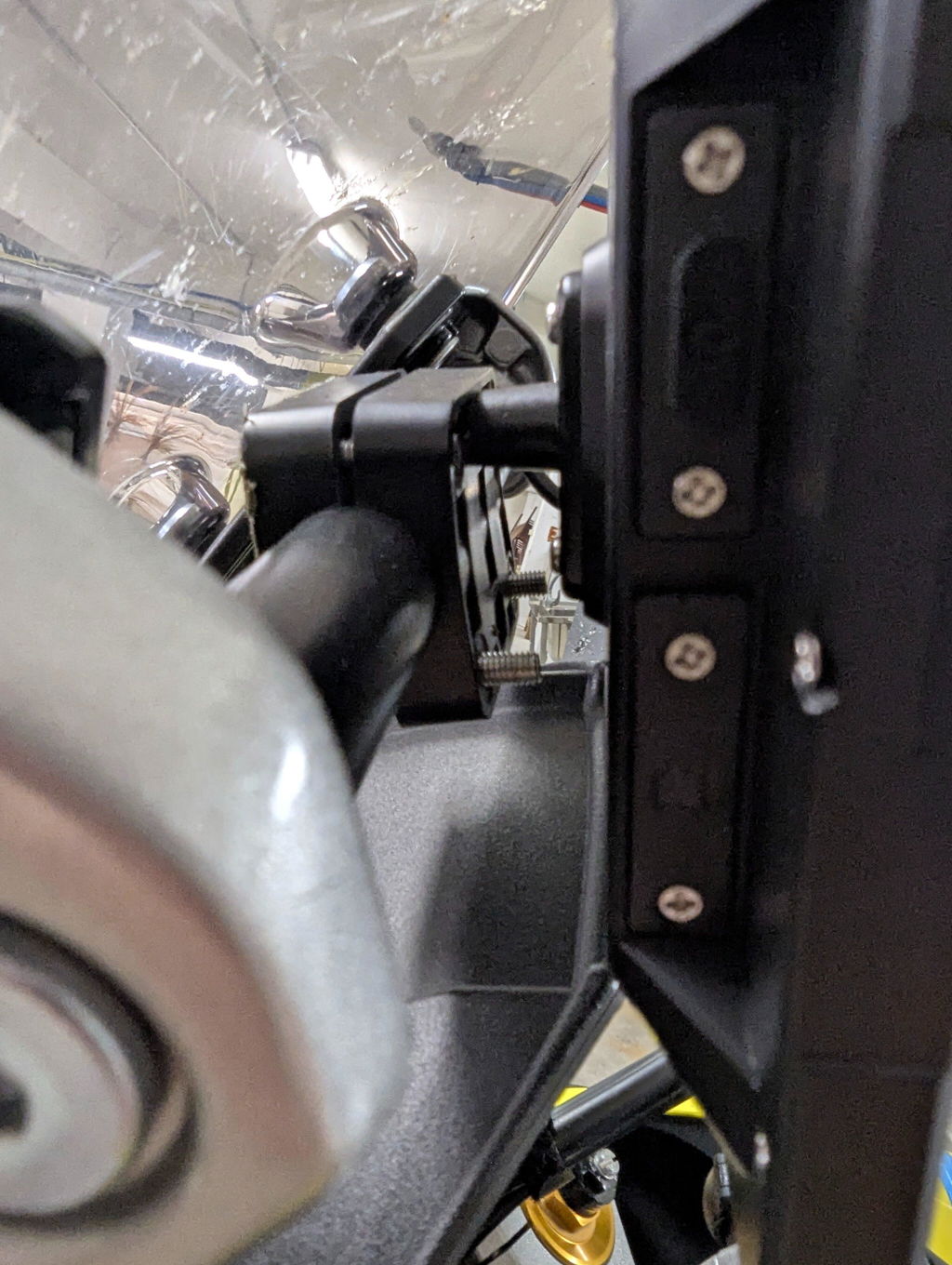
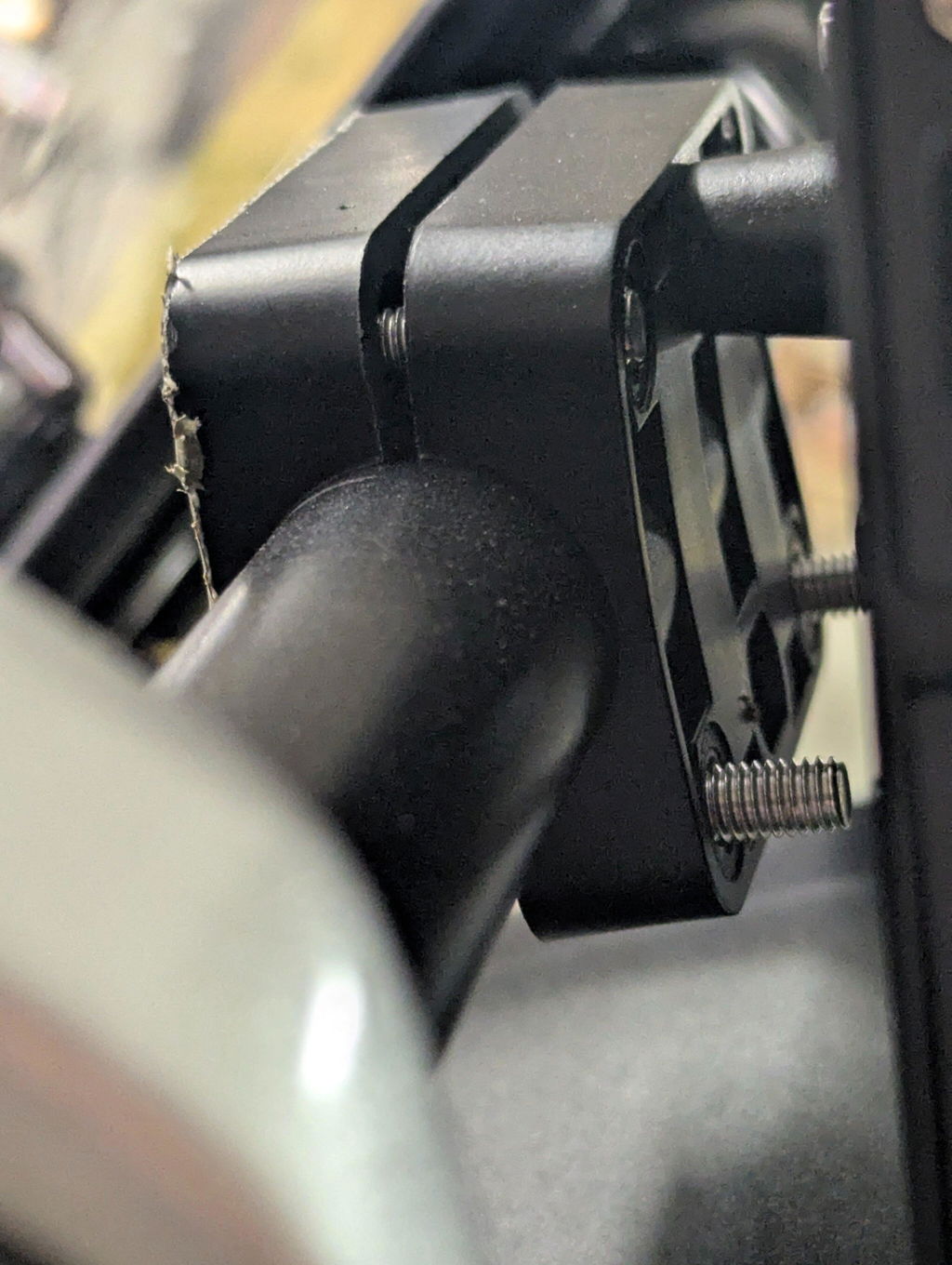
The mount came with W702 Pro, it looks ok but fitting is not perfect, the mounting bar on my V-strom 1050 DE is 22mm and i had to deform the plastic mount in order to be tight, and the rubber protection doesn't fit so i can easily scratch the mount bar (you can see it in the photos), ideally the hole have to be at least 3-4mm larger.
The mounting of the screen is implemented with one plastic "leg", it needs two mounting points in order to be stable especially off road and don't rotate (there is a little).
Also at the back of the mount it would be nice if it had a cap in order to cover the screws, i made one because i wanted to do it like it came from the factory.
I absolutely love my Carpuride on my Spyder F3 limited. I have the TPMS and dash cam options installed and both work flawlessly. Apple CarPlay is great, dark maps are easy to see. In fact, while my iPhone screen sucks on heat and sun glare the Carpuride is visible and consistent. When I’m cruising I’m listening to music on my noise canceling AirPods and using the screen in rear camera mode as a rear view mirror.
My only complaint is the difficulty in getting videos off my Carpuride to my iPhone. The Viidure app is flaky and the .TS video format is not Apple friendly. That needs fixing.
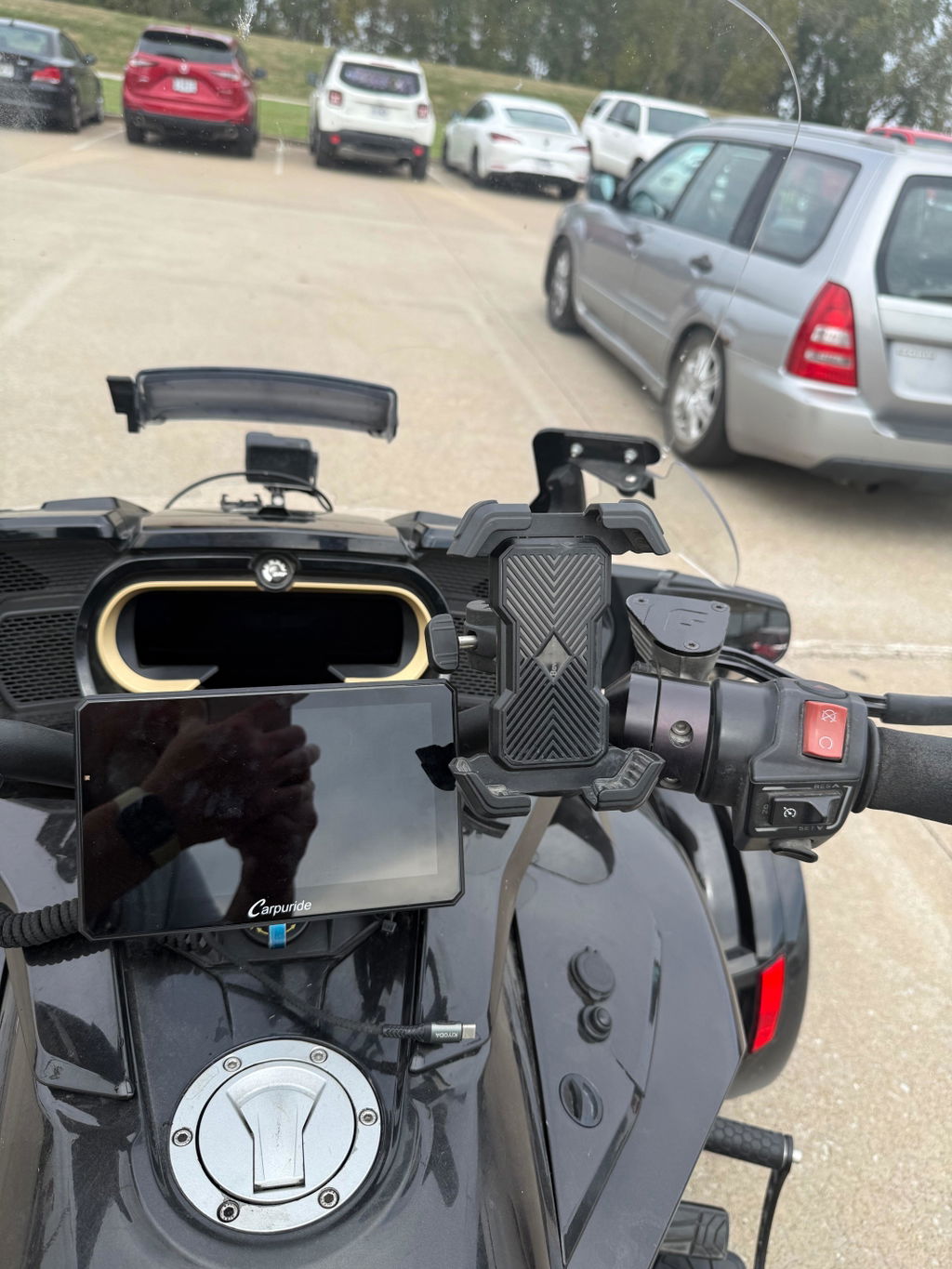
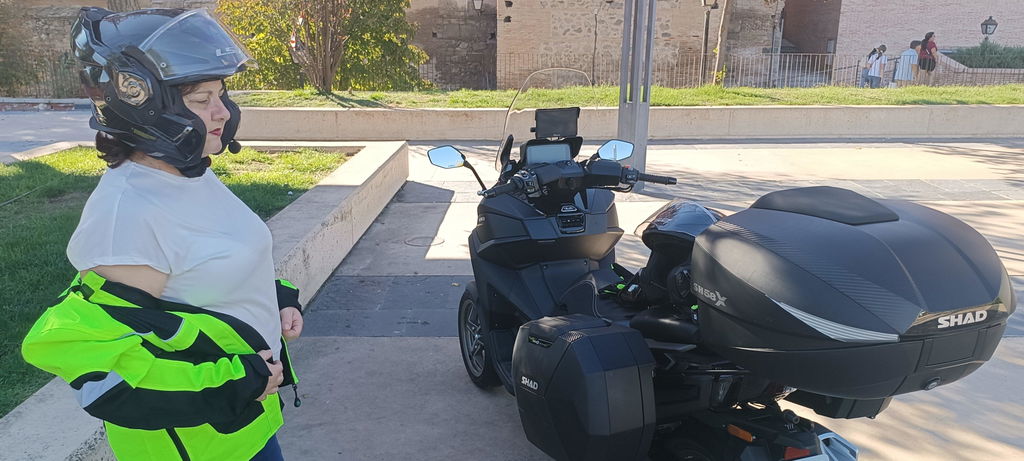
Creo que es el mejor accesorio que le he puesto a mi moto, y lo mejor es que la
Instale yo mismo, me gusta mucho como se ve instalada y tiene una calidad increíble.
Recomiendo muchísimo este producto funciona súper bien