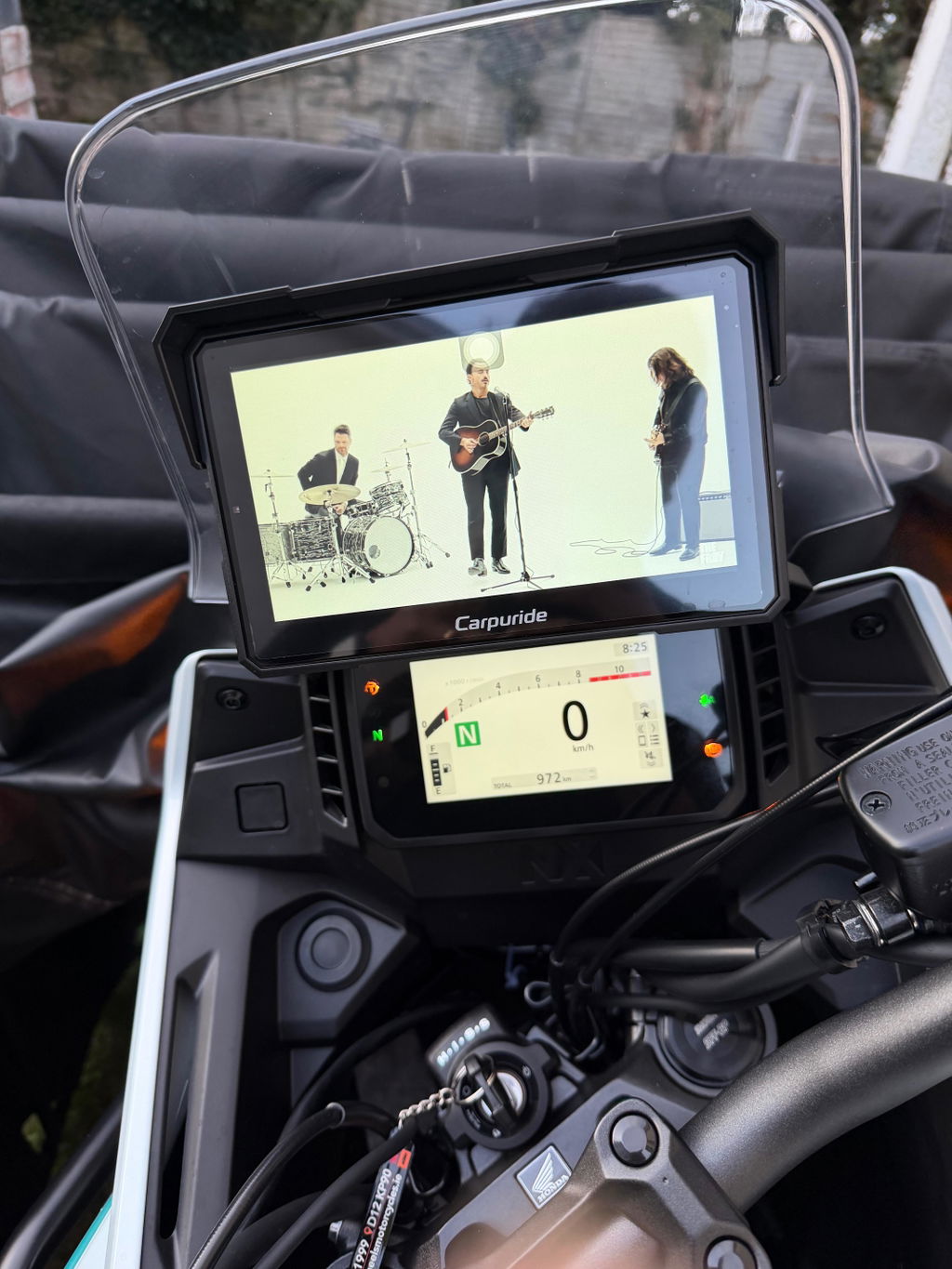
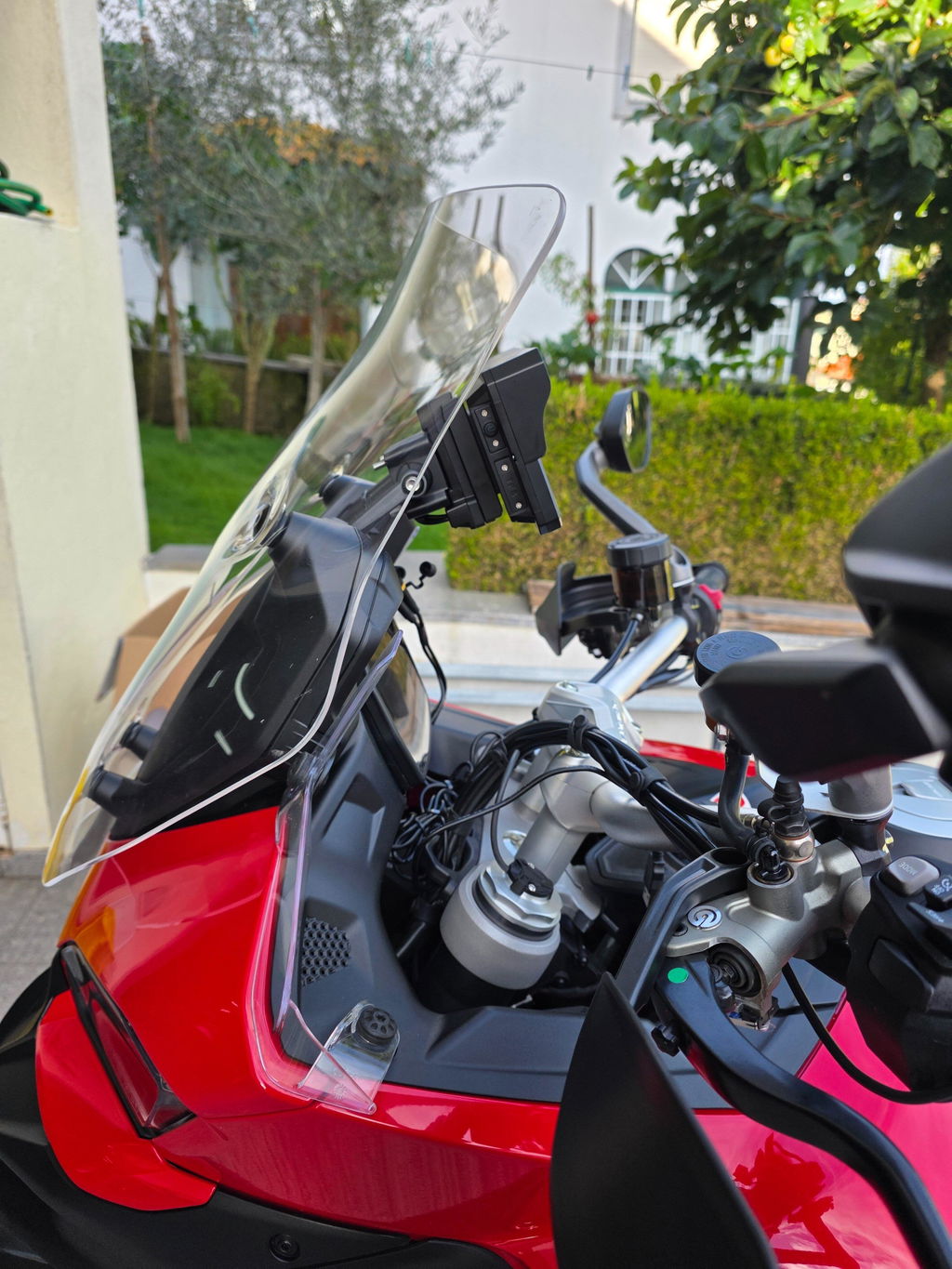
Riders who want Motorcycle Wireless Apple CarPlay often ask whether they can keep their phone safely in their pocket and still access navigation, music, calls, and voice assistance through a durable display made for rain and vibration. Understanding how Motorcycle Wireless Apple CarPlay works is vital to choosing the right setup, wiring it correctly, and managing power and compatibility on the road.
Why Motorcycle Wireless Apple CarPlay Is Trickier Than It Looks
Mounting a phone in a handlebar cradle may seem convenient, but it leaves the device exposed to strong vibration that can damage optical image stabilization or shatter a screen, especially at highway speeds. Wet weather compounds the risk of water damage, and constantly plugging in a USB cable is a hassle. Wireless CarPlay solves some of these issues, but it introduces new challenges, especially around pairing protocols, phone battery drain, and ensuring the connection survives rugged conditions.
The Root Cause: Motorcycle Wireless Apple CarPlay Relies on Bluetooth and Wi-Fi
Wireless Apple CarPlay uses two distinct wireless technologies for different purposes. Bluetooth handles the initial handshake between the iPhone and the display—verifying identity, exchanging credentials, and establishing trust. After that, the system hands over all data streaming—control signals, navigation, audio, screen visuals—to a direct Wi-Fi link, typically 5 GHz for minimal interference and low latency. The iPhone must keep both Bluetooth and Wi-Fi active, even if not connected to any external network.
The Framework: How Riders Add Motorcycle Wireless Apple CarPlay
Riders generally follow one of three paths to add Motorcycle Wireless Apple CarPlay to a motorcycle:
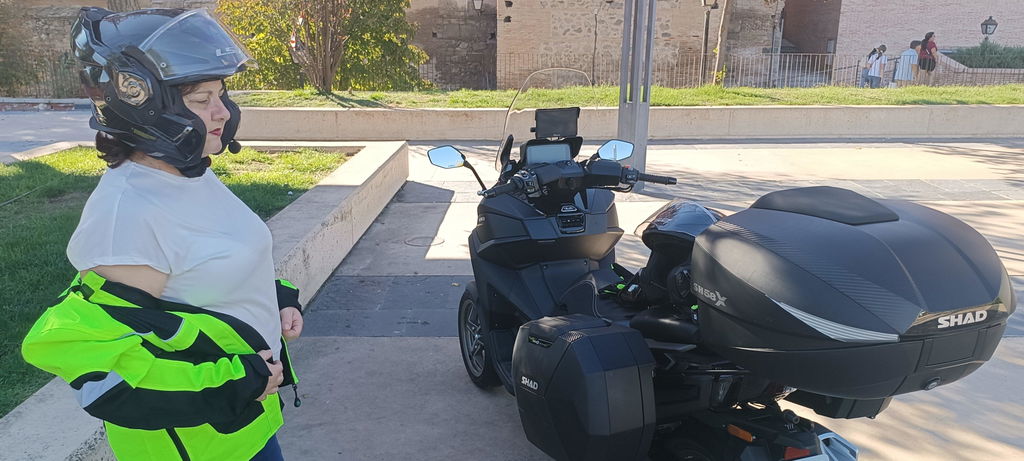
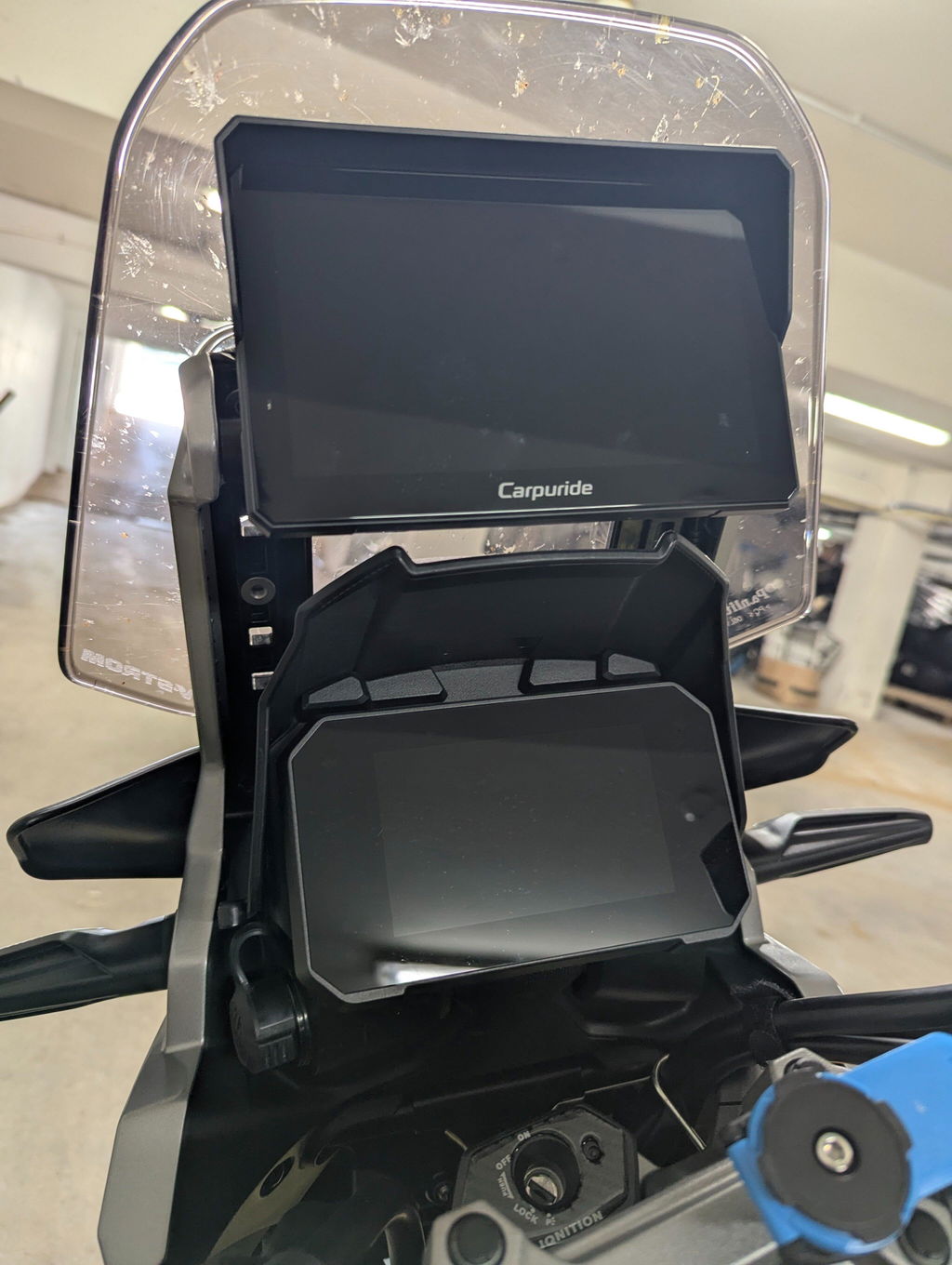
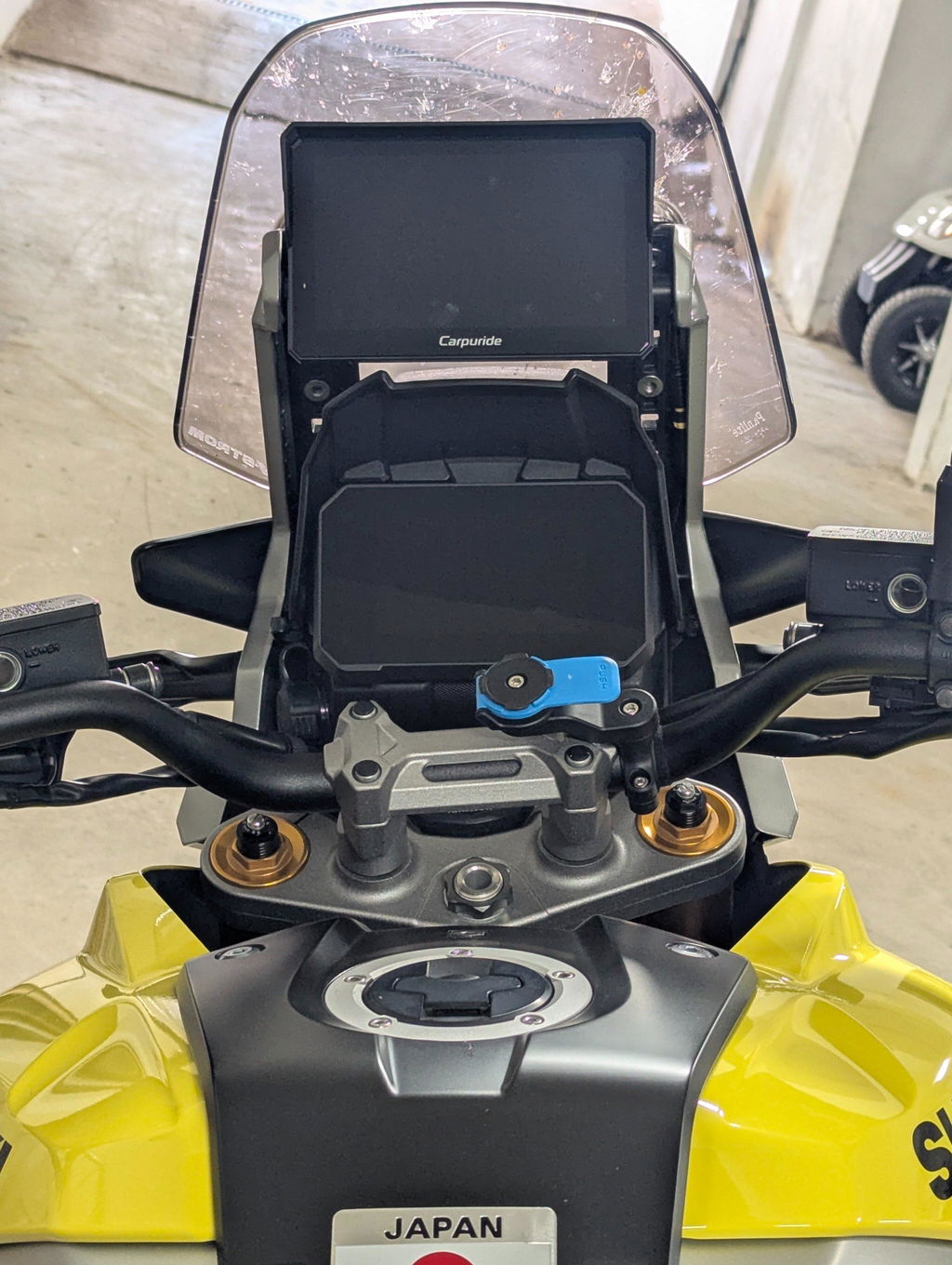
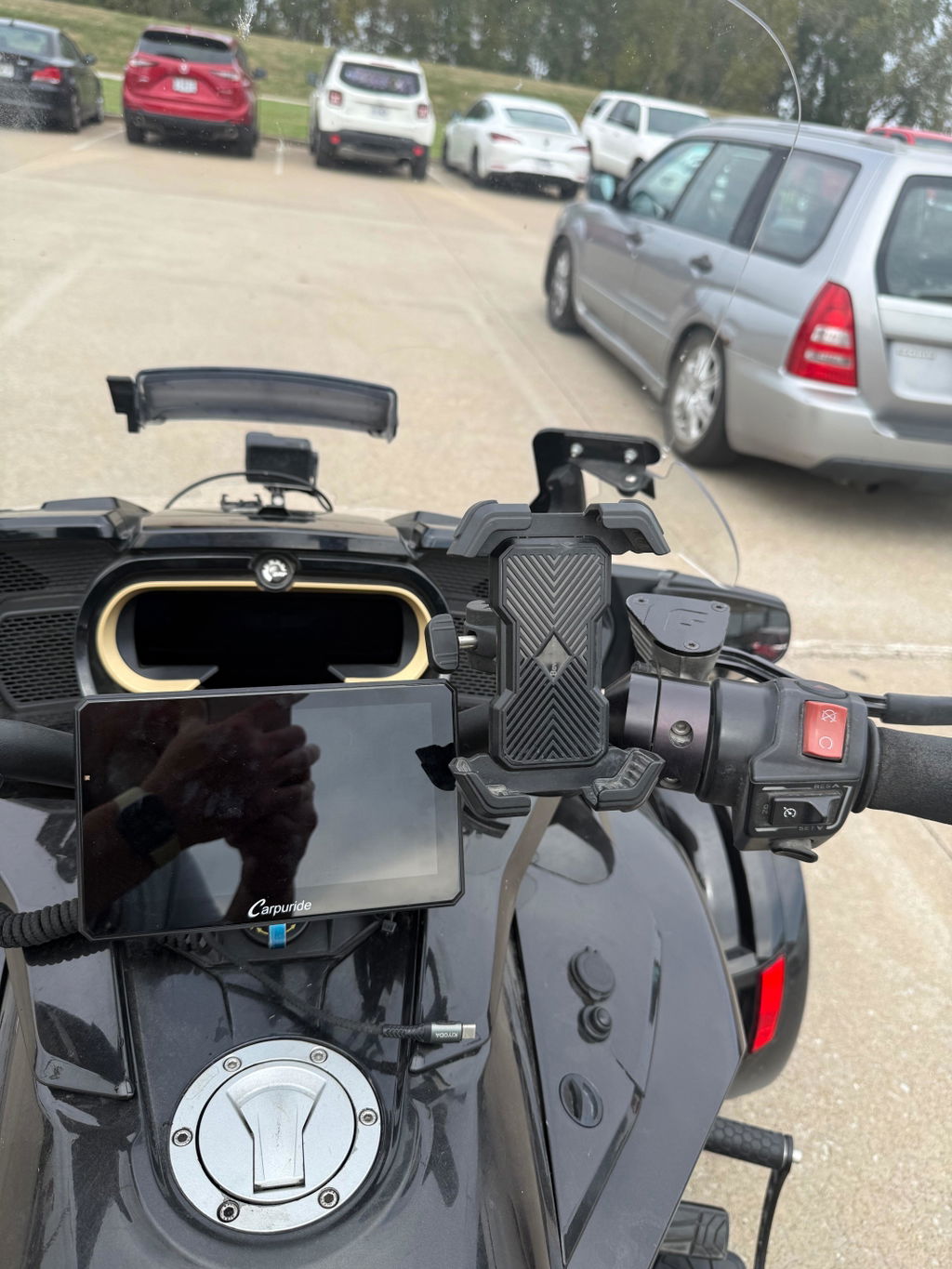
- For bikes with no built-in CarPlay, frame-mounted waterproof smart displays provide a handlebar installation with wireless connectivity.
- For models with wired CarPlay only, adapters convert the USB port to a wireless interface, creating a seamless CarPlay experience without cables.
- For BMW bikes with Nav Prep cradles, compatible displays plug into the existing mount and wiring harness, enabling CarPlay in a near-factory integration.
In each case, Bluetooth initiates pairing, the display shares Wi-Fi credentials, and the iPhone takes over streaming—all while the rider stays connected hands-free.
Step-by-Step: Connection Workflow for Motorcycle Wireless Apple CarPlay
- The iPhone and motorcycle display pair via Bluetooth—the bike broadcasts, the phone authenticates, and the devices exchange Wi-Fi credentials.
- The iPhone disconnects from general Bluetooth data and connects to the display’s Wi-Fi network for high-bandwidth data like navigation graphics, audio, and touch input.
- Bluetooth persists in the background to monitor connection status and reinitiate the CarPlay session if Wi-Fi drops.
- The display mirrors CarPlay apps (Maps, Music, Siri) while the phone’s apps and network handle mapping, streaming, and voice recognition.
Real-World Impact: Phone Battery Drain on Long Rides
Wireless CarPlay consumes significantly more phone battery than normal use. The iPhone must render UI frames, encode video, and stream live media, which is far more demanding than playing a local video or music. That real-time screen mirroring draws heavy power, and several users report losing 10–20 percent of battery over a long ride. Riders can optimize by enabling Low Power Mode, minimizing background apps, and turning off the phone’s display when not needed.
Common Pitfalls to Avoid
Many wireless CarPlay setups fail due to overlooked compatibility or wiring mistakes:
- Ignoring the need for both Bluetooth and Wi-Fi during pairing leads to connection failure.
- Powering displays from an always-on 12 V source instead of switched ACC means the unit runs even when the motorcycle is off, draining both battery and phone.
- Assuming all smartphones behave the same can mislead—some models or OS variants show longer pairing times or unstable Wi-Fi handovers. While the brand details its own incompatibilities, riders should confirm before buying.
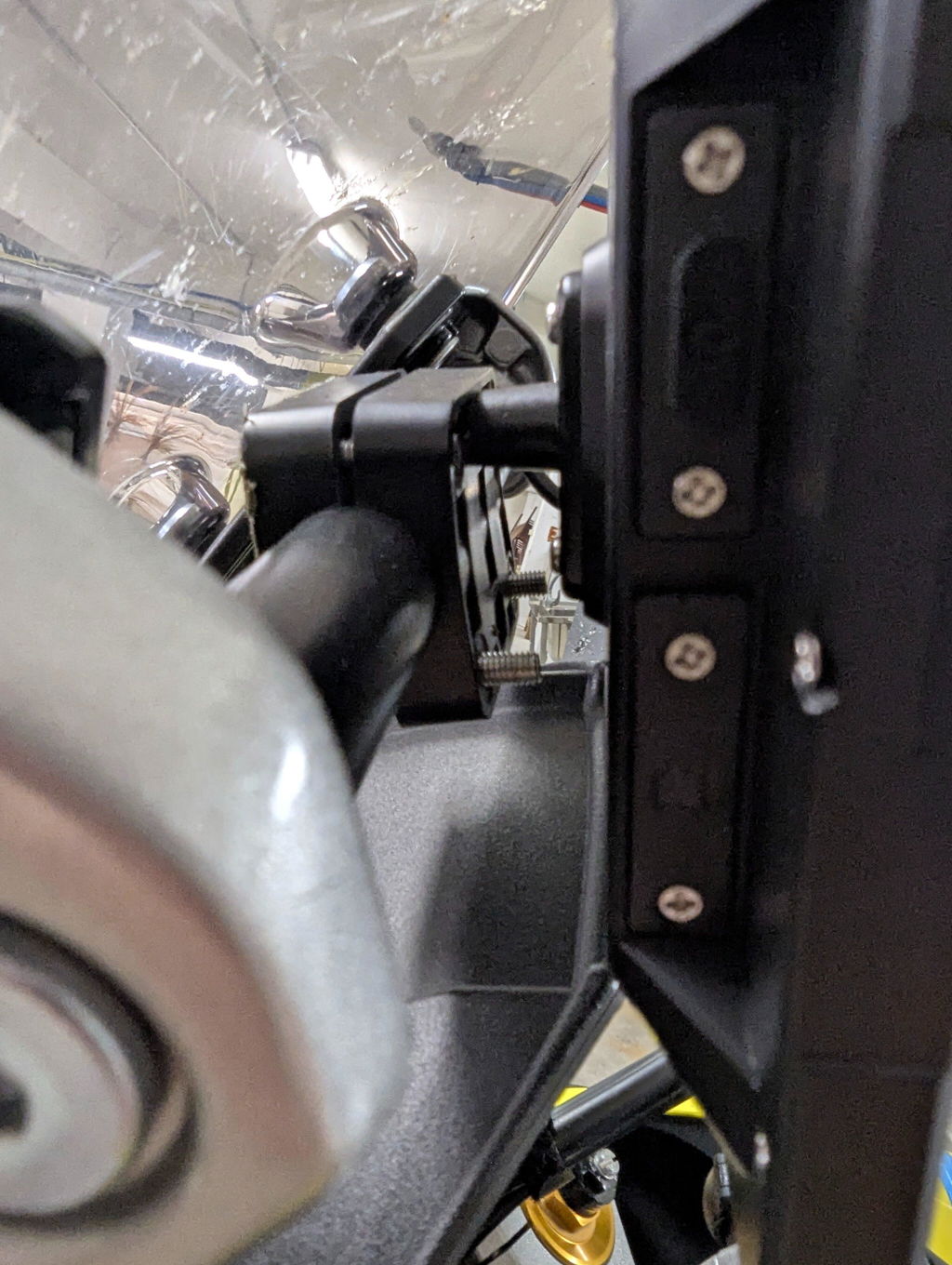
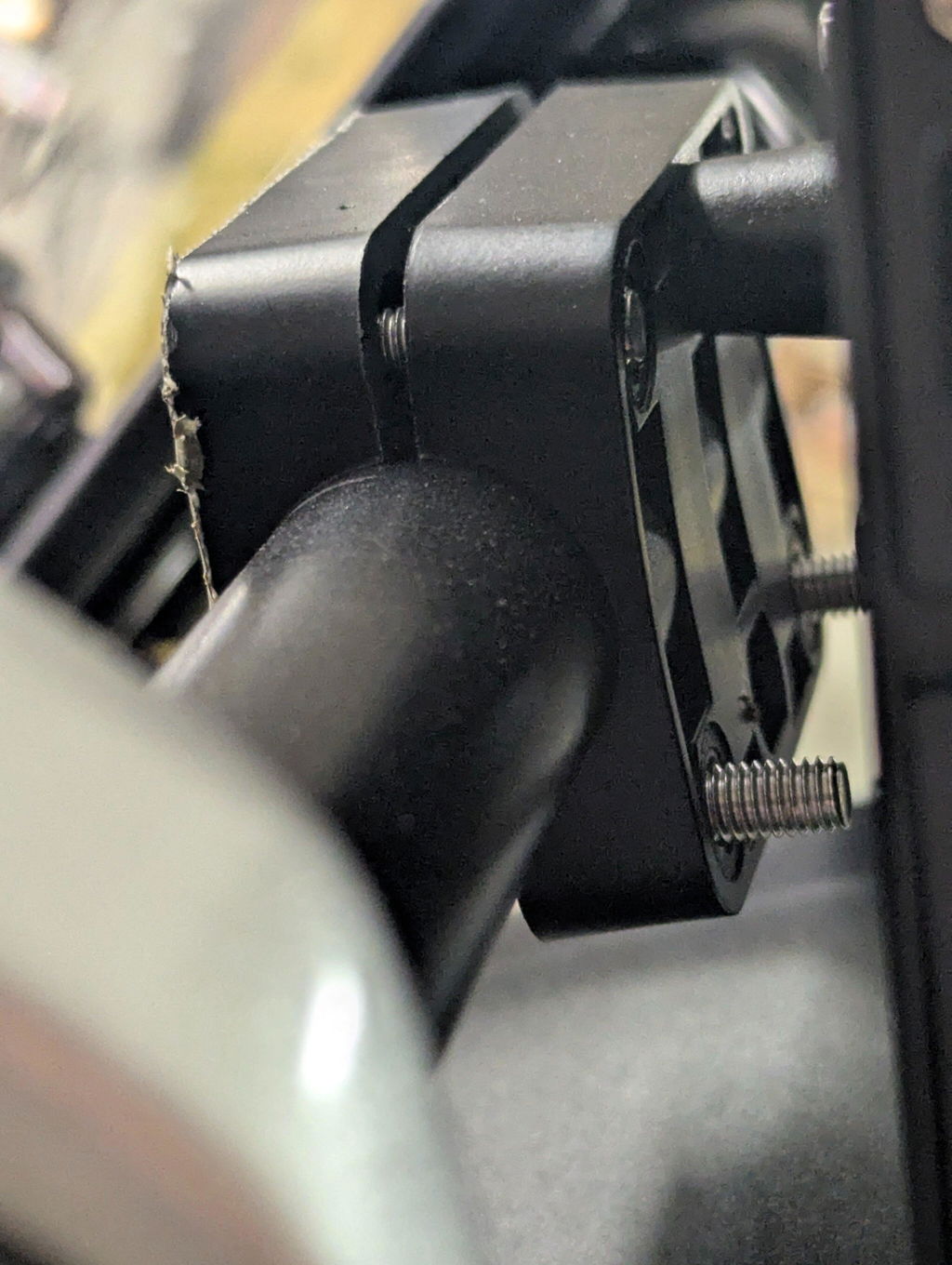
- Failing to secure the mounting or not using an IP67-rated display risks water damage or screen failure in real-world riding.
Brand Spotlight: Carpuride as a Practical Option
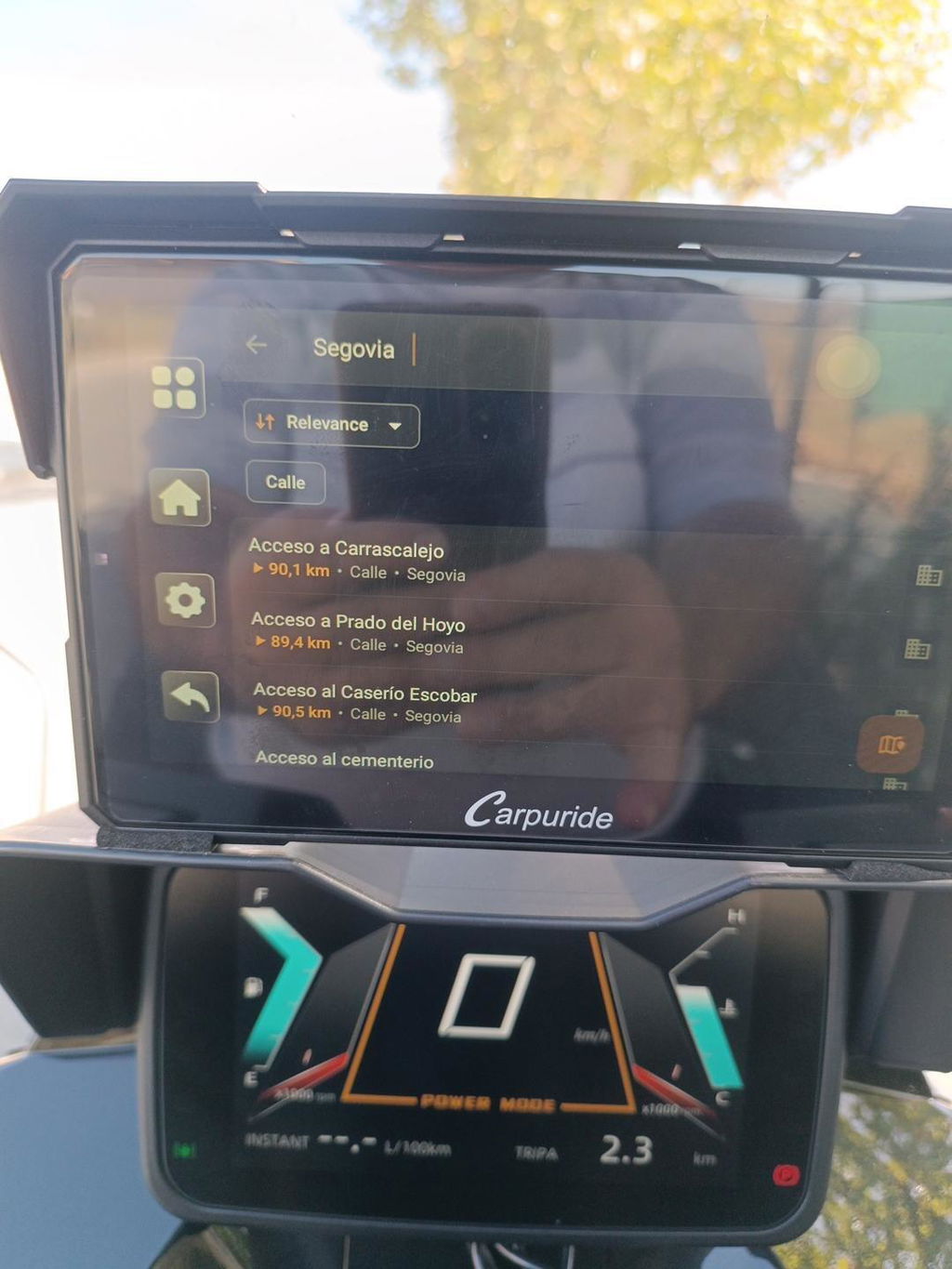
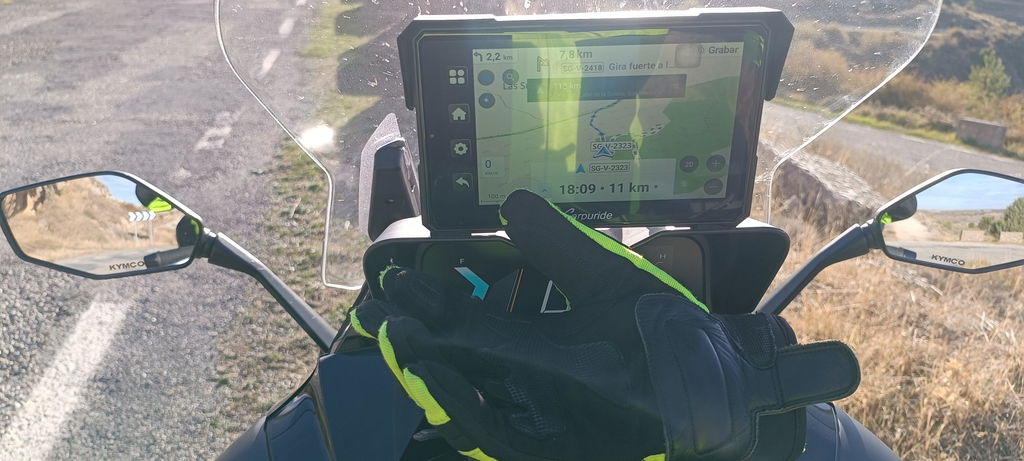
Carpuride offers motorcycle smart displays that embody these principles. The W702 Plus, for example, pairs wirelessly via Bluetooth and Wi-Fi, and adds built-in GPS, Android 12 with app support, dual front/rear cameras, and optional TPMS. It mounts via a rugged U-shaped bracket and uses switched B+ and ACC power wiring—minimizing battery drain in standby. Other brands offer simpler wireless mirror displays; Carpuride’s value lies in multifunction capabilities, though riders should weigh whether that complexity fits their needs.
Conclusion
Motorcycle Wireless Apple CarPlay on a motorcycle delivers real convenience—but it’s built on a precise blend of Bluetooth and Wi-Fi, proper power wiring, and attention to mounting, battery use, and compatibility. Whether adding a universal display, converting a wired system, or using a BMW Nav Prep mount, success depends on acknowledging how the protocols work and designing your setup accordingly. Carpuride offers feature-rich models like the W702 Plus as one credible solution—but the core technology behind all wireless CarPlay setups remains the same: Bluetooth to pair, Wi-Fi to stream, and careful installation to keep the connection—and your ride—safe and seamless.
FAQ
Q: Does Motorcycle Wireless Apple CarPlay use Bluetooth or Wi-Fi?
A: Both. Bluetooth handles the initial handshake and pairing credentials; Wi-Fi handles high-bandwidth data streaming, typically 5 GHz. The iPhone must keep both active.
Q: Can I add Motorcycle Wireless Apple CarPlay to a motorcycle without built-in CarPlay?
A: Yes. Options include frame-mounted waterproof smart displays for handlebar installation, adapters that convert wired CarPlay USB to wireless, and compatible displays for BMW Nav Prep cradles that plug into the existing mount and wiring harness.
Q: What common mistakes cause Motorcycle Wireless Apple CarPlay failure?
A: Ignoring the need for both Bluetooth and Wi-Fi during pairing, powering the display from always-on 12 V instead of switched ACC, assuming all smartphones behave the same, and failing to secure the mount or use an IP67-rated display.
Q: Which Carpuride model is highlighted for motorcycle wireless CarPlay?
A: The Carpuride W702 Plus is highlighted. It pairs wirelessly via Bluetooth and Wi-Fi, and adds built-in GPS, Android 12 with app support, dual front/rear cameras, and optional TPMS. It uses a rugged U-shaped bracket and switched B+ and ACC power wiring.
Q: Do all Motorcycle Wireless Apple CarPlay setups work the same?
A: The core technology is the same—Bluetooth to pair, Wi-Fi to stream—but power wiring, mounting, battery management, and phone compatibility still determine whether the setup works reliably. Riders should confirm compatibility before buying.