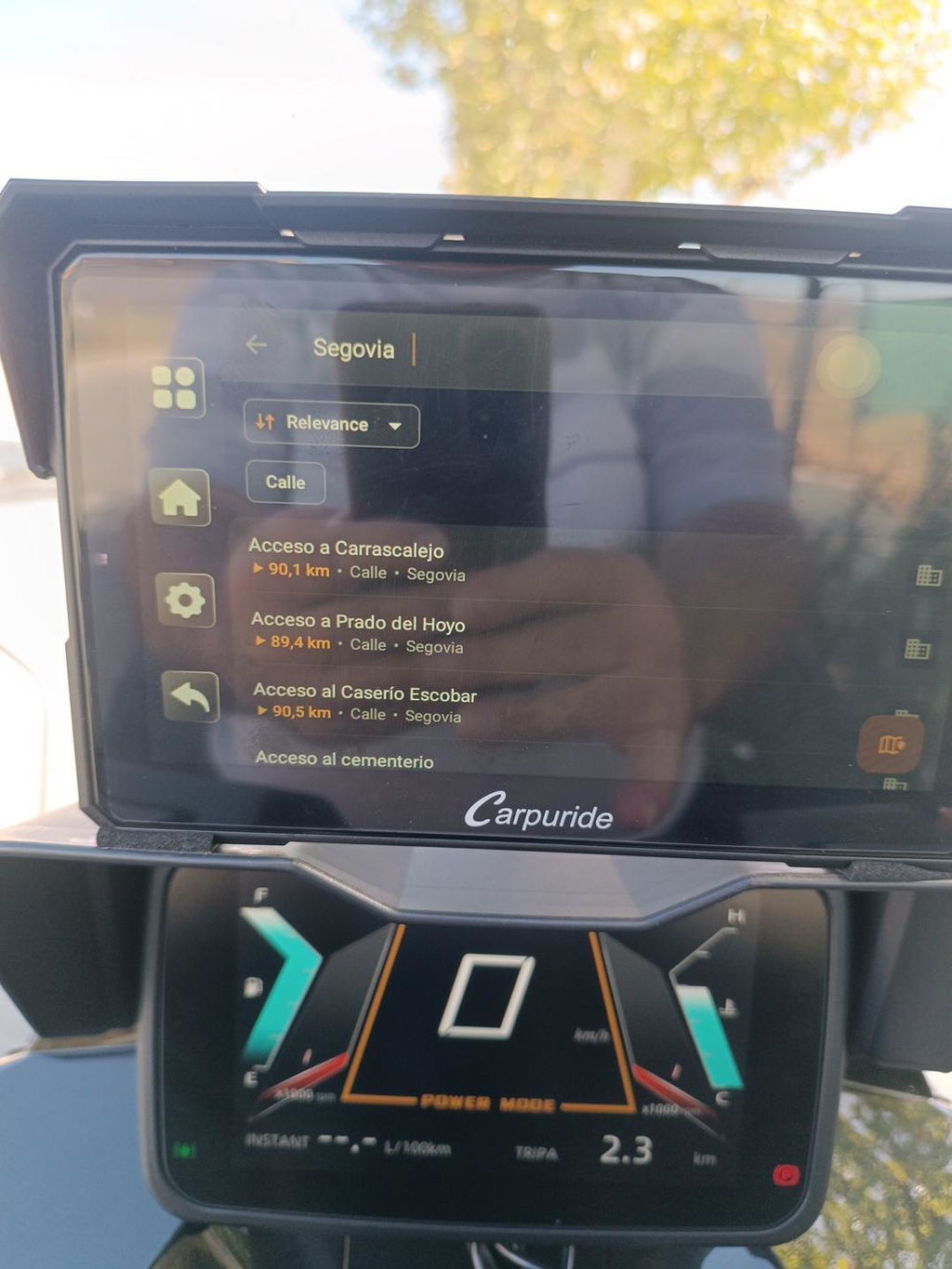
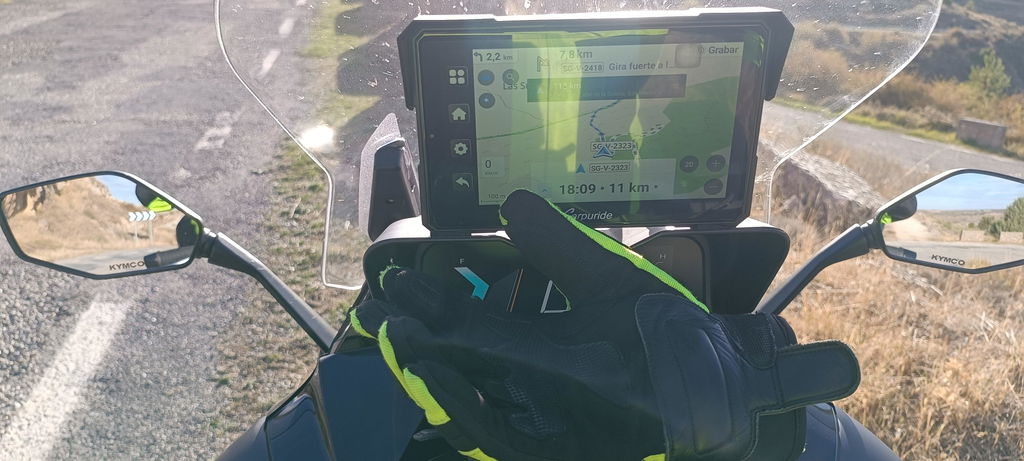
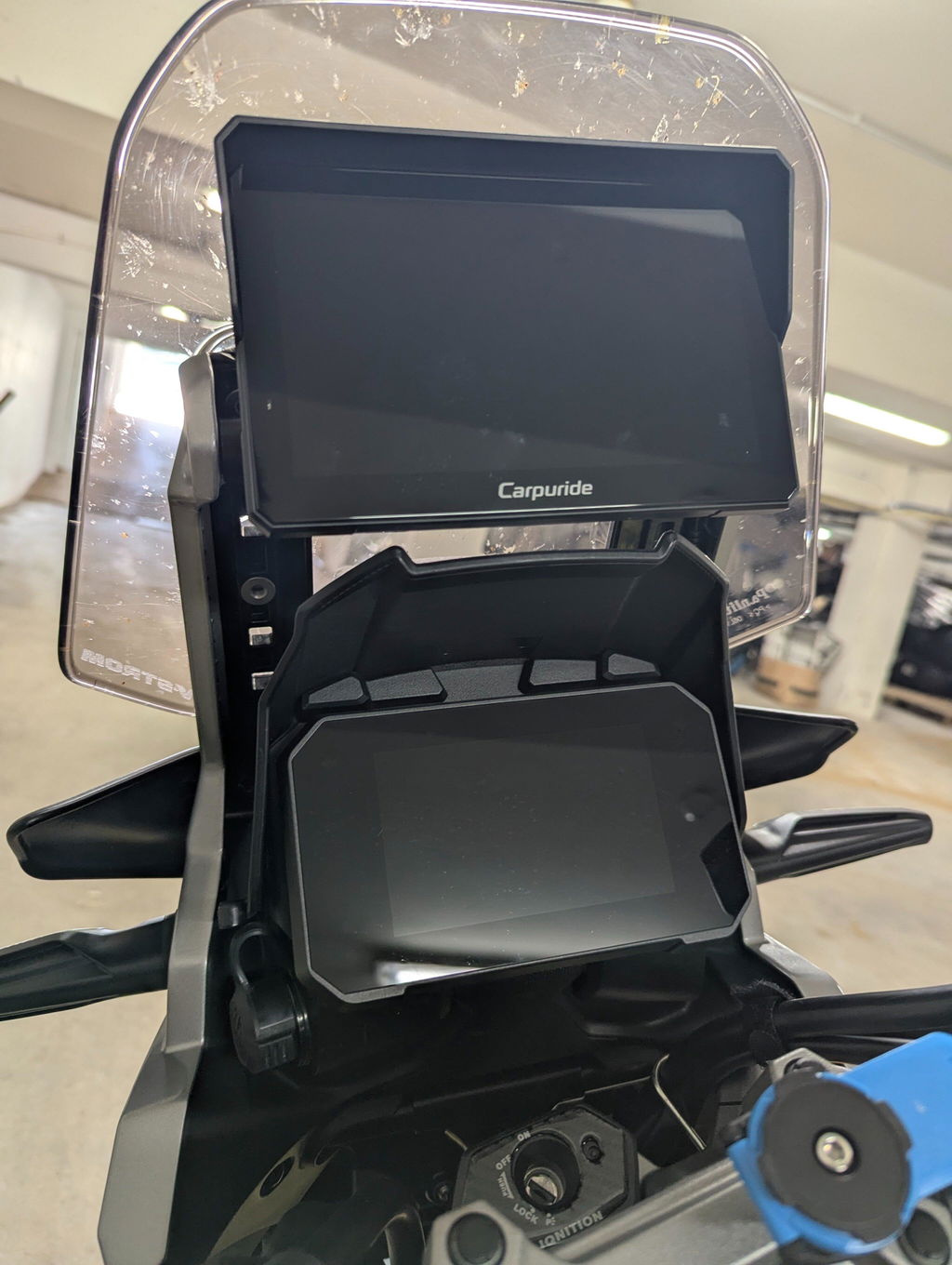
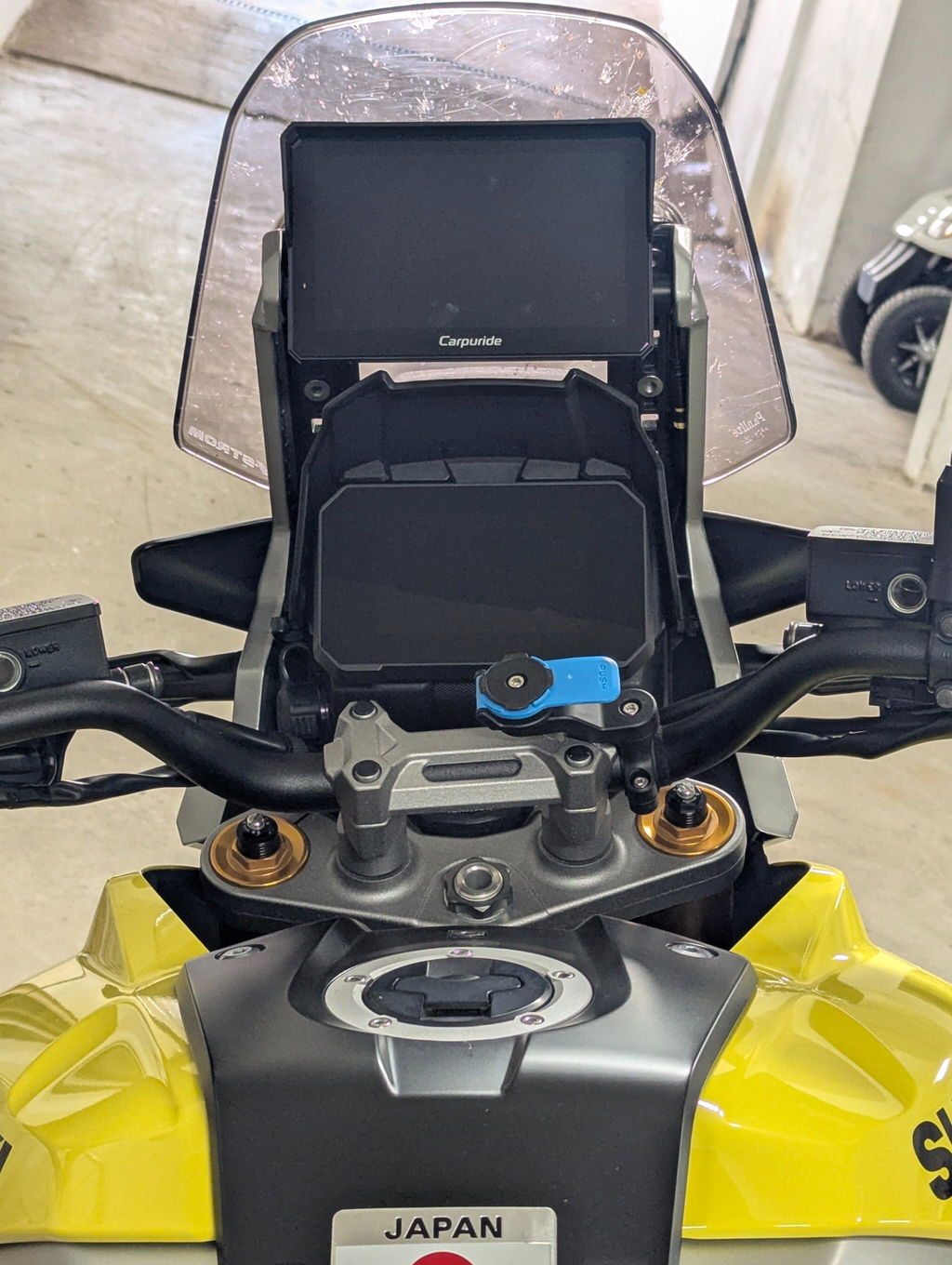
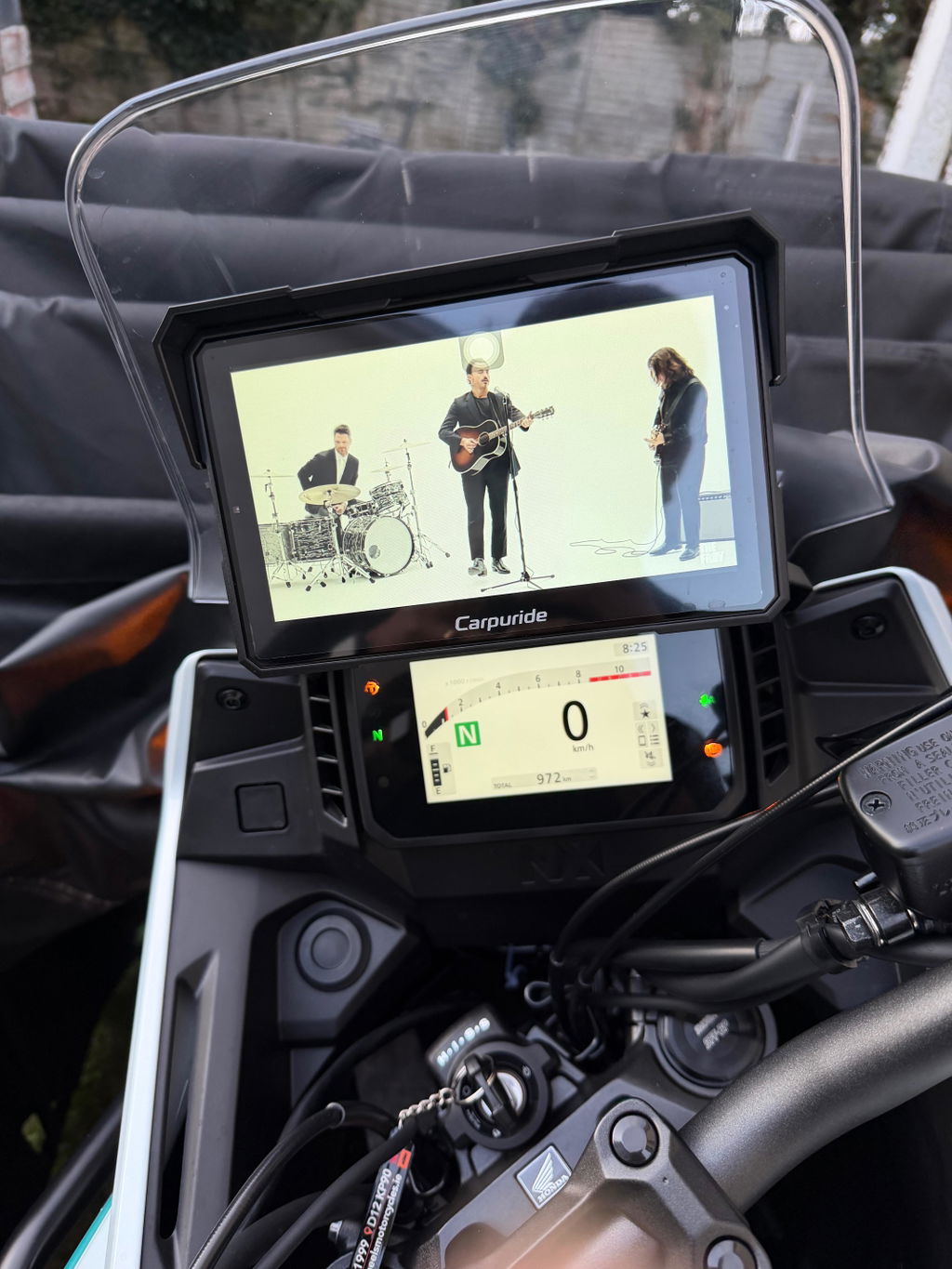
A Motorcycle Wireless Apple CarPlay display is a motorcycle-mounted screen that connects to a compatible iPhone and presents supported CarPlay functions such as navigation, calls, and audio controls. It is not a phone holder, and it is not a standalone phone. The W702S Plus, for example, has no SIM card and cannot provide independent cellular service. For a touring rider who wants CarPlay without plugging the iPhone into the display, key purchase criteria include wireless CarPlay support, a mount that fits the bike, a suitable power setup, and audio that works with the rider’s helmet headset. Wireless describes the phone-to-display connection; the display still needs power from the motorcycle.
How Motorcycle Wireless Apple CarPlay pairing, power, and audio work
Wireless CarPlay connects the iPhone to the display without a USB cable. For the W702S Plus, the instructions say to find Carpuride-xxxx in the iPhone’s Bluetooth settings, pair and allow the connection, then select Use CarPlay. Follow the instructions for the exact model and software version when pairing.
The display must also receive power from the motorcycle, so wireless CarPlay does not mean wireless installation. Carpuride lists the W702S Plus as a 12V, 1A device. Its wiring information assigns yellow to battery positive (B+), red to ACC, and black to negative. Do not connect the red and yellow wires together to battery positive. Wiring and power details can differ by model, so follow the manual and official product information for the exact unit.
Audio routing deserves its own check. Carpuride’s W702S Plus instructions say that when using phone projection, the helmet Bluetooth headset should connect to the phone. When using an app running on the display itself, the headset can connect directly to the display. The instructions also state that direct headset pairing to the display cannot be used at the same time as CarPlay or Android Auto. This setup guidance is specific to the W702S Plus; do not assume it applies to every motorcycle display.
Touring, commuting, weather, and quick stops
For touring, a dedicated display can show navigation on the bike while the phone is kept elsewhere. Whether that arrangement works reliably depends on the phone, connection, route, and setup, so test it before relying on it for a ride. If the connection needs attention, pull over somewhere safe before handling the phone or display. Interacting with navigation or entertainment functions while riding can distract the rider. Adjust routes, settings, and other nonessential functions only after stopping in a safe location.
Commuting and short trips raise similar questions: whether the screen fits the cockpit, whether the wiring suits the motorcycle, and whether you can use the route guidance you want. For rain exposure, check the exact model’s published rating and instructions. The W702S Plus is listed as IP67, but that rating should not be taken as a rating for every connector or for the motorcycle installation as a whole. At fuel stops or other parking breaks, a removable screen may be convenient, but quick-release hardware is not a guarantee against theft.
Selection checklist for Motorcycle Wireless Apple CarPlay
Before choosing a Motorcycle Wireless Apple CarPlay display, check these points:
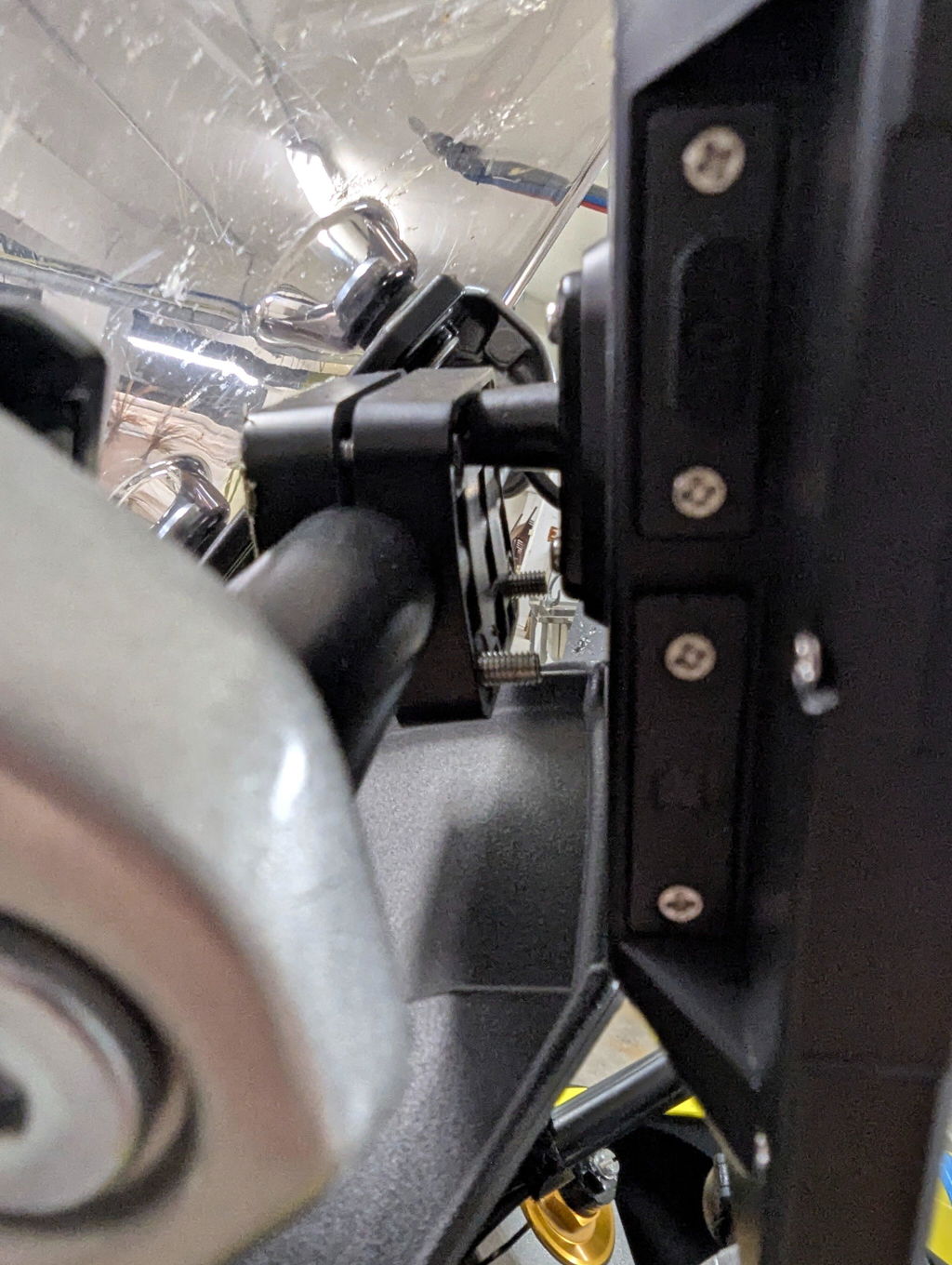
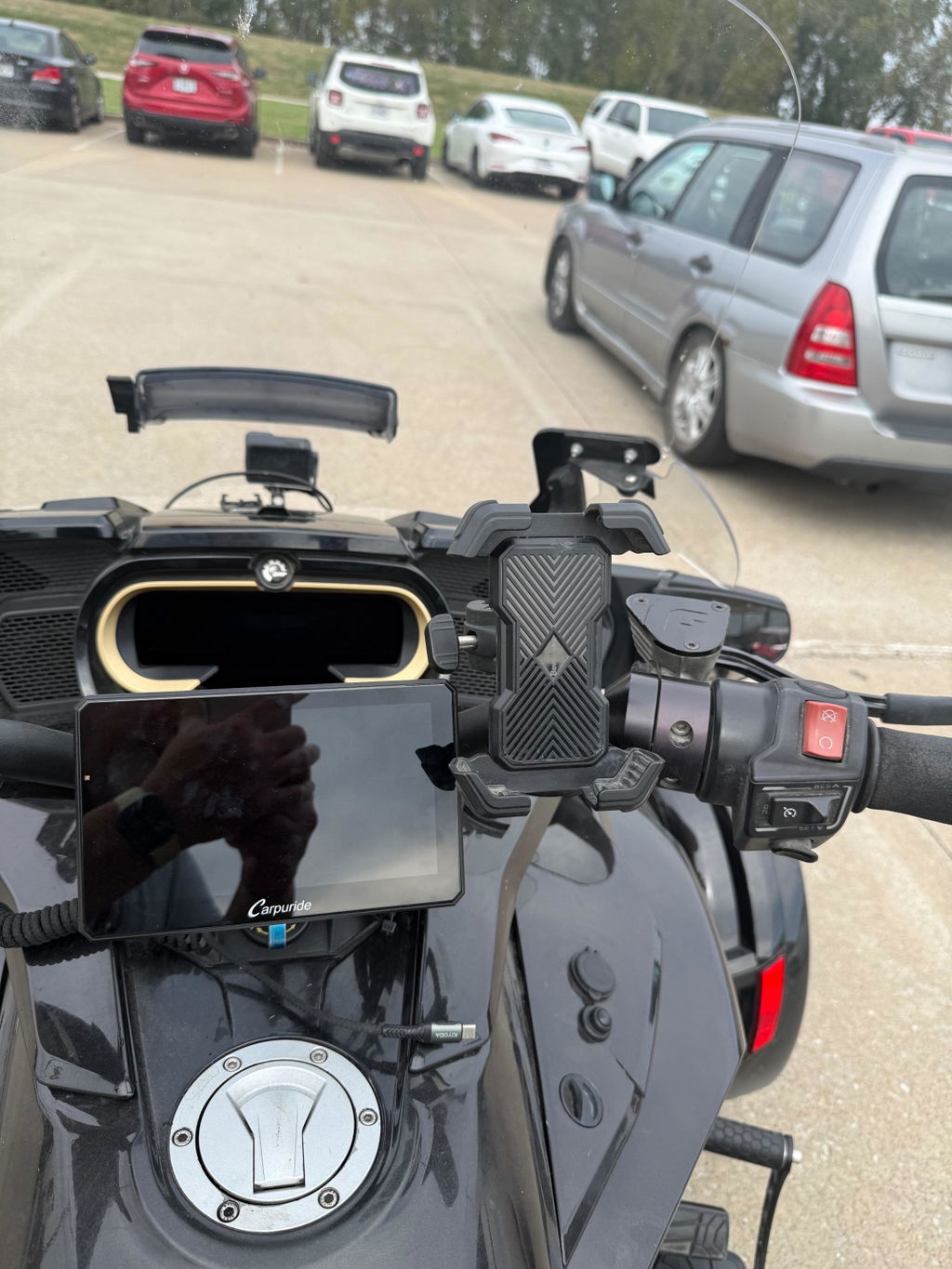
- Mount fit: Confirm available handlebar space, clamp dimensions, screen position, and whether the supplied mount suits your bike. If your motorcycle has an original equipment navigation cradle, verify the exact bike model, year, and cradle compatibility rather than relying on a general BMW or touring-bike label.
-
Phone and software: Check the product’s compatibility information and instructions for your iPhone and software version. For the W702S Plus, the stated pairing process is to pair with
Carpuride-xxxx, allow the connection, and then selectUse CarPlay. - Power and wiring: Find out whether installation requires a battery and ACC connection, and confirm the motorcycle’s power arrangement against the model manual. Do not assume a USB-C port is a power input: the W702S Plus brand information says its Type-C port is for factory debugging, not power, and warns that voltage above 5V may damage it.
- Helmet audio: Confirm whether your intended setup routes sound from the iPhone or the display, and whether calls require a microphone-equipped helmet headset or earphones. Do not assume Bluetooth pairing behavior transfers between product families.
-
Model differences: Compare full model names, not just screen size or
Plusin the name. Carpuride states that the W702S Plus and W702 Plus differ only in their mounting bracket: the W702S Plus uses a dedicated BM05 quick-release mount, while the W702 Plus uses a U-shaped mount. The W702S Plus BM05 is model-specific and is not interchangeable with other BM05 versions. Both models are described as Android 12; the W702S Plus should not be presented as having a system or GPS upgrade over the W702 Plus.
The W702S Plus is one option to assess if you want a 7-inch motorcycle display with wireless CarPlay, built-in GPS, Android 12, and a dedicated BM05 quick-release mount. Carpuride lists a 1024 × 600 IPS screen and IP67 rating for this model; its product information also describes front and rear cameras. Built-in GPS does not itself provide maps or live traffic. The display’s own online apps require Wi-Fi or a hotspot, while offline navigation requires suitable maps to be downloaded in advance. These specifications do not establish fit on a particular bike or confirm that a preferred app, mount position, or helmet-audio arrangement will work as intended. Verify the package contents and instructions for the exact listing.
What to get and what to verify before ordering
If your priority is using Apple CarPlay without plugging the iPhone into the display, look for a motorcycle-specific unit that explicitly supports wireless CarPlay, then confirm its mount, power wiring, phone compatibility, and helmet-audio routing. A dedicated screen differs from a phone holder, but a wireless phone connection does not remove the need to mount and power the display.
The Carpuride W702S Plus is an option to consider if its 7-inch screen, built-in GPS, and BM05 quick-release mount suit your needs. Before ordering, compare it with the W702 Plus and other exact model variants, check the motorcycle’s mounting space and wiring, and confirm that the iPhone and audio setup meet your needs. For compatibility, installation, power, or feature details, refer to the manual and official product information for the exact model and package. Riders who want to run compatible navigation or route-planning apps directly on the display may consider the W702S Plus. With a suitable app and offline maps downloaded in advance, its built-in GPS can support navigation without a live internet connection.
FAQ
Q: Is a Motorcycle Wireless Apple CarPlay display a standalone phone?
A: No. It is a separate screen for the iPhone’s CarPlay interface. The W702S Plus has no SIM card and cannot provide independent cellular service.
Q: Does wireless CarPlay mean I can install the display without wiring?
A: No. Wireless refers to the phone-to-display connection. The display still needs power from the motorcycle. For the W702S Plus, Carpuride lists 12V, 1A and assigns yellow to battery positive (B+), red to ACC, and black to negative. Do not connect the red and yellow wires together to battery positive; follow the manual for the exact model.
Q: How should I route helmet audio on the W702S Plus?
A: With phone projection, connect the helmet Bluetooth headset to the phone. With an app running on the display itself, the headset can connect directly to the display. Direct headset pairing to the display cannot be used at the same time as CarPlay or Android Auto. Verify the exact model and software version.
Q: What is the difference between the W702S Plus and W702 Plus?
A: Carpuride states that they differ only in their mounting bracket: the W702S Plus uses a dedicated BM05 quick-release mount, while the W702 Plus uses a U-shaped mount. The W702S Plus BM05 is model-specific and is not interchangeable with other BM05 versions. Both are described as Android 12, and the W702S Plus should not be presented as having a system or GPS upgrade over the W702 Plus.
Q: Is the W702S Plus waterproof?
A: It is listed as IP67, but that rating should not be taken as a rating for every connector or for the motorcycle installation as a whole. Check the exact model’s published rating and instructions.
Q: Does built-in GPS provide maps and live traffic?
A: No. Built-in GPS does not itself provide maps or live traffic. Online apps on the display require Wi-Fi or a hotspot, while offline navigation requires suitable maps to be downloaded in advance.
Q: What should I check before buying a Motorcycle Wireless Apple CarPlay display?
A: Confirm mount fit and handlebar space, iPhone and software compatibility, battery and ACC wiring requirements, helmet-audio routing, and full model differences. For the W702S Plus, verify the exact package, BM05 mount compatibility, and instructions before ordering.