🛠️ Keep Your System Running Like New
Simple Maintenance Tips for Maximum Performance
Proper maintenance ensures your Carpuride motorcycle CarPlay system performs flawlessly for years. This guide covers essential cleaning, updating, and care practices for all riding conditions.
📅 Maintenance Schedule
- Weekly: Clean screen, check connections
- Monthly: Tighten bracket, inspect cables
- Quarterly: Update firmware, test features
- Seasonally: Deep clean, weather prep
Screen and Exterior Cleaning
Weekly cleaning (or after dusty rides):
- Power off unit completely
- Wipe screen with dry microfiber cloth
- For stubborn dirt: use slightly damp cloth with distilled water
- Dry thoroughly before next use
⚠️ Never Use
Alcohol, ammonia, window cleaners, or paper towels - these damage the anti-glare coating and cause scratches.
After rain or washing:
- Check all port covers are sealed
- Inspect rubber seals for cracks
- Wipe away pooled water
- Clean housing with damp cloth
Monthly Hardware Checks
Power Connections
- Tighten battery terminal connections
- Check cables for fraying or damage
- Clean USB port with compressed air
- Verify all plugs are fully seated
Bracket Stability
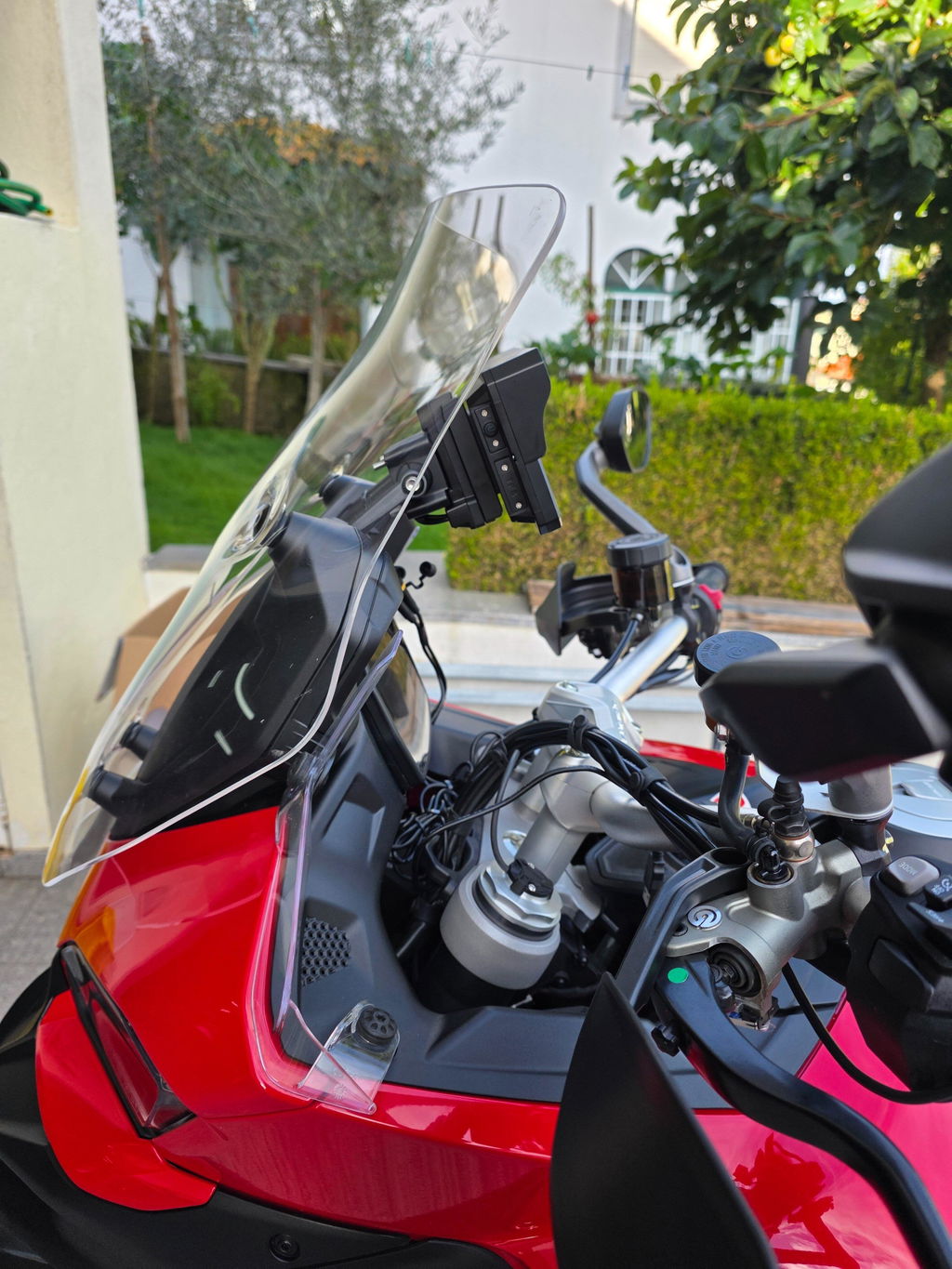
Quick-Release BM05 (W602S Pro, W702S Pro/W502S Pro, W702RS Pro, W702BS/W502BS, W602BS):
- Check mounting bolts with Allen wrench
- Test release button clicks firmly
- Clean release mechanism
- Unit should not move when locked
Universal Brackets (Other Models):
- Tighten all bolts and clamps
- Verify unit is securely seated
- Test stability by gently pushing
Accessories
- TPMS: Check sensors are tight, replace when low battery warning appears (1-2 years)
- Radar BSD: Clean sensor lens, verify mounting is secure
- Wired Controller: Test buttons, check cable condition
Firmware Updates
OTA Updates (Recommended):
- Connect to WiFi via phone hotspot
- Settings > System > Software Update
- Tap "Check for Updates"
- Download and install (10-15 minutes)
- Don't turn off during update
TF Card Updates: Download firmware from Carpuride, copy to FAT32-formatted TF card, insert into unit, Settings > Local Update.
💡 Update Tips
Update when parked, ensure stable WiFi, keep battery above 12V. After updating, re-pair phone if needed and recalibrate compass.
Seasonal Care
Winter (Below 0°C)
Active riding: Allow 1-2 min warm-up, wipe ice/snow before powering on, check battery voltage frequently.
Storage (1+ months): Remove unit, disconnect power, store indoors at room temperature, use battery tender on bike.
Summer (Above 35°C)
- Remove unit or cover when parked in sun
- Use auto-brightness to reduce heat
- Park in shade when possible
- Unit may auto-shutdown if overheating
Rainy Season
Before: Verify port covers sealed, check seals for damage.
After: Wipe dry, check ports for water, let air dry before storage.
Prevent Common Issues
- Random restarts: Tighten power connections, secure bracket, update firmware
- Battery drain: Always shut down properly (hold power button), disconnect for 2+ week storage
- Connection drops: Clear old Bluetooth pairings, keep phone OS updated, re-pair if unstable
Quick Troubleshooting
| Problem | Solution |
|---|---|
| Screen flickering | Check voltage (12V+), tighten connections |
| Touch unresponsive | Clean screen, recalibrate in Settings |
| GPS inaccurate | Recalibrate compass |
| No audio | Check Bluetooth, re-pair device |
| Won't power on | Check battery, hold power 10 sec |
FAQ
How often should I update firmware?
Check every 2-3 months. Updates fix bugs and add features. You'll get notifications when connected to WiFi.
Can I pressure wash with unit installed?
Avoid direct high-pressure spray. Remove unit (quick-release models) or keep spray 1+ meter away on low pressure.
Which models have quick-release brackets?
W602S Pro, W702S Pro/W502S Pro, W702RS Pro, W702BS/W502BS, W602BS. Other models use universal brackets.
🎯 Simple Care = Long Life
A few minutes monthly keeps your Carpuride performing like new for years. Clean, update, and check connections!