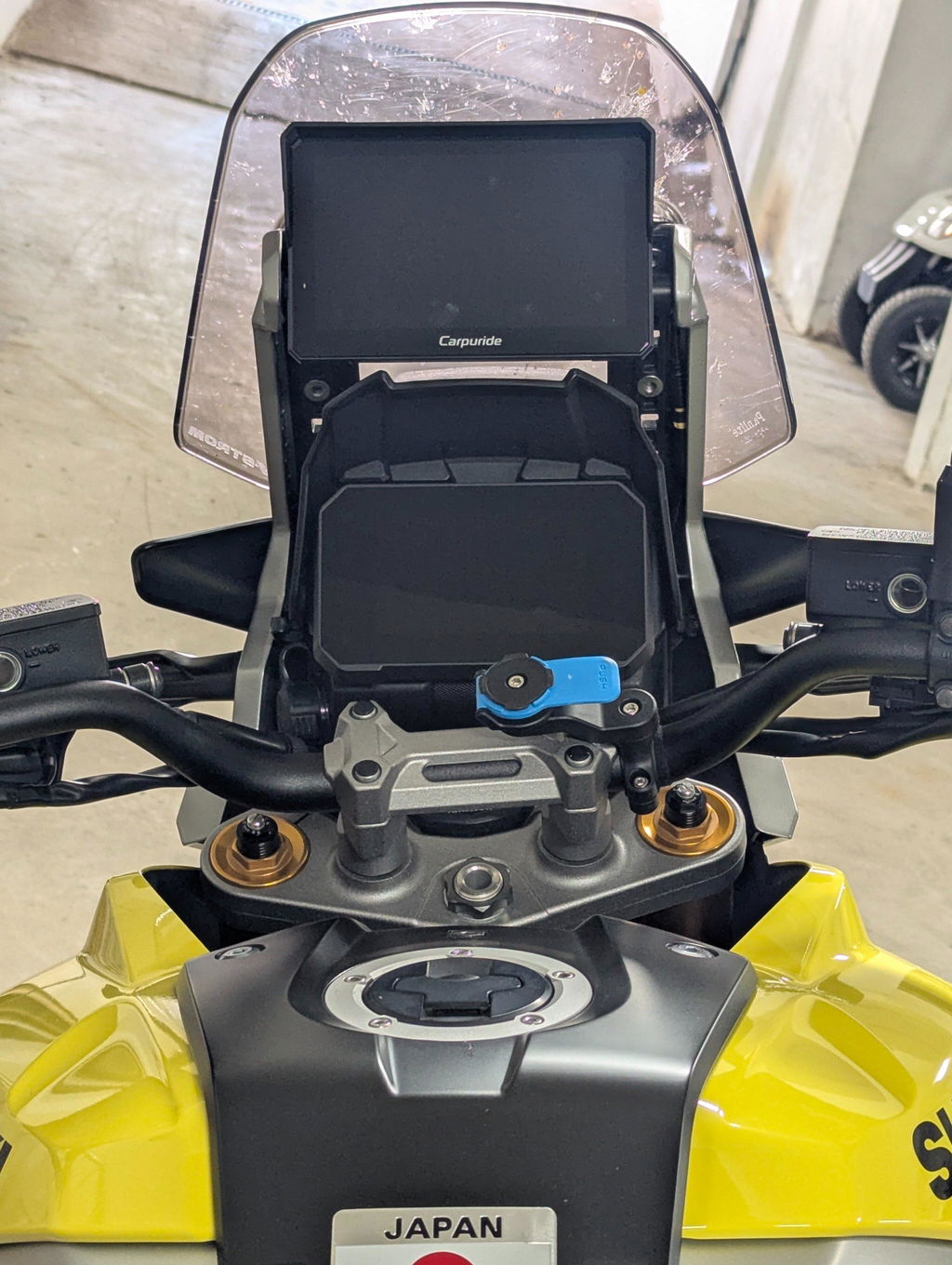
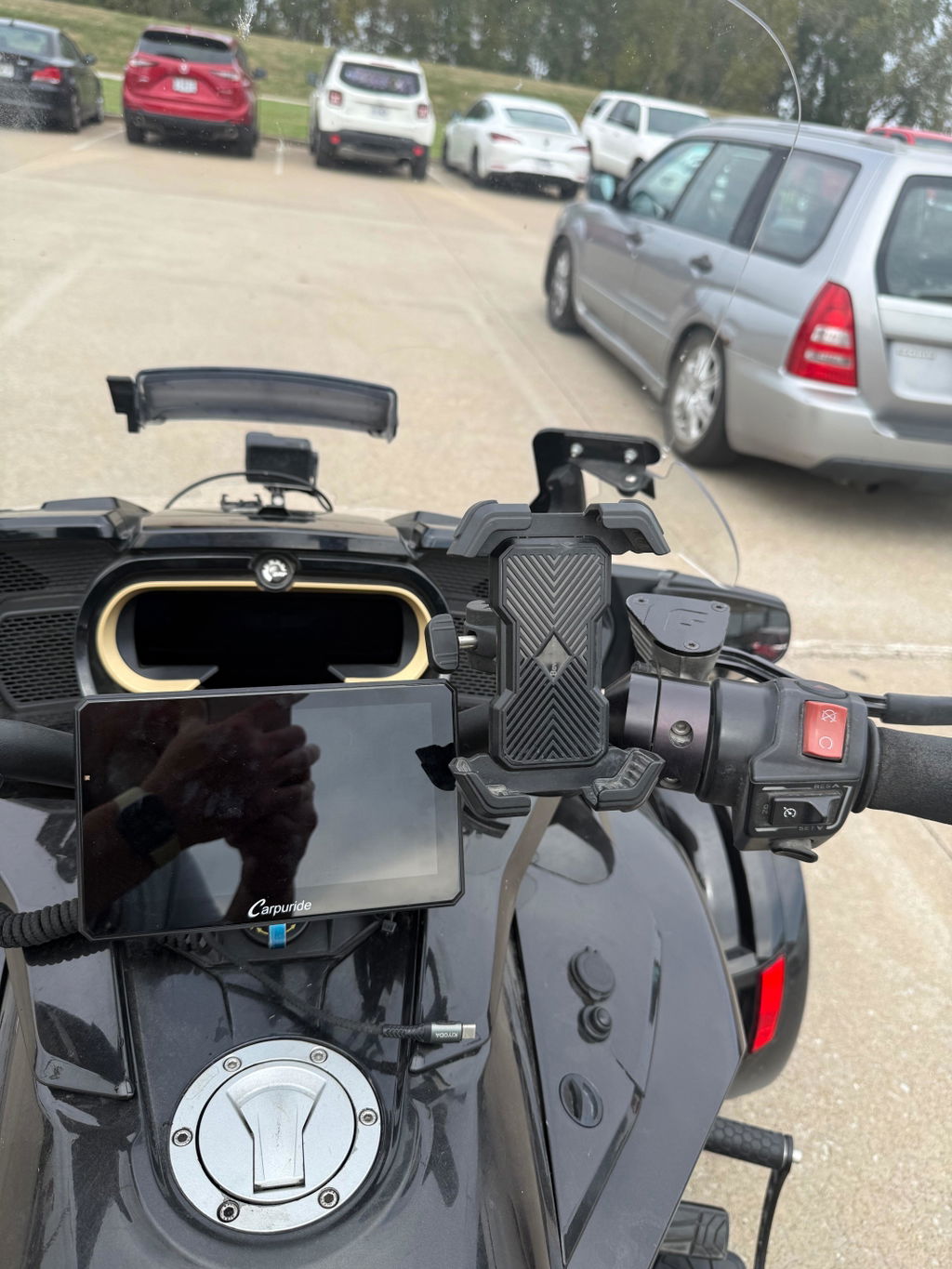
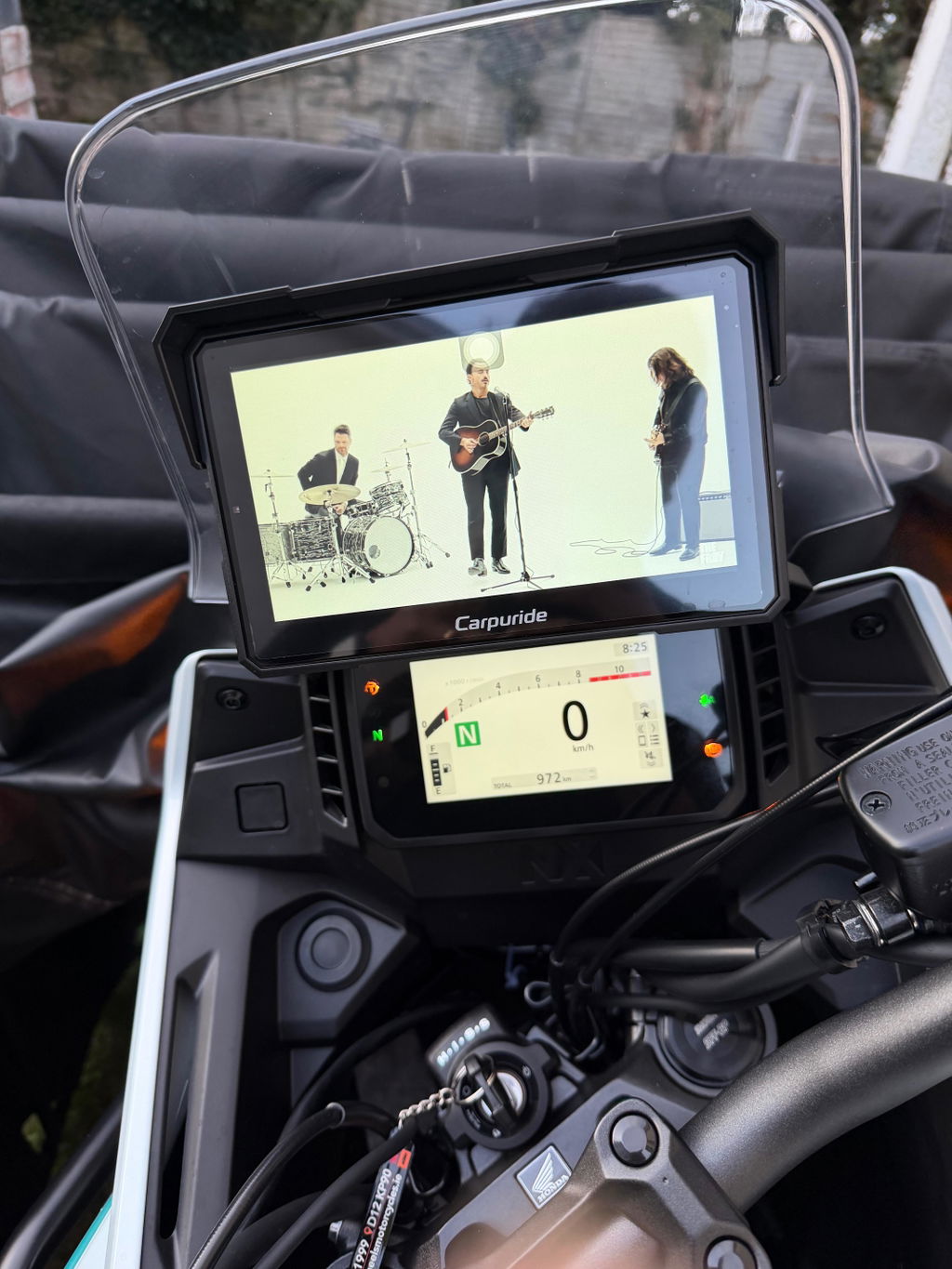
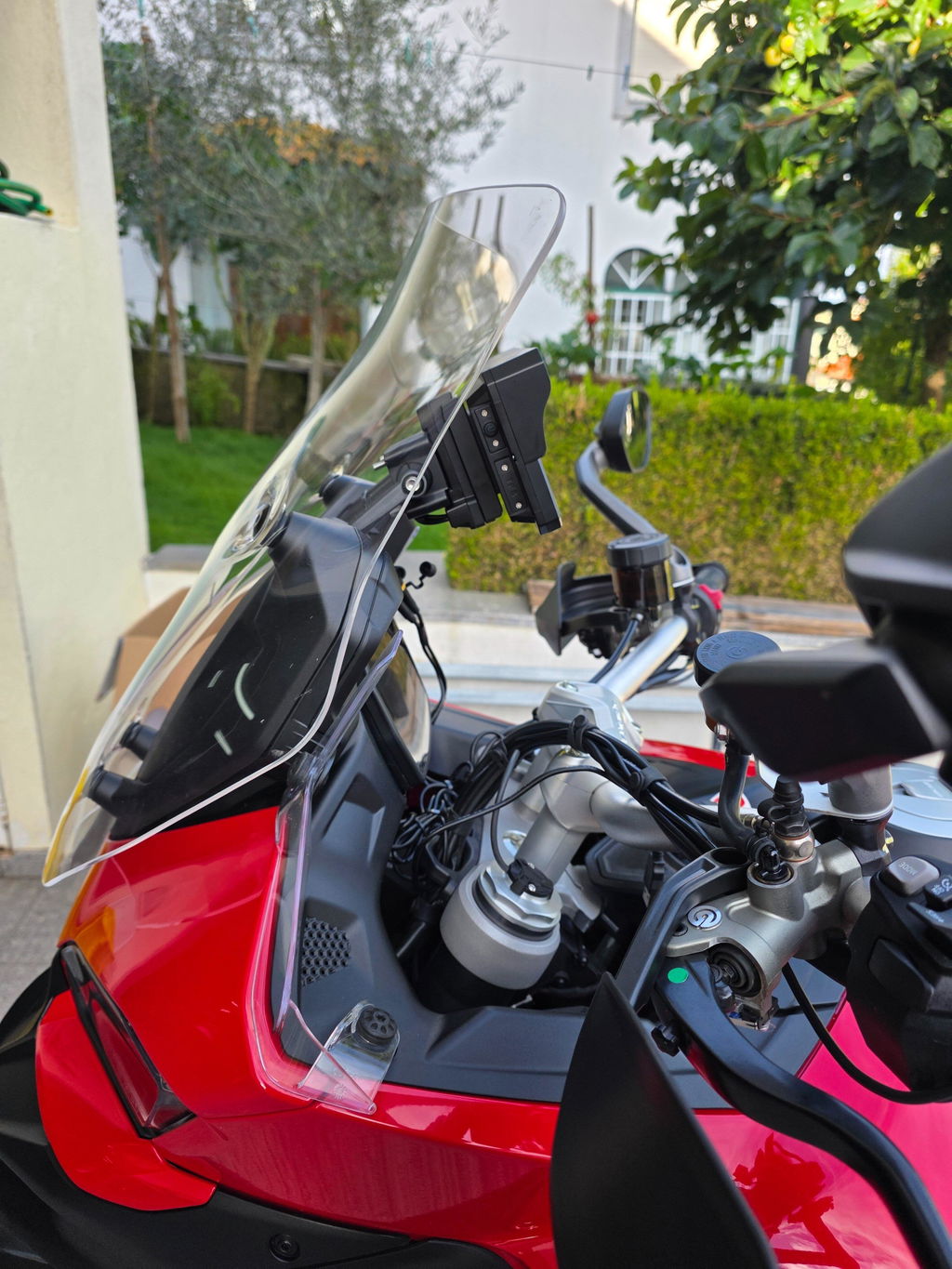
Riding a BMW GS offers impressive long-distance and off-road capability, but relying on older dedicated GPS units can limit your navigation experience. Factory handheld units often require manual map updates, lack real-time traffic updates, and offer basic smartphone integration.
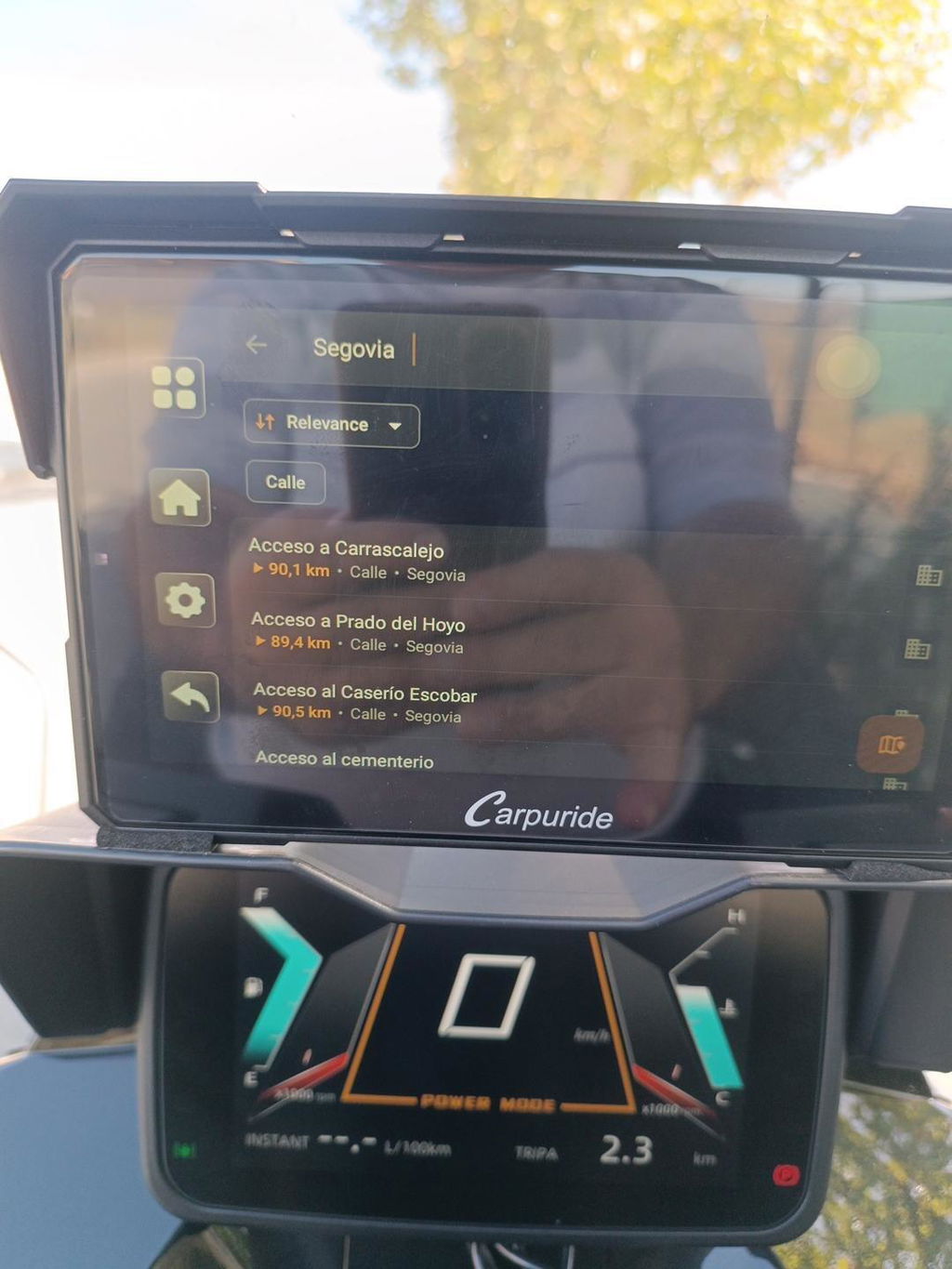
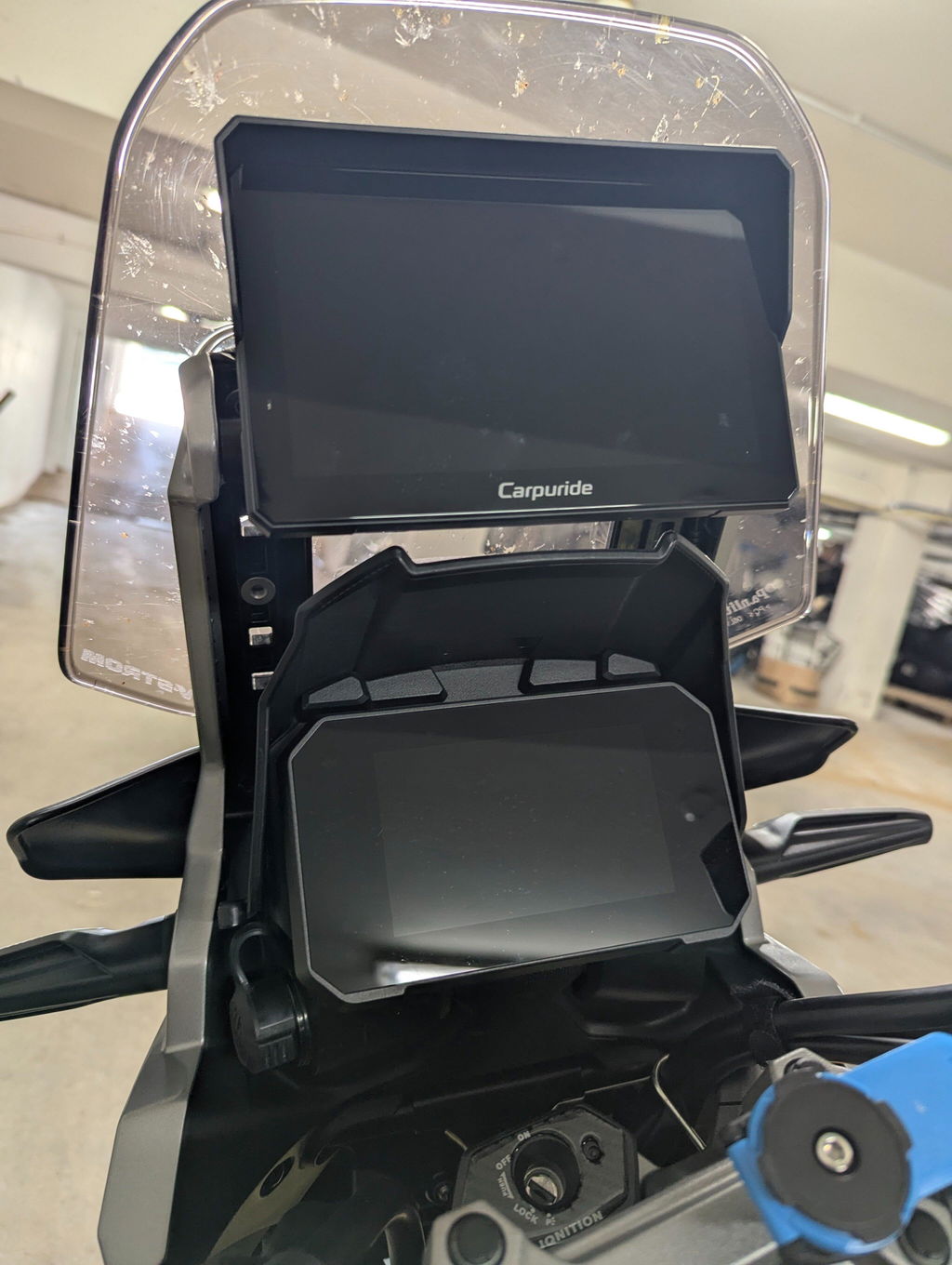
The Carpuride W702BS provides a practical upgrade for BMW riders. Engineered specifically to fit selected BMW motorcycles equipped with factory navigation mounts, this 7-inch display brings wireless Apple CarPlay and Android Auto directly into your cockpit. Here is a practical breakdown of compatibility, key features, and step-by-step installation.
Compatibility Checklist: Can Your Bike Run the W702BS?
Before upgrading, verify that your motorcycle meets the physical and electrical requirements for the W702BS.
• OEM Navigation Preparation Mount
Your motorcycle must have the factory BMW navigation prep cradle installed. The W702BS uses the gold pins inside this cradle for power delivery and data communication.
• Multi-Controller (Wonder Wheel)
Your bike needs the original left-hand handlebar wheel control. This allows full navigation through menus while riding.
• Supported BMW Models
Compatible models include popular adventure and touring bikes such as the BMW R1200GS, R1250GS, R1300GS, F750GS, F850GS, and S1000XR equipped with factory navigation prep.
To verify whether your specific motorcycle year and trim level are supported, check the official W702BS BMW Compatibility Guide.
Why the W702BS Fits Your BMW GS
Upgrading to a dedicated smart display enhances navigation while keeping your primary smartphone safely stored away from engine vibration.
• Wonder Wheel Integration
Internal CAN-Bus protocol decoding allows you to use your original handlebar wheel. You can switch display cards, zoom in on maps, or skip music tracks without moving your hands away from the grips.
• Plug-and-Play Installation
The unit snaps directly into the original BMW navigation cradle. You do not need to cut wires, install extra brackets, or modify the motorcycle electrical system.
• Dual Bluetooth Audio Transmission
The display handles display data while transmitting audio signals straight to your helmet headset. This setup maintains clear voice prompts and high sound quality through Sena, Cardo, or other Bluetooth communicators.
• Sunlight-Readable IP67 Screen
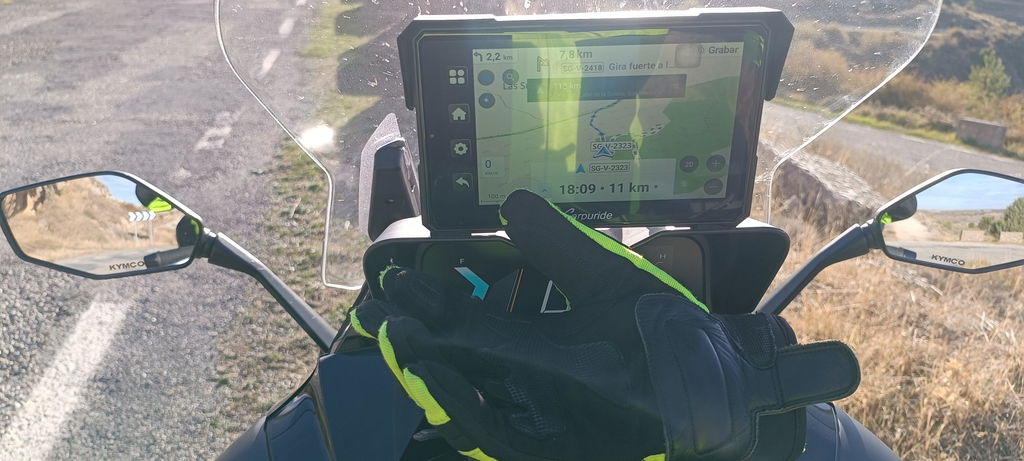
Featuring a 1000-nit high-brightness IPS panel with optical bonding, the screen remains visible under direct sunlight and resists internal condensation during heavy rain.
• Glove-Friendly Touch Control
Optimized touch sensitivity allows smooth menu navigation even while wearing thick leather or winter riding gloves.
W702BS vs W702B: Choosing the Right Model
Carpuride offers two distinct models for BMW motorcycles. Reviewing their differences helps prevent buying the wrong version.
Carpuride W702BS
Includes full CAN-Bus decoding modules. Supports both touchscreen operation and complete Wonder Wheel handlebar control.

Snaps into the factory BMW cradle for 12V power and secure mounting, but lacks Wonder Wheel control decoding. Functions exclusively via touchscreen. This model suits riders who want an OEM fitment at a lower price point and do not require wheel control.
Step-by-Step Setup Guide
Installing the W702BS takes less than five minutes and requires no special tools.
Step 1: Mount the Screen into the Cradle
Insert your BMW ignition key into the lock cylinder on the factory navigation prep mount to unlock the latch lever. Align the metal contact pins on the back of the Carpuride W702BS with the cradle. Slide the unit firmly into place until you hear a clear click. Push the locking lever back down and turn your key to lock the screen securely against theft.
Step 2: Power On and Pair Your Smartphone
Turn your motorcycle ignition key to the ON position. The W702BS powers up automatically via the cradle's 12V contacts. Open your smartphone's settings, enable Bluetooth and Wi-Fi, and select the Carpuride device name from the available Bluetooth list. Confirm the pairing request on your phone screen to launch wireless Apple CarPlay or Android Auto.
Step 3: Connect Your Helmet Intercom
Open the Audio/Bluetooth Output menu on the W702BS display screen. Set the audio mode to BT Emit, then search for your Sena, Cardo, or motorcycle headset. Pair your headset directly to the display to route navigation prompts, incoming calls, and music without audio lag.
Step 4: Test the Wonder Wheel Controls
With the motorcycle powered on, test your handlebar controls. Toggle or roll the Wonder Wheel left and right to navigate between app pages, adjust audio volume, or zoom in on your Google Maps or Waze navigation route.
FAQ
Can I use the BMW Wonder Wheel with Android Auto on the W702BS?
Yes. The built-in CAN-Bus decoder translates Wonder Wheel inputs for both Apple CarPlay and Android Auto interface navigation.
Will the W702BS drain my motorcycle battery when parked?
No. The unit draws power directly from the OEM navigation cradle, which shuts off automatically a few moments after you turn off the motorcycle ignition key.
Can I lock the W702BS display to prevent theft?
Yes. The rear housing aligns with the original BMW factory lock mechanism, allowing you to secure the screen to the bike using your original BMW key.
Conclusion
Upgrading your BMW GS cockpit with the Carpuride W702BS combines modern smartphone navigation with factory motorcycle controls. Retaining your Wonder Wheel functionality and using the existing OEM mount allows you to enjoy real-time traffic updates, music playback, and hands-free communication without permanent bike modifications.
Ready to transform your riding experience? Explore the 7-inch Carpuride W702BS, or compare compact alternatives like the W602BS (6.3-inch) and W502BS (5-inch) to find the perfect fit for your BMW GS.
Read More
Why Use Motorcycle CarPlay, Not Your Phone?