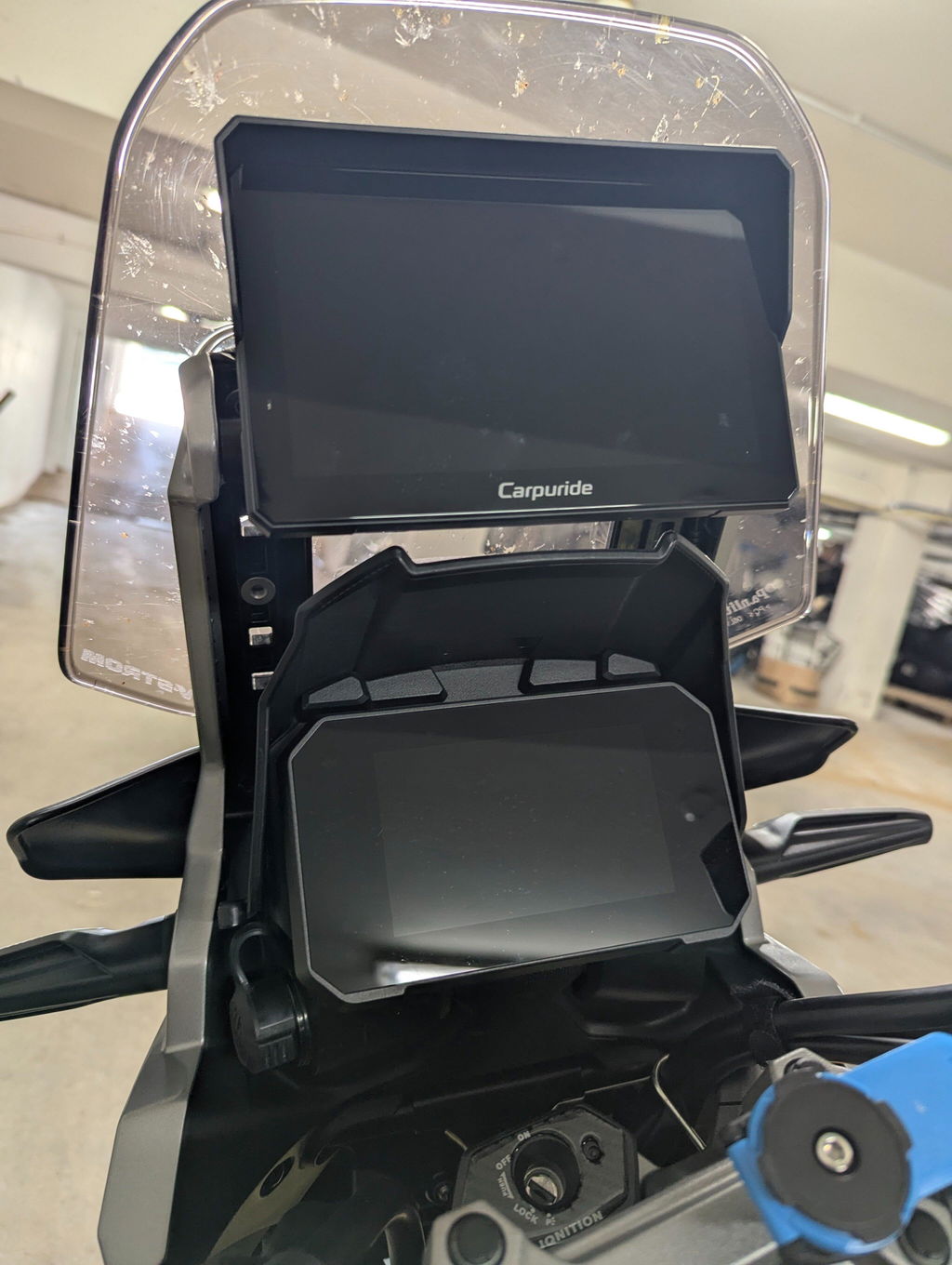
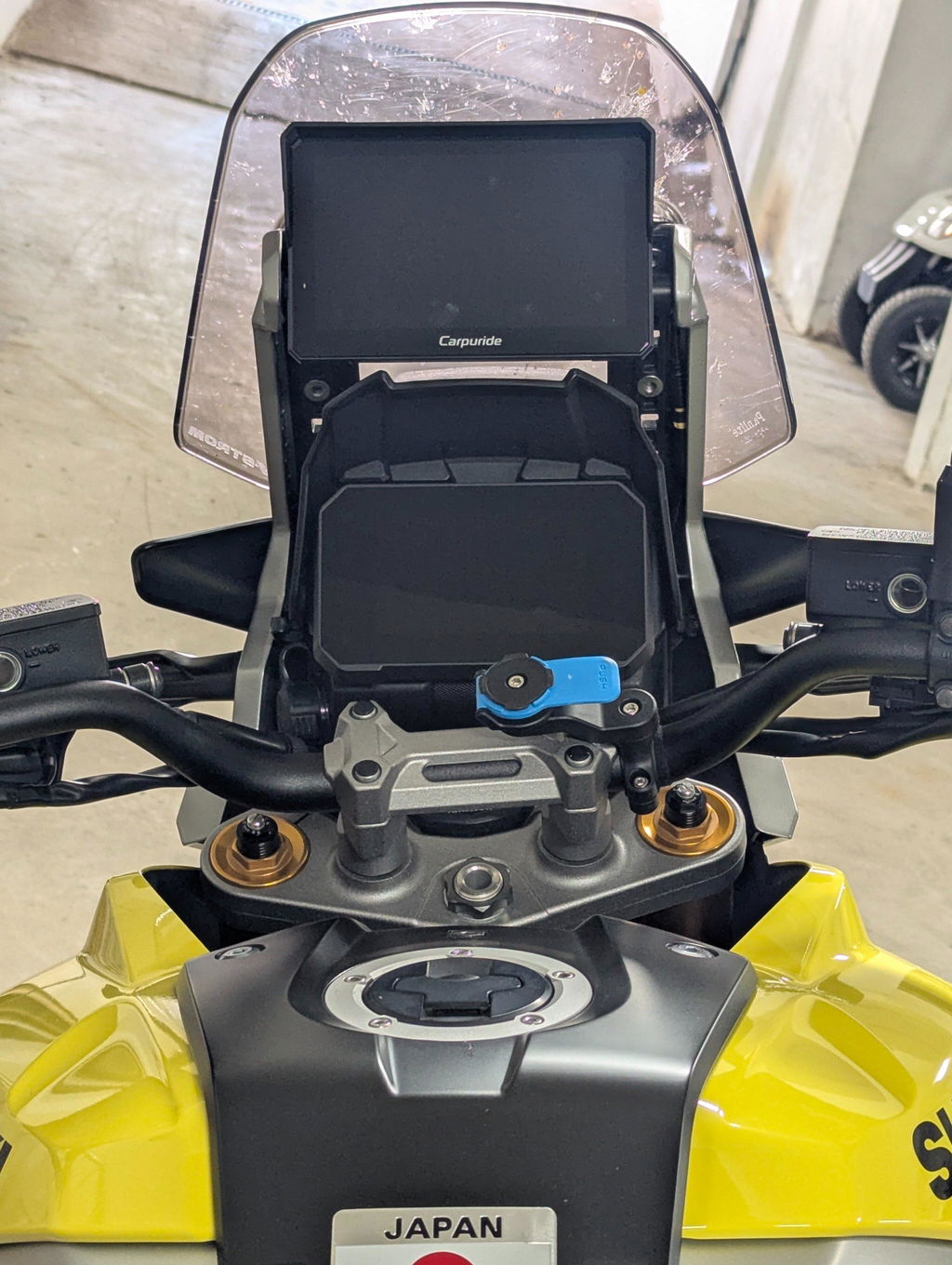
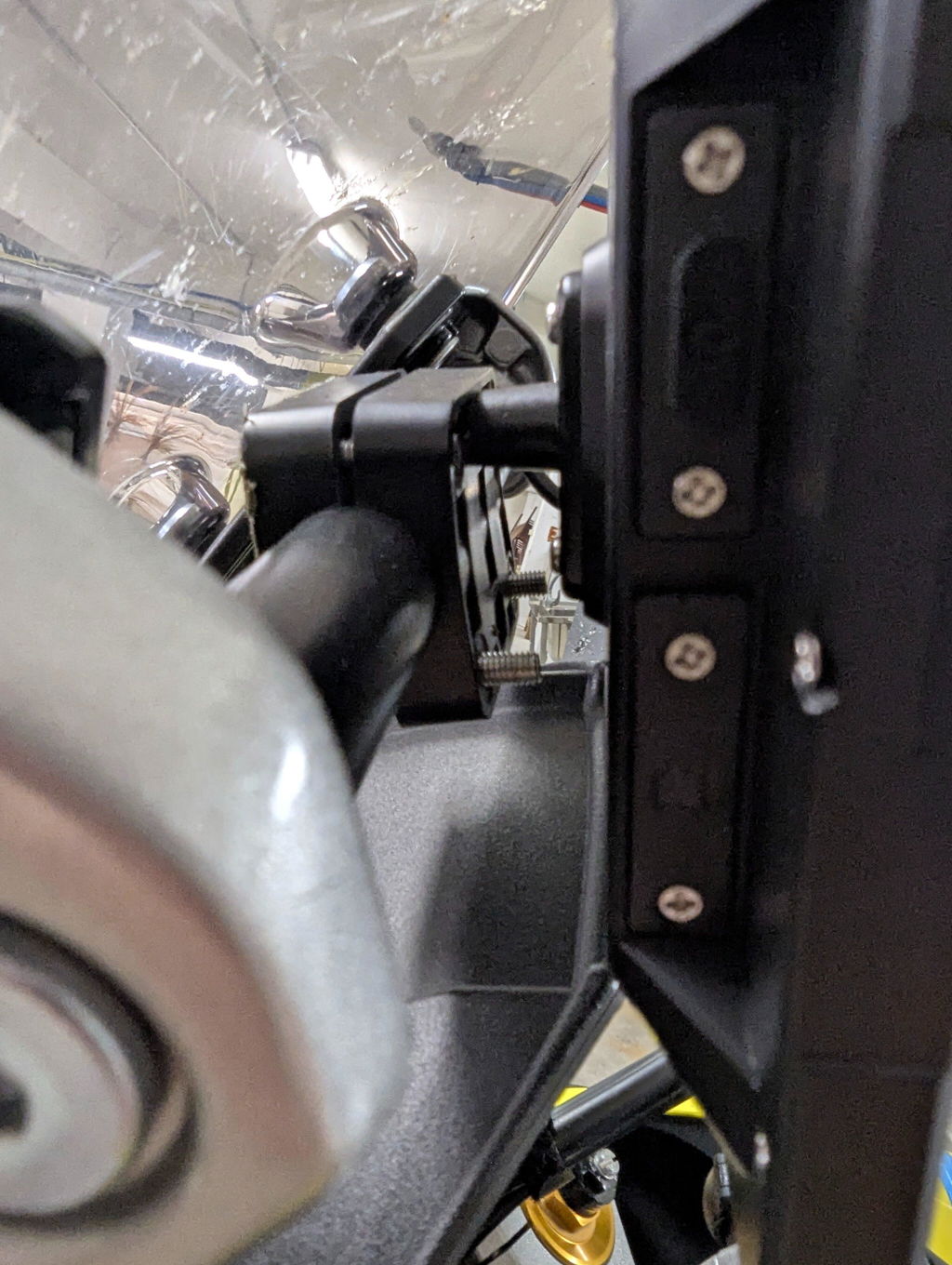
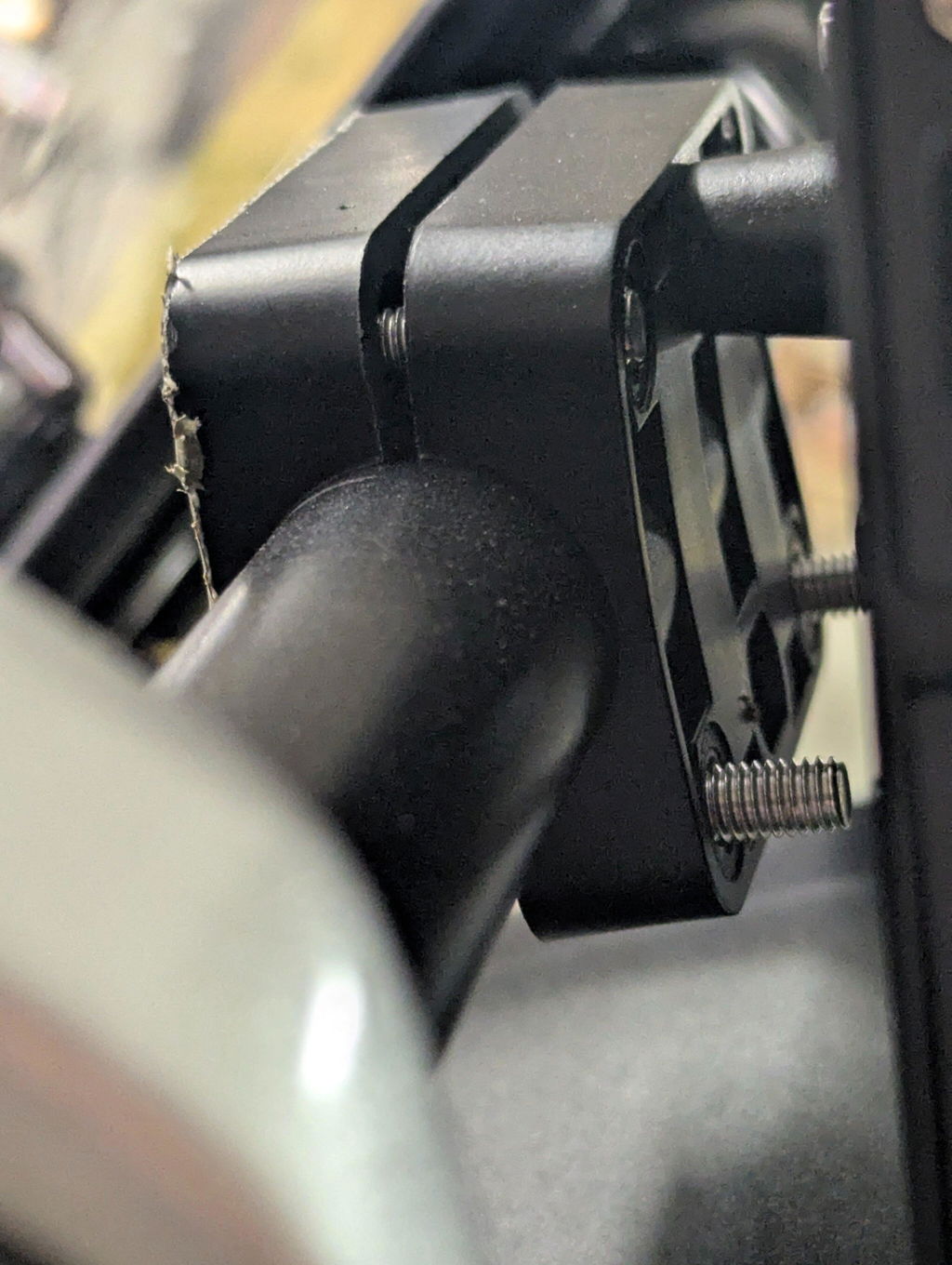
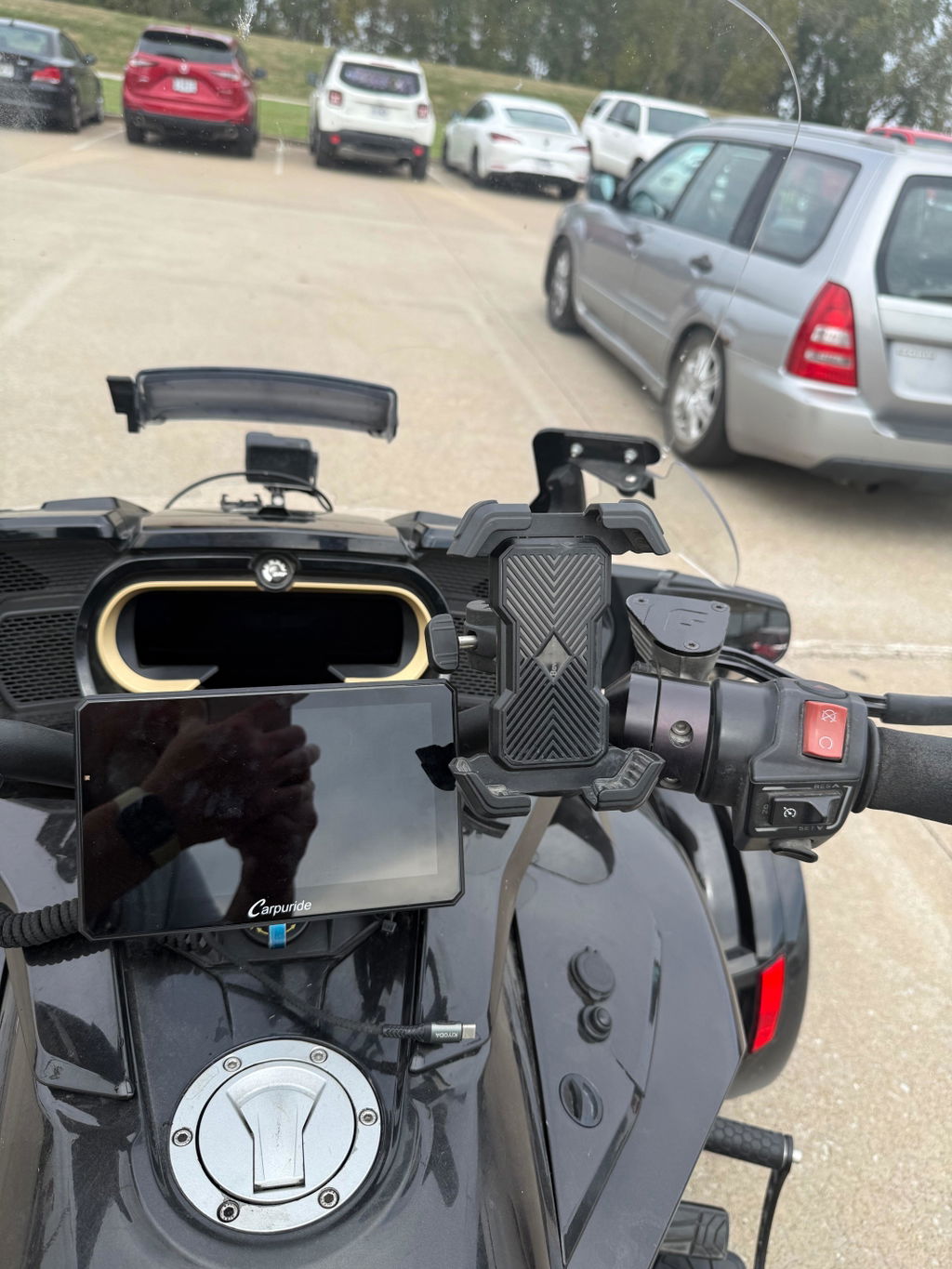
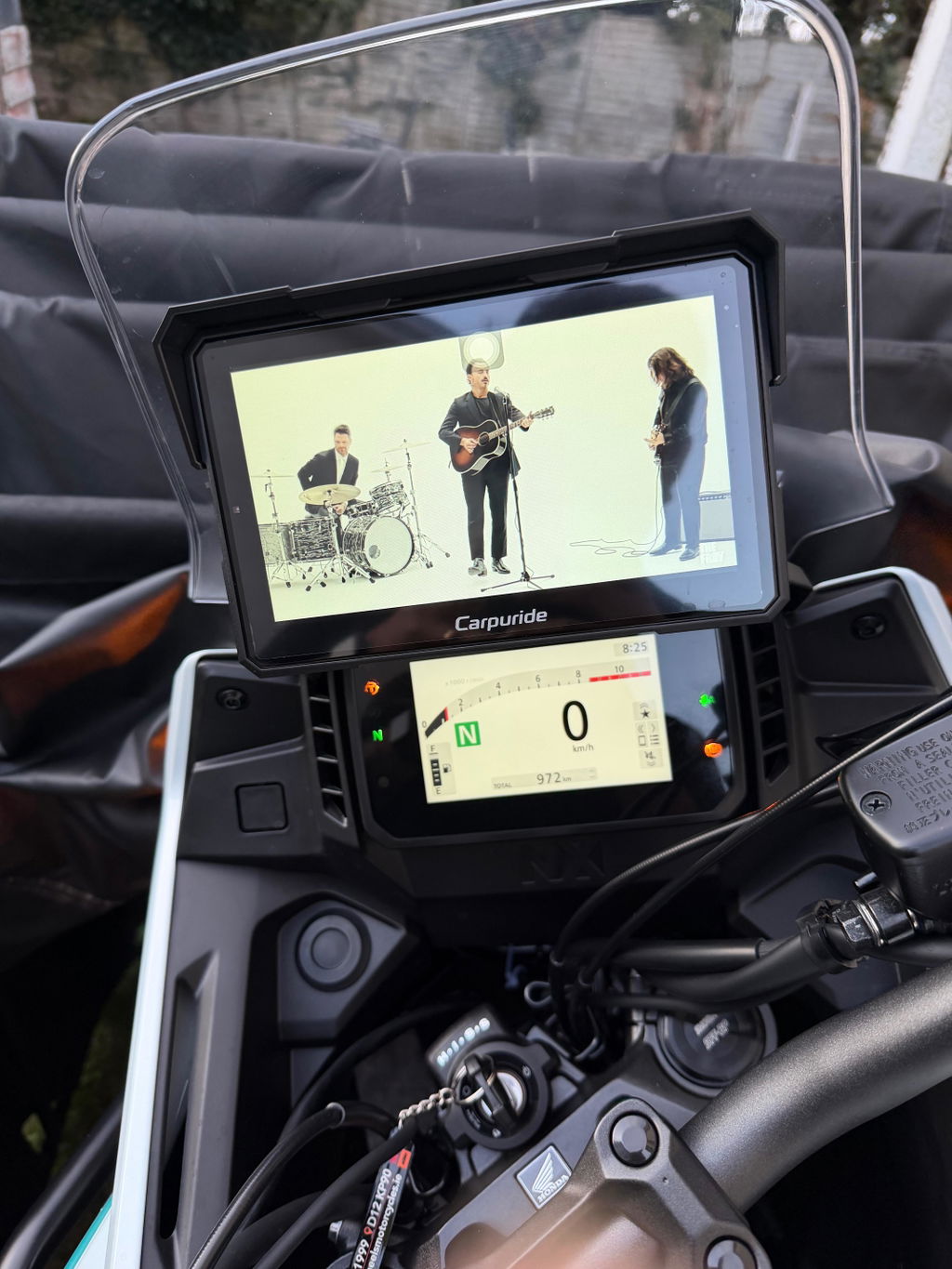
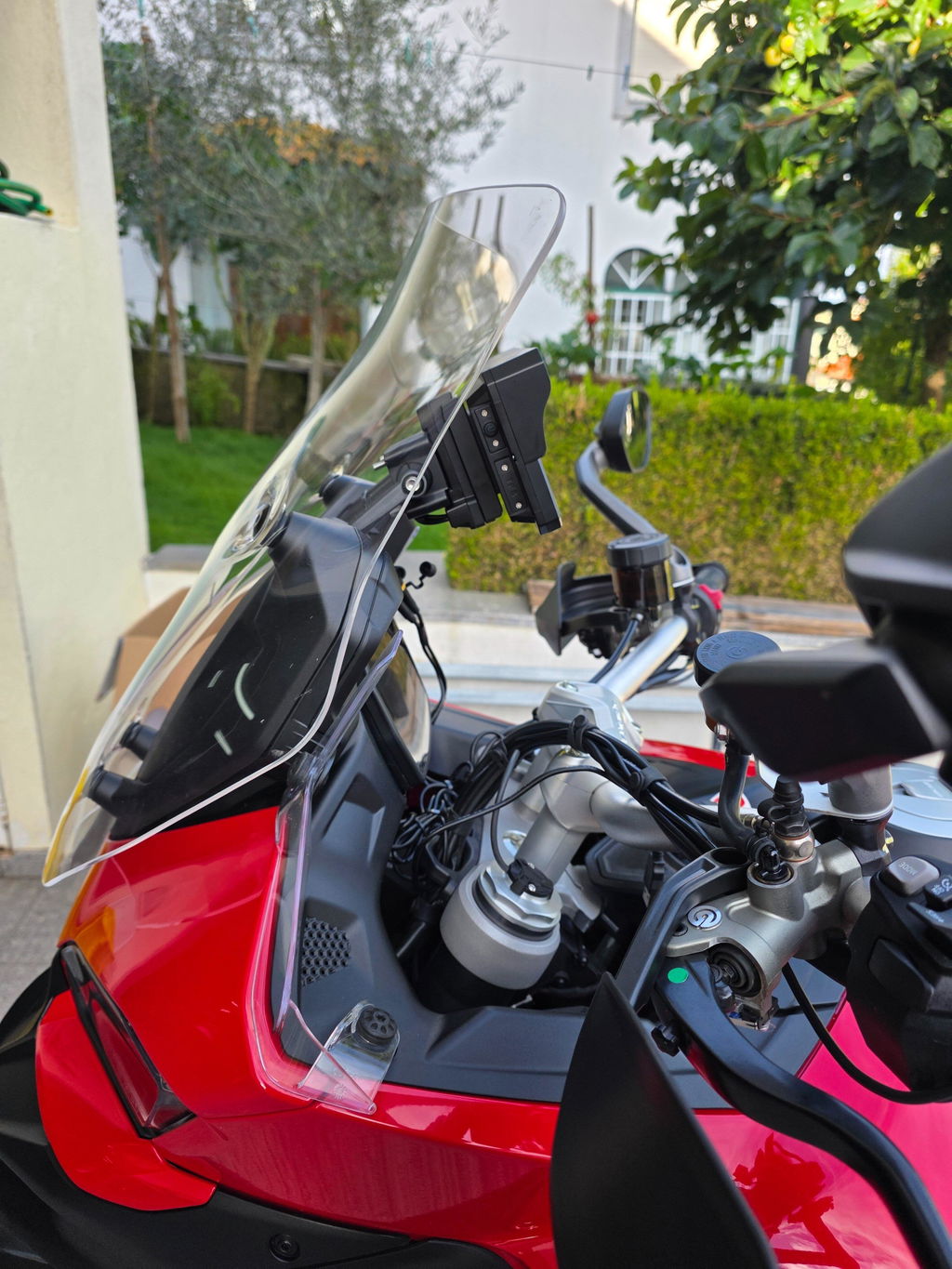
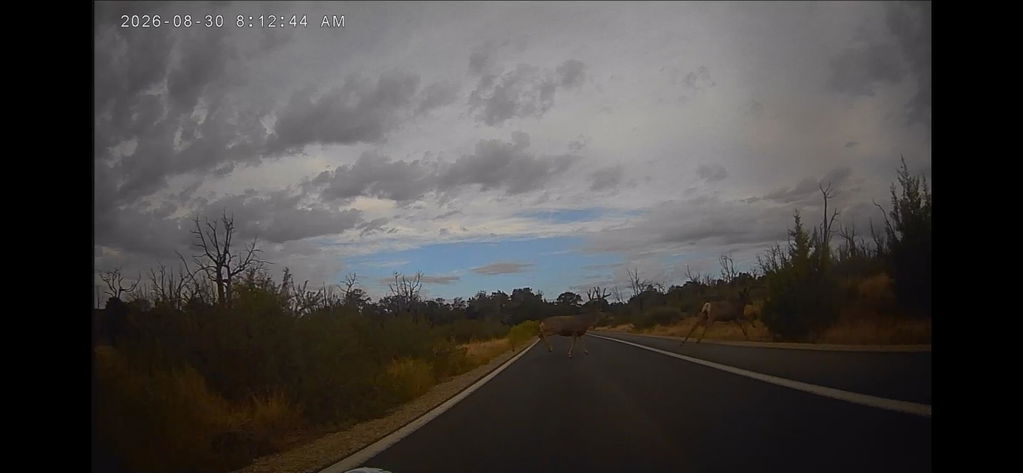
Compatible with both iOS and Android devices. Packed with features for a personalized user experience, including Apple CarPlay, Android Auto, dual Bluetooth, intercom, light sensor, compass, IP67 waterproof rating, capacitive touch control, TF/SD card support (up to 256GB), free software updates, and barometer.
Add professional tire pressure monitoring to your motorcycle. The optional TPMS package includes 2 wireless sensors that display real-time tire pressure and temperature on screen. Helps maintain safe tire pressures and can alert you if there are any problems.
Real-time tire pressure and temperature monitoring for enhanced riding safety. The TPMS system displays critical tire data directly on your 602 Pro screen, helping you maintain optimal tire performance and prevent blowouts.

🆘 SOS Emergency Mode
Built-in SOS emergency function for critical situations. Quickly activate emergency mode when you need help. Your safety is our priority on every ride.

🎧 Dual Bluetooth Audio System
The Pro series features advanced dual Bluetooth technology. Choose the mode that best fits your riding style:
Mode 1: BT Trans (Single-Person Connection) ▼
Best for: Solo riders who want wireless audio to their helmet
How it works:
- Connect your Bluetooth helmet directly to the Pro series
- The device transmits ALL audio wirelessly to your helmet
- Your phone stays connected via WiFi for CarPlay/Android Auto
- Everything routes through the Pro series
Setup steps:
- Turn on your Bluetooth helmet and set to pairing mode
- On Pro series: Audio Output → BT Trans → Search for devices
- Select your helmet and pair
- Audio streams wirelessly to your helmet
⚠️ Important: Do NOT connect your phone to the helmet. Keep helmet paired only with Pro series.
Mode 2: BT Trans (Two-Person Connection) ▼
Best for: Riding with a passenger or sharing audio
How it works:
- Connect TWO helmets simultaneously
- Both riders hear music and navigation
- Bluetooth 1 (driver) gets calls and voice assistant
- Bluetooth 2 (passenger) gets music and navigation only
Setup steps:
- Pair first helmet to Bluetooth 1 (driver)
- Pair second helmet to Bluetooth 2 (passenger)
- Both receive audio simultaneously
- Maximum distance: 10 meters
💡 Pro Tip: Driver should connect to Bluetooth 1 for full functionality.
Mode 3: iPlay/Auto (Bluetooth Audio) ▼
Best for: Traditional phone-to-helmet connection
How it works:
- Connect phone directly to your helmet (traditional)
- Connect phone to Pro series via WiFi for screen display
- Audio plays through helmet, visuals on Pro series
- Use if you prefer your current setup
Setup steps:
- Pair phone with helmet (as normal)
- Connect phone to Pro series via WiFi
- Audio through helmet, visuals on screen
- Control via touchscreen or voice
📱 Note: Ideal for high-quality helmet systems.
🎯 Which Mode Should You Choose?
-
Solo rider: Mode 1 (simplest)
-
With passenger: Mode 2 (share audio)
-
Group rides: Mode 2 (within 10m)
-
Existing system: Mode 3 (keep current setup)

🧭 Compass & Barometer for Adventure Riders
Digital Compass: Built-in compass provides real-time directional guidance. Essential for navigation when GPS signal is weak. Must be manually calibrated on first use - simply turn the screen upwards and draw a horizontal figure-8 in the air for 3-5 circles.
Barometer: Displays current altitude by measuring atmospheric pressure changes. Essential for mountain riders and adventure touring to track elevation and weather changes.

📞 CarPlay and Android Auto Integration
Connect your smartphone wirelessly via Bluetooth or WiFi for instant access to calls, music, online navigation, and voice control. Seamless integration with your favorite apps including Apple Maps, Google Maps, Waze, HERE Maps, and Sygic.

☀️ Automatic Brightness Adjustment
Built-in light sensor automatically adjusts screen brightness based on ambient light. Ensures optimal visibility in bright sunlight and reduces glare at night. Smooth transitions when entering tunnels. Click the sun icon at the top of the screen to turn automatic brightness adjustment on or off.

📱 Ultra-Sensitive Touch IPS Screen
With HD resolution, every detail is crystal clear. The IPS full-view technology ensures a transparent display from any angle, while the 2.5D curved screen provides a smooth, refined touch experience. The 1000 nits brightness ensures the display remains glare-free, even under direct sunlight.
Paired with high-performance touch technology, every touch is responsive, offering a silky-smooth operation for the best riding interaction.


🔧 U-Shaped Extension Mount Installation
-
Secure the mount to the handlebar: Use a Phillips screwdriver to firmly attach the bracket to the motorcycle handlebar
-
Attach the extension arm: Connect the extension rod to the mount. This part allows 360° rotation for flexible adjustment
-
Mount and adjust the device: Insert the device into the bracket, adjust the position as needed, and tighten the adjustment ring to secure it. The bracket supports 360° rotation for optimal viewing angles
-
Installation complete: Once all steps are completed, the installation is done
🔧 Square Bracket Installation
-
Select the silicone pad: Use the standard 12mm silicone pad. Stack up to 18mm if needed, depending on the motorcycle handlebar thickness
-
Secure the bracket to the handlebar: Align the bracket's screws and nuts, tighten them to securely fix the mount onto the handlebar
-
Install the motorcycle screen: Align the slot on the back of the screen with the bracket's connector and insert. Fasten with screws to secure
-
Installation complete: After completing the above steps, the installation is done

🔌 Power Connection Options
You can choose whether to connect directly to the motorcycle's battery or use the USB cable to power your Carpuride device.
Battery Connection: 12V, 1A output required
USB Connection: Voltage and current must be greater than 4.5V, 2.5A
🔔 Friendly Reminder: When using the hardwire power cable, please press and hold the device's power button for a few seconds to manually shut it down before turning off your motorcycle. This helps prevent unnecessary battery drain.


⚠️ NOTE: TPMS is optional. If you need TPMS, please purchase SKU 602 Pro+TPMS.