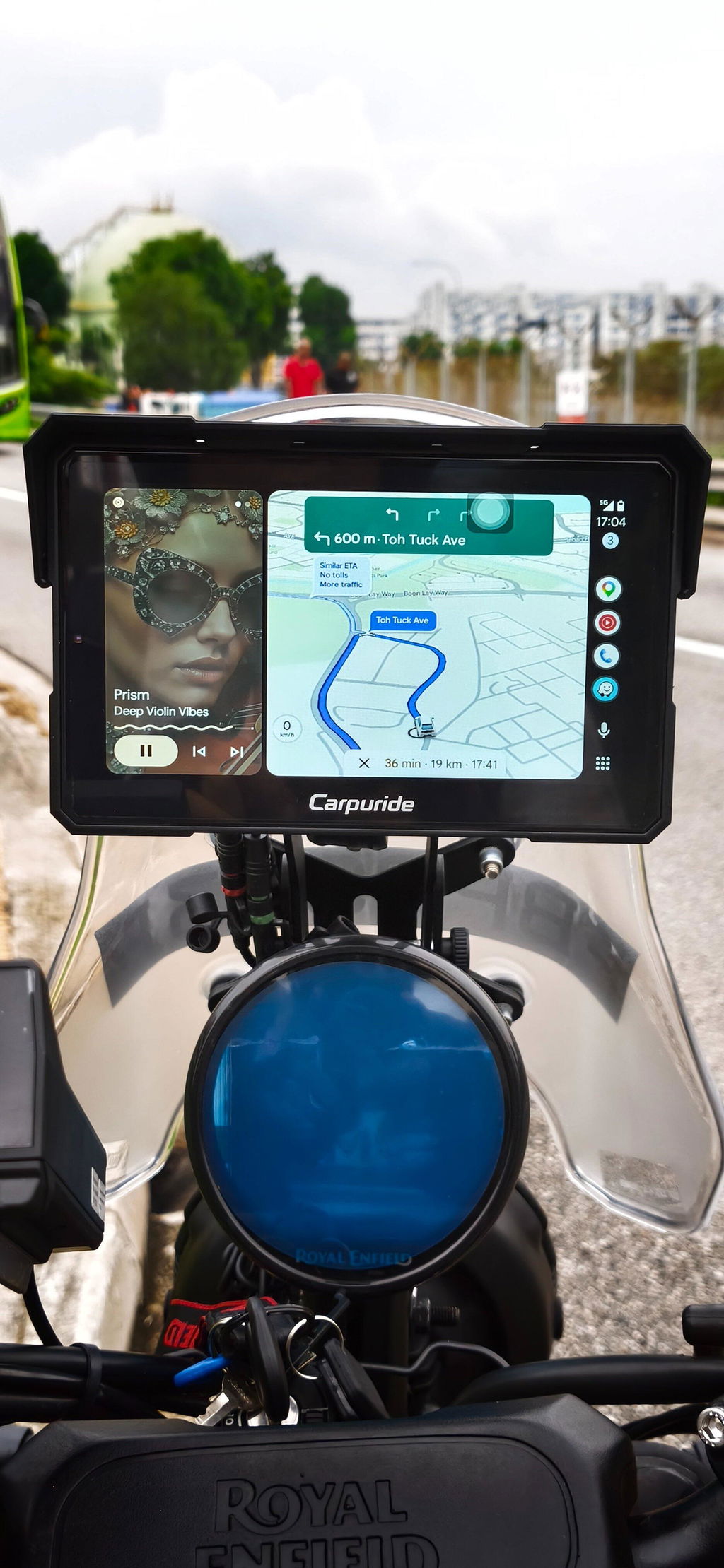
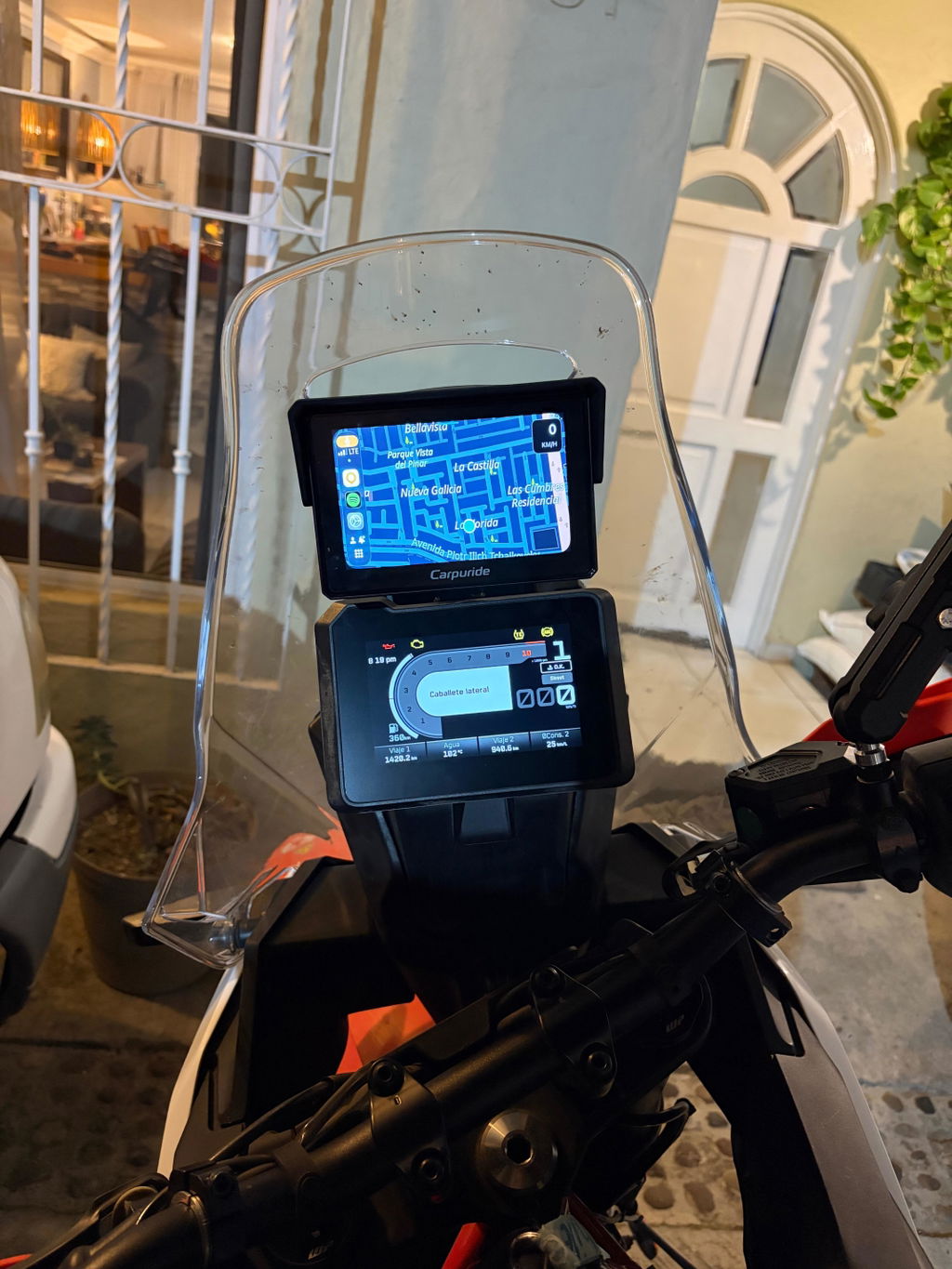
📱 Quick Summary
Confirmed Incompatible: Huawei P series, Mate series, and all HarmonyOS devices
Generally Compatible: Android devices running Android 11 or higher
Based on user feedback and testing, this statement outlines Android phone compatibility with Carpuride wireless connections. Connection stability varies by phone hardware, system version, and software configuration, so compatibility may differ between models from the same brand.
1. Confirmed Incompatible Models
Testing has confirmed that the following phones and systems are incompatible with Carpuride wireless connections due to hardware or system limitations:
- Huawei P series: All models (including P30, P30 Pro, P40, P50, etc.)
- Huawei Mate series: All models (including Mate 20, Mate 20 Pro, Mate 30, Mate 40, etc.)
- All devices running HarmonyOS: All Huawei devices equipped with HarmonyOS have not yet achieved compatibility due to differences in the system's distributed architecture and connection protocols
⚠️ Important: If your device is in this category, we recommend using a wired connection (only available on select older car CarPlay models) or using a compatible Android device.
Most other Android phones running Android 11 or higher are generally compatible. If you experience any disconnection issues, please contact customer support (support@carpuride.com) to update your software.
💡 Tip: Devices running stock Android or Android One typically have better compatibility. Make sure your Android Auto app and phone system are up to date.
2. Troubleshooting Steps for Connection Issues
A failed connection does not automatically mean your phone is incompatible. Follow the guide that matches your problem:
- Phone not found, pairing fails, or Android Auto will not open: See our iPhone and Android connection troubleshooting guide.
- Android Auto connects but keeps disconnecting: See our Android disconnection troubleshooting guide.
⚠️ Important Note: If troubleshooting fails, test another compatible Android phone. If it works, your original phone may be incompatible, but this is not conclusive. If it also fails, or another phone is unavailable, contact Carpuride Support.
3. Frequently Asked Questions (FAQ)
Q1: My phone is not on any of the lists above. Will it work with Carpuride?
A: Most likely yes! If your phone is not listed in the incompatible and Android 11 or higher, it should work with Carpuride wireless connection. Make sure you have Android Auto installed and your phone's system is up to date.
Q2: Can I use a wired connection instead of wireless?
A: It depends on your Carpuride model:
- Motorcycle products: All motorcycle models support wireless connection only
- Car CarPlay products: Some older car models support both wireless and wired connections via USB cable, while most newer car models support wireless connection only
- Please check your specific model's product page or user manual to confirm whether wired connection is supported
Q3: Will future updates improve compatibility with HarmonyOS devices?
A: Our technical team is actively working on compatibility improvements for HarmonyOS and other problematic models. We will announce updates through our official channels when new compatibility is achieved.
Q4: My phone worked before but suddenly stopped connecting. What should I do?
A: This does not automatically indicate incompatibility. Follow the relevant troubleshooting guide in Section 2. If the problem remains, test another compatible Android phone or contact Carpuride Support for assistance.
Q5: Does the Android version matter for compatibility?
A: Yes, Android Auto requires Android 8.0 (Oreo) or higher. For the best experience, we recommend Android 11 or newer. Older Android versions may have limited functionality or connection issues.
Q6: Can I test compatibility before purchasing?
A: We recommend checking our compatibility list and contacting customer service at support@carpuride.com with your specific phone model and Android version before purchasing. Some retailers may also offer return policies if compatibility issues arise.
4. Customer Support and Service
Need Help? If you encounter connection problems, please contact our official customer service:
- 📧 Email: support@carpuride.com
- 📝 Please provide: Your Carpuride model number, phone model, Android version, system version, and detailed problem description
- ⏰ We provide one-on-one technical support to help resolve your issues
✅ Our Commitment: We will continue to iterate and optimize product compatibility to bring you a more stable usage experience. Thank you for your understanding and support!
Carpuride Official Team