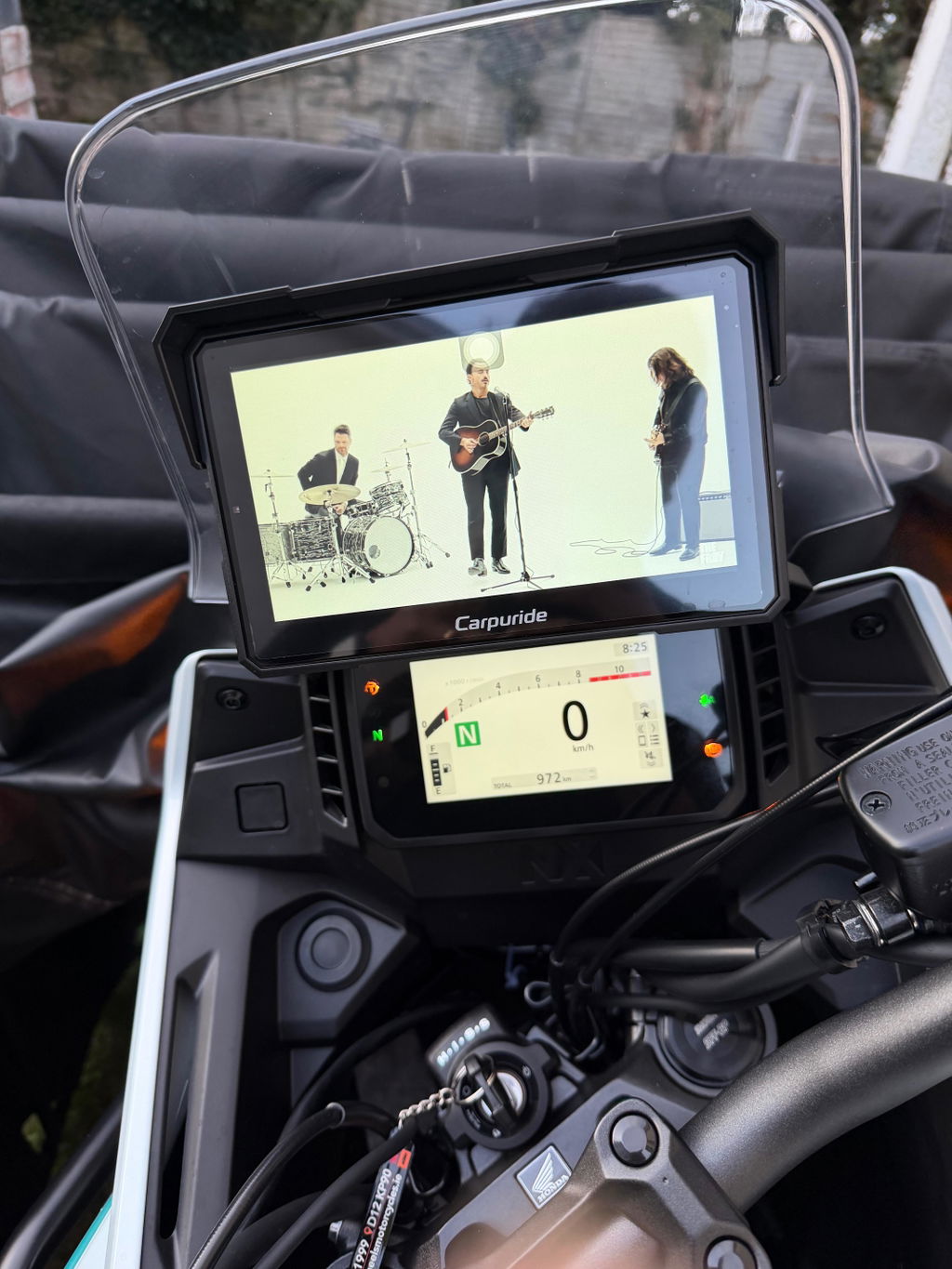
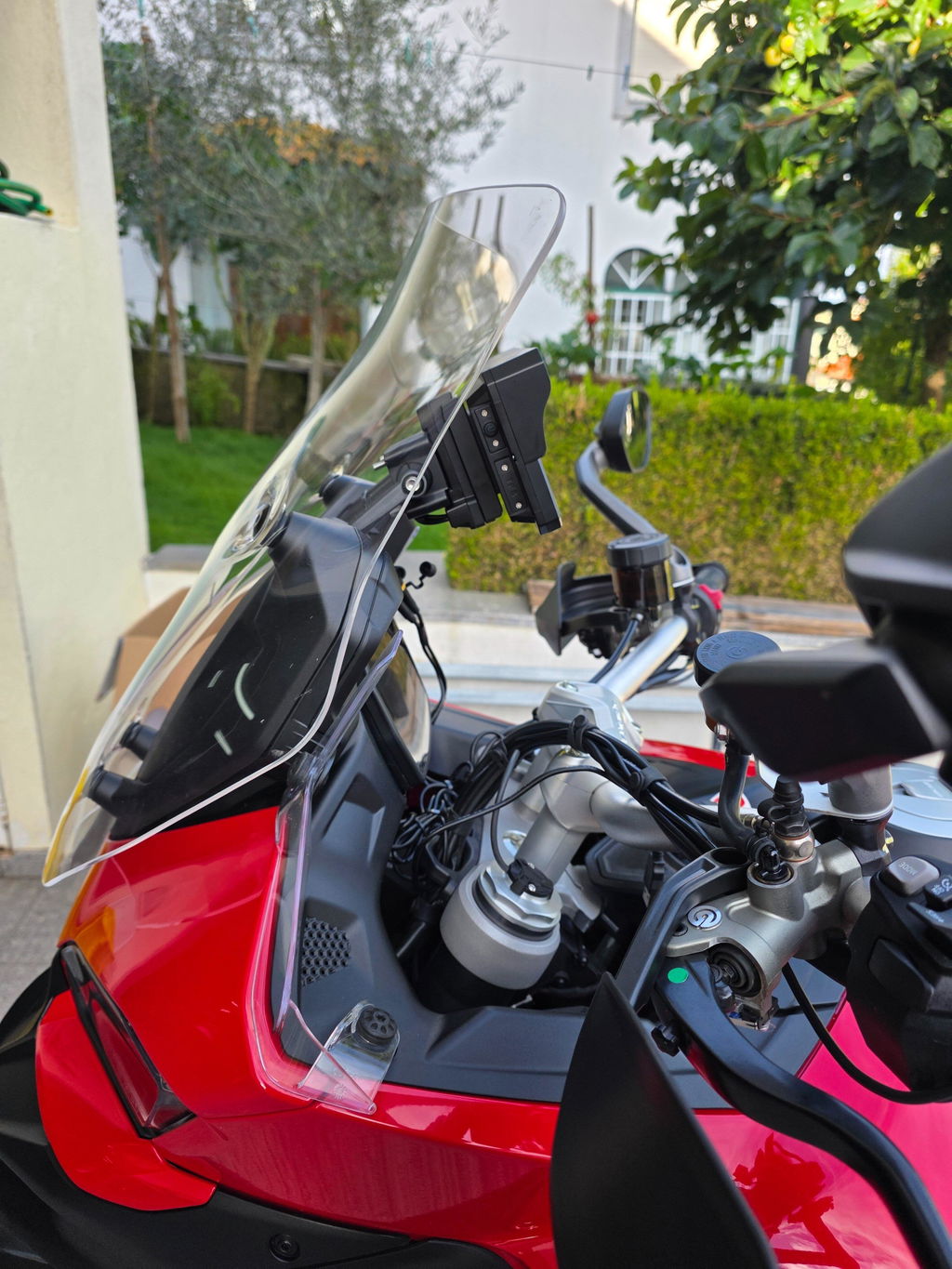
Carpuride W603DS with Optional TPMS | 6-Inch Motorcycle CarPlay | Plug-and-Play BM05 Bracket | Dual Cameras


Variants: 603DS
Prix:
Prix réduit329.99 USD
Prices shown in your local currency are for reference. Checkout is in USD — your bank will convert automatically.

Payment & Security

American Express Diners Club Discover JCB Maestro Mastercard PayPal Union Pay Visa

Vos informations de paiement sont gérées de manière sécurisée. Nous ne stockons ni ne pouvons récupérer votre numéro de carte bancaire.

Description

⚠️ IMPORTANT - Read Before Purchase: This product is NOT compatible with HarmonyOS and some Android modelsView Full Compatibility List

⚙️ Technical Specifications
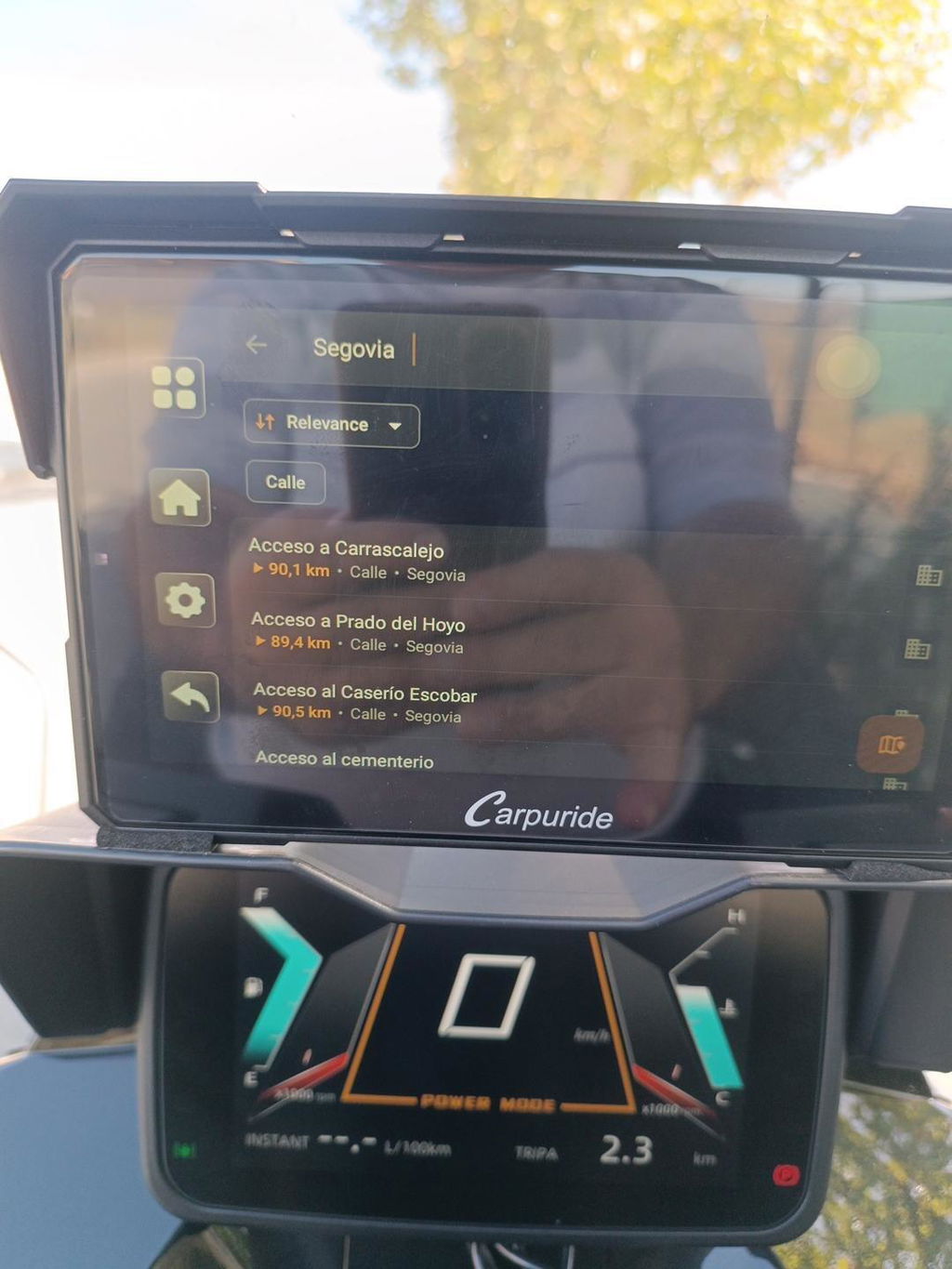
Display: 6.3-inch IPS touchscreen, 2.5D curved glass, 1560×720 resolution, 1000 nits brightness (sunlight readable), 90° rotatable (landscape/portrait)
Connectivity: Wireless CarPlay, Android Auto, Bluetooth 5.0
Dash Cam: Dual 1080 HD cameras (front and rear), 140° wide-angle view, 30FPS recording, split-screen DVR mode
TPMS: Optional tire pressure monitoring system with 2 wireless sensors (real-time pressure)
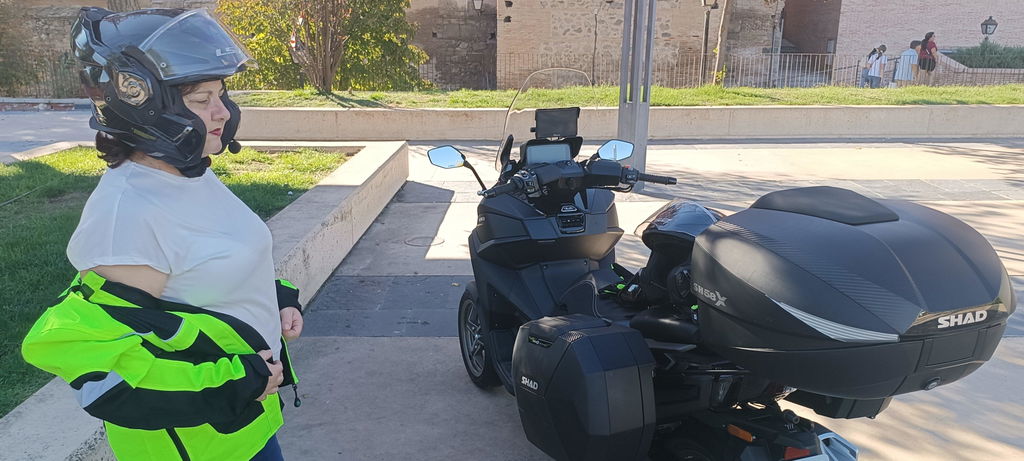
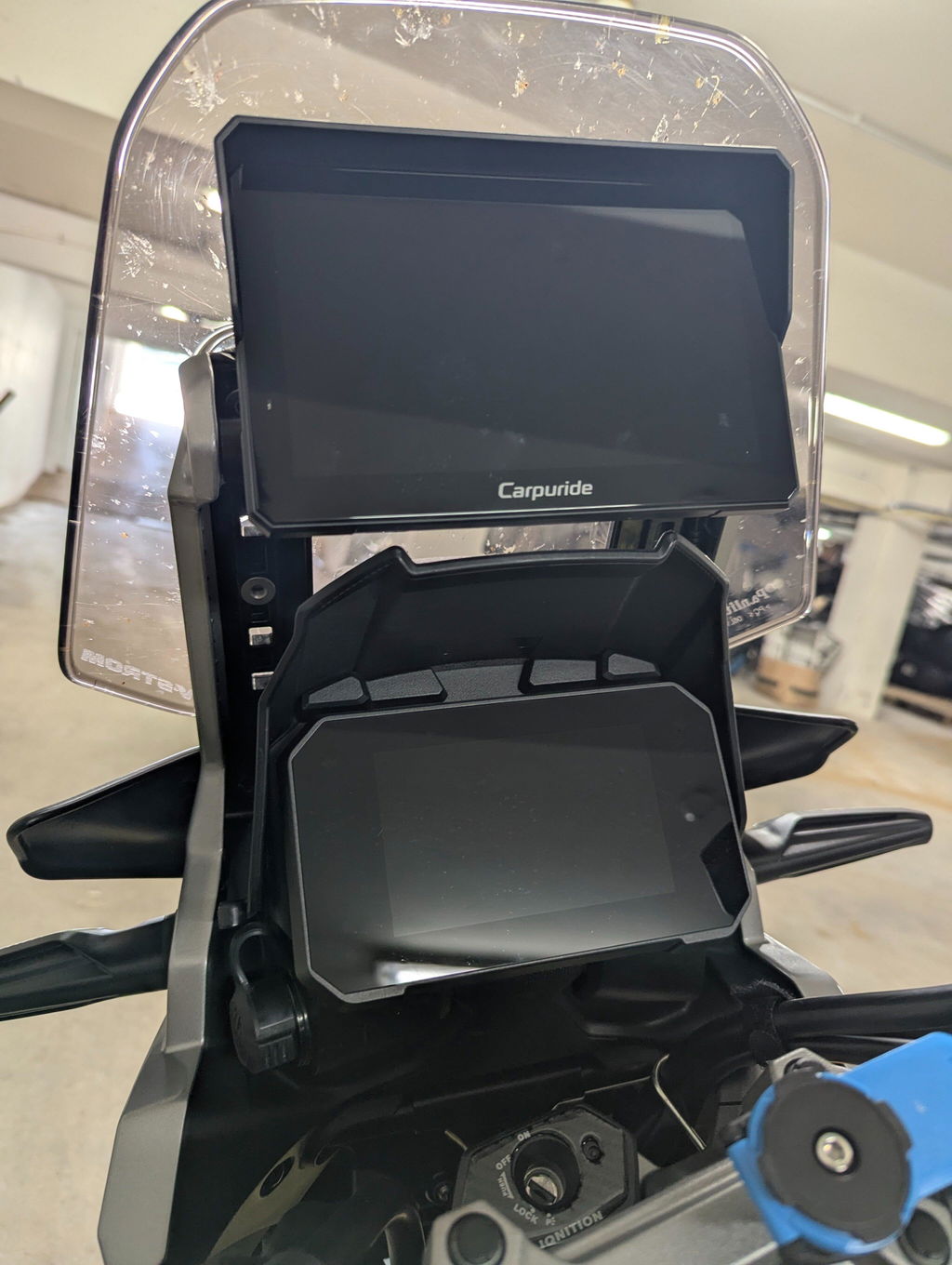
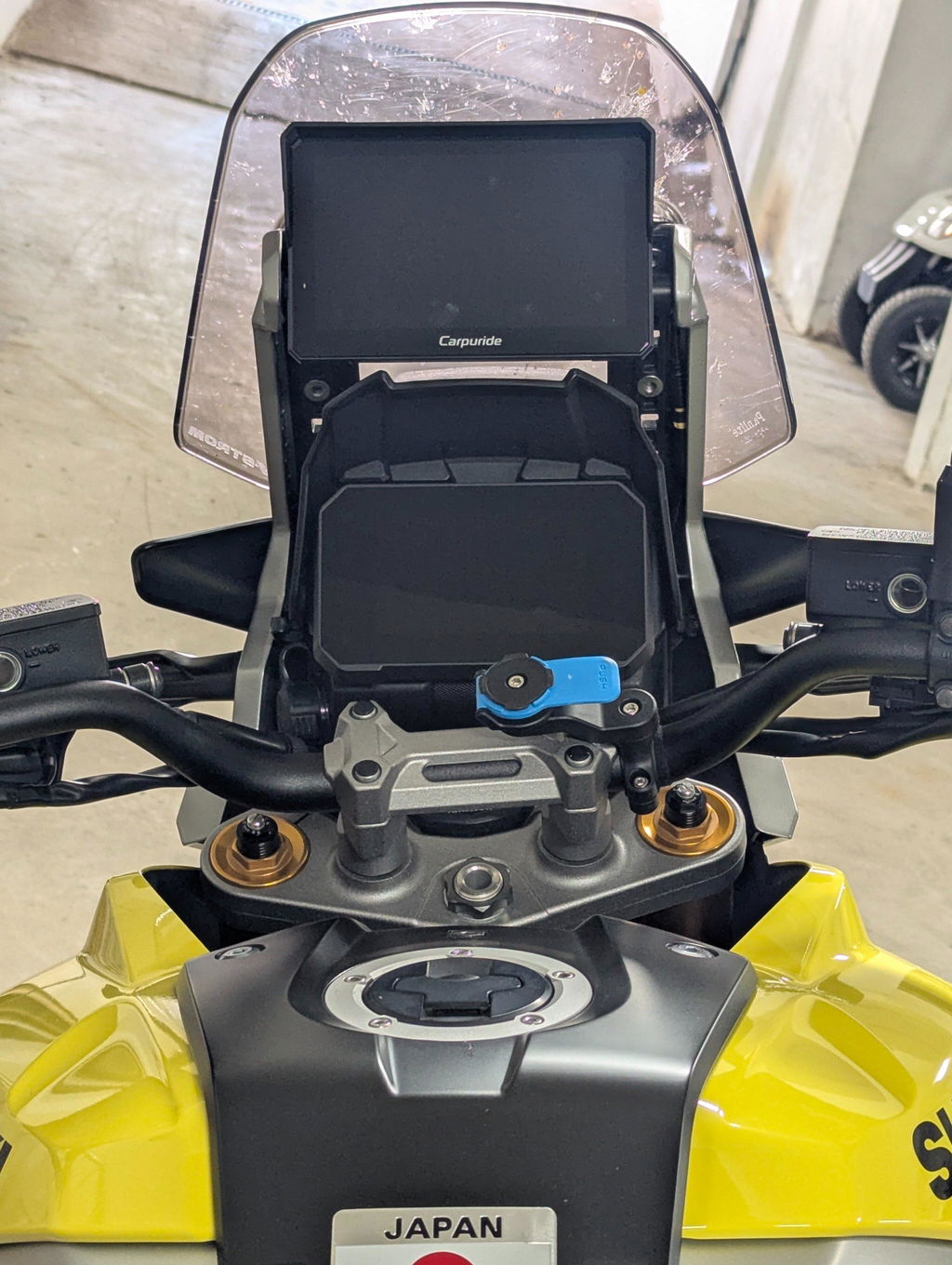
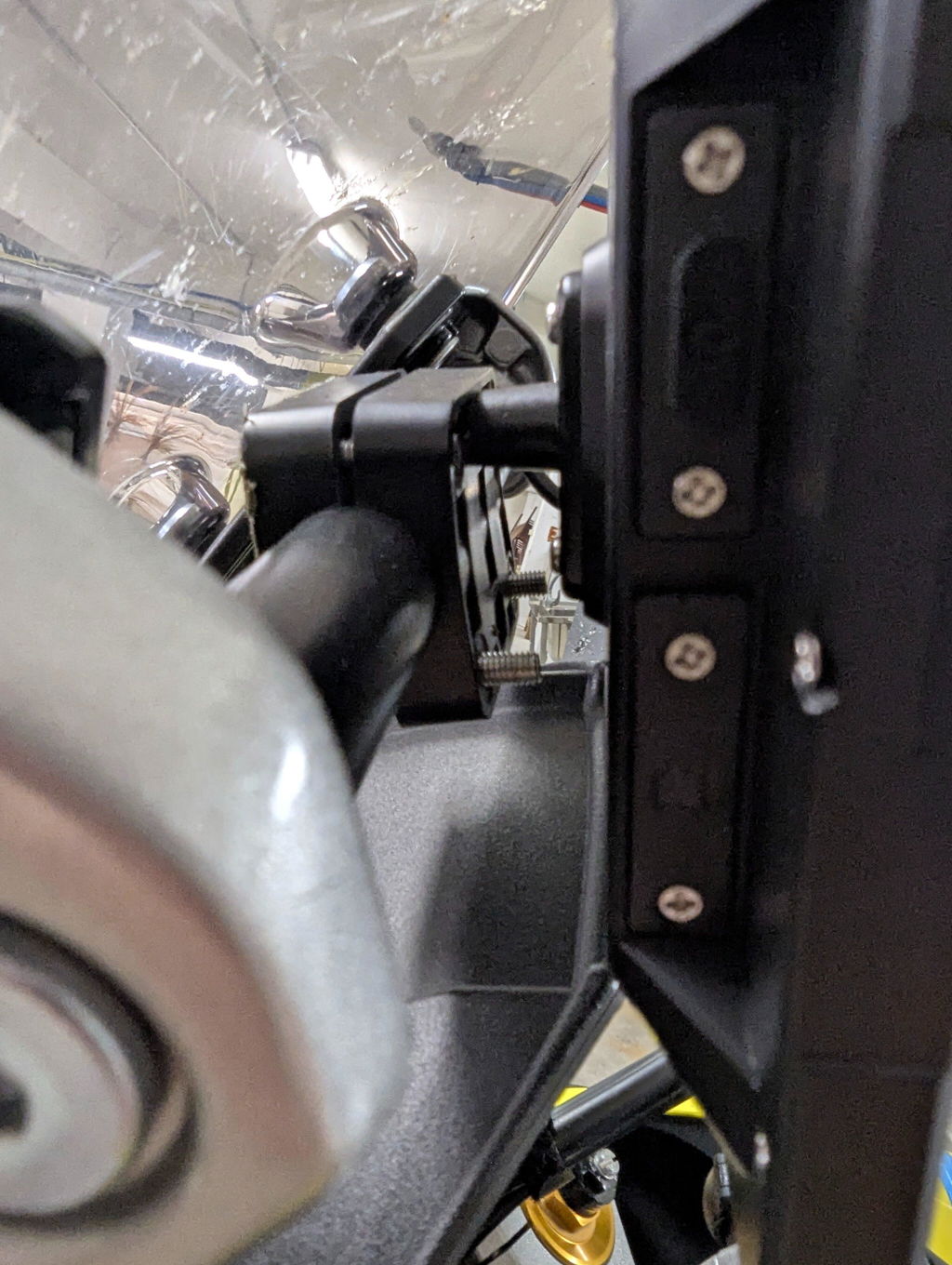
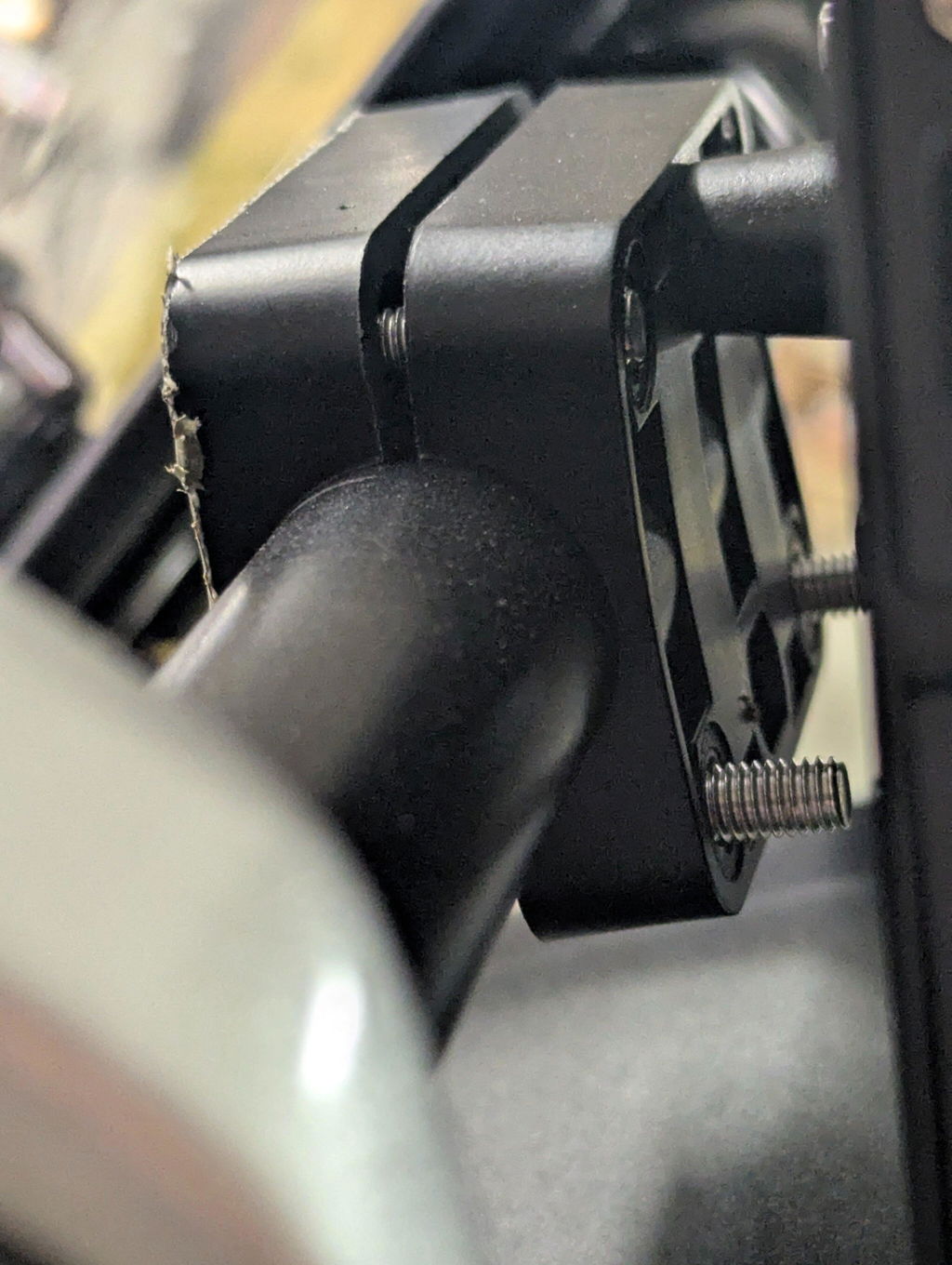
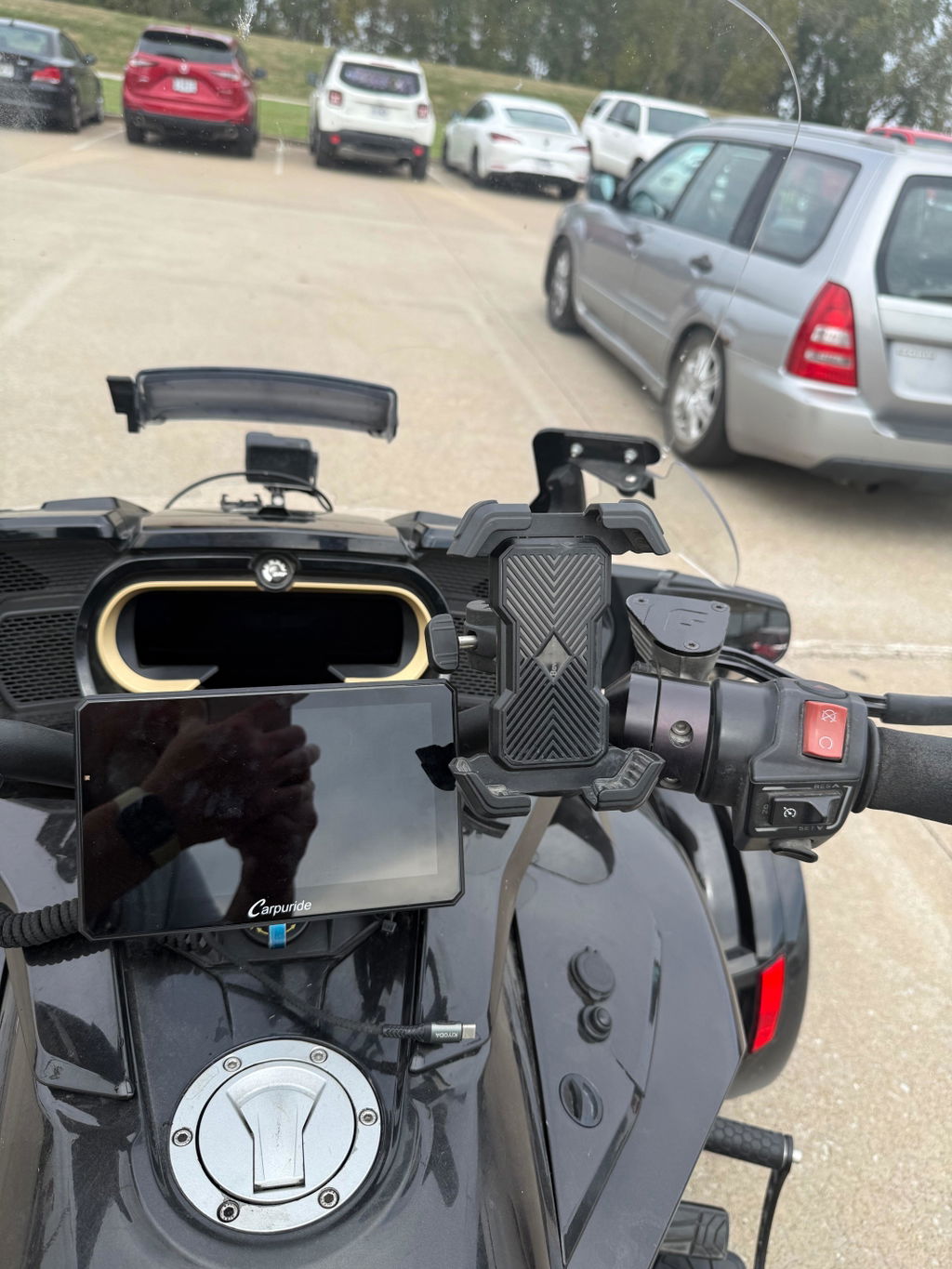
Mounting: Universal ring bracket (fits most motorcycle handlebars, 360° rotation adjustment), Square Bracket
Waterproof: IP67 rated (submersible up to 1 meter for 30 minutes, dust-tight)
Audio: Bluetooth connectivity for helmet/headset integration
Storage: 64GB TF card included for dash cam loop recording
Power: 12V2A DC (direct battery connection) or USB-A port (5V, 3A minimum)
Control: Handlebar wired controller included (single click to switch screens/cameras, long press for calls/photo capture)
Updates: TF card firmware updates
Special Features: Plug-and-Play BM05 Bracket, 90° screen rotation, dual dash cam, wired controller, loop recording

📱6.3-inch HD Wireless Motorcycle Stereo

This 6.3-inch wireless motorcycle stereo supports Apple CarPlay, Android Auto, Bluetooth, and includes a 1080 HD display, backup camera, IP67 waterproofing, and free online updates.

🔄 Landscape and Portrait Screen Rotation
Why rotate? Portrait mode (vertical) shows more road ahead during navigation, making it easier to see upcoming turns. Landscape mode (horizontal) is perfect for music playback and phone calls.

How it works:
1. Click the "Screen Rotation" button in settings
2. Device automatically restarts (takes 5-8 seconds)
3. Screen rotates 90° to your preferred orientation
4. Adjust camera orientation if needed

💡 Note: The boot logo only displays in landscape mode. When installing cameras, check orientation on screen first - if reversed, loosen screws and rotate camera to correct direction.

📹 Dual Front and Rear Dash Cam

Complete ride recording:
1. Dual 1080P HD cameras: Front and rear recording at 30FPS
2. 140° wide-angle view: Capture everything around you
3. Split-screen DVR mode: View front and rear simultaneously
4. Loop recording: 64GB TF card included - auto-deletes old footage when full

💡 Perfect for: Evidence collection, scenic ride memories, and safety documentation.

🛞 TPMS Installation Guide (603DS+TPMS Only)

Simple 3-step installation:

  1. Remove valve caps: Unscrew your existing tire valve caps from front and rear wheels
  2. Install TPMS sensors: Hand-tighten the TPMS sensors onto valve stems (do not use tools to avoid damage)
  3. Auto-activation: Sensors automatically power on when detecting wheel motion

📲 TPMS Pairing Steps
1. Check compatibility: Settings → System, verify firmware includes "TPMS" in configuration name
2. Select vehicle type: Open TPMS interface, choose 2-wheel or 4-wheel mode, tap "Binding sensor" and confirm
3. Enter pairing code: Input the sensor pairing code (found on sensor body) and confirm
4. Set alarm values: Configure pressure thresholds (default: Low 1.6 Bar / High 3.2 Bar) and select unit (Bar or PSI)
💡 Tip: Pairing code uses numbers (0-9) and letters (A-F). Customize alarm values based on your tire specifications.

🎮 Handlebar Wired Controller

Included wired controller mounts to your handlebars for easy access:

  • Cycle Button: Short press to switch between front/rear camera, long press to take photo
  • Phone Button: Short press to answer/hang up calls, long press to reject call
  • Home/Lock Button: Short press to return to main interface, long press (3 seconds) to lock screen
  • Safe operation: Control without taking hands off handlebars

⚠️ Note: When using an Android phone, the cycle button does not support answering incoming calls. iPhone users can answer calls normally using the wired controller.

🎯 Wireless CarPlay & Android Auto
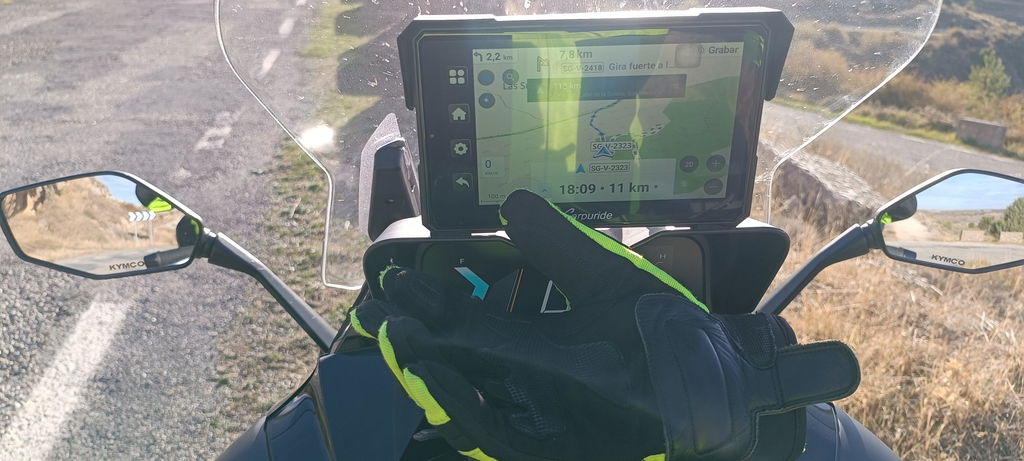
Connect your smartphone wirelessly for instant access to navigation, calls, music, and voice control. Compatible with Apple Maps, Google Maps, Waze, HERE Maps, and Sygic. Seamless connectivity for both iPhone and Android devices.

🎧 Bluetooth Audio Connection

Simple 3-step setup:
1. Connect your phone to Bluetooth helmet or headset
2. Connect your phone to W603DS via Bluetooth/WiFi
3. Enter CarPlay or Android Auto - audio plays through your helmet

⚠️ Note: Make sure your Bluetooth headset or helmet has a microphone for phone calls and voice control.

🔄 Loop-Cycle Recording

With loop recording enabled, the system automatically deletes the oldest videos when the TF card is full, ensuring continuous safety documentation of your rides. Never worry about running out of storage space.

📱 6.3-Inch Ultra-Sensitive Touch IPS Screen

Premium display features:
1. 1560×720 HD resolution: Crystal-clear visuals
2. IPS full-view technology: Perfect viewing from any angle
3. 2.5D curved screen: Smooth, refined touch experience
4. 1000 nits brightness: Glare-free even in direct sunlight
5. Capacitive touch: Responsive even with gloves

🏍️ Universal Compatibility

Works with virtually any motorcycle:
Sport bikes, cruisers, adventure bikes
Dirt bikes and dual-sport motorcycles
Electric motorcycles and scooters
Mountain bikes with motor assist
One-time installation, hassle-free setup. Perfect for riders seeking reliable motorcycle GPS and entertainment systems.

🔧 Wiring Installation Guide

Two power options:
Power Cable: Direct connection to motorcycle battery (12V, 2A supported)
USB Cable: Connect to USB port (requires 5V, 3A minimum)
All ports (power, two cameras, wired controller) connect via color-coded cables. Follow the diagram for easy installation.

Customer Reviews

Be the first to write a review
0%
(0)
0%
(0)
0%
(0)
0%
(0)
0%
(0)

You may also like

Recently viewed