📋 BS Series Common Issues & Solutions
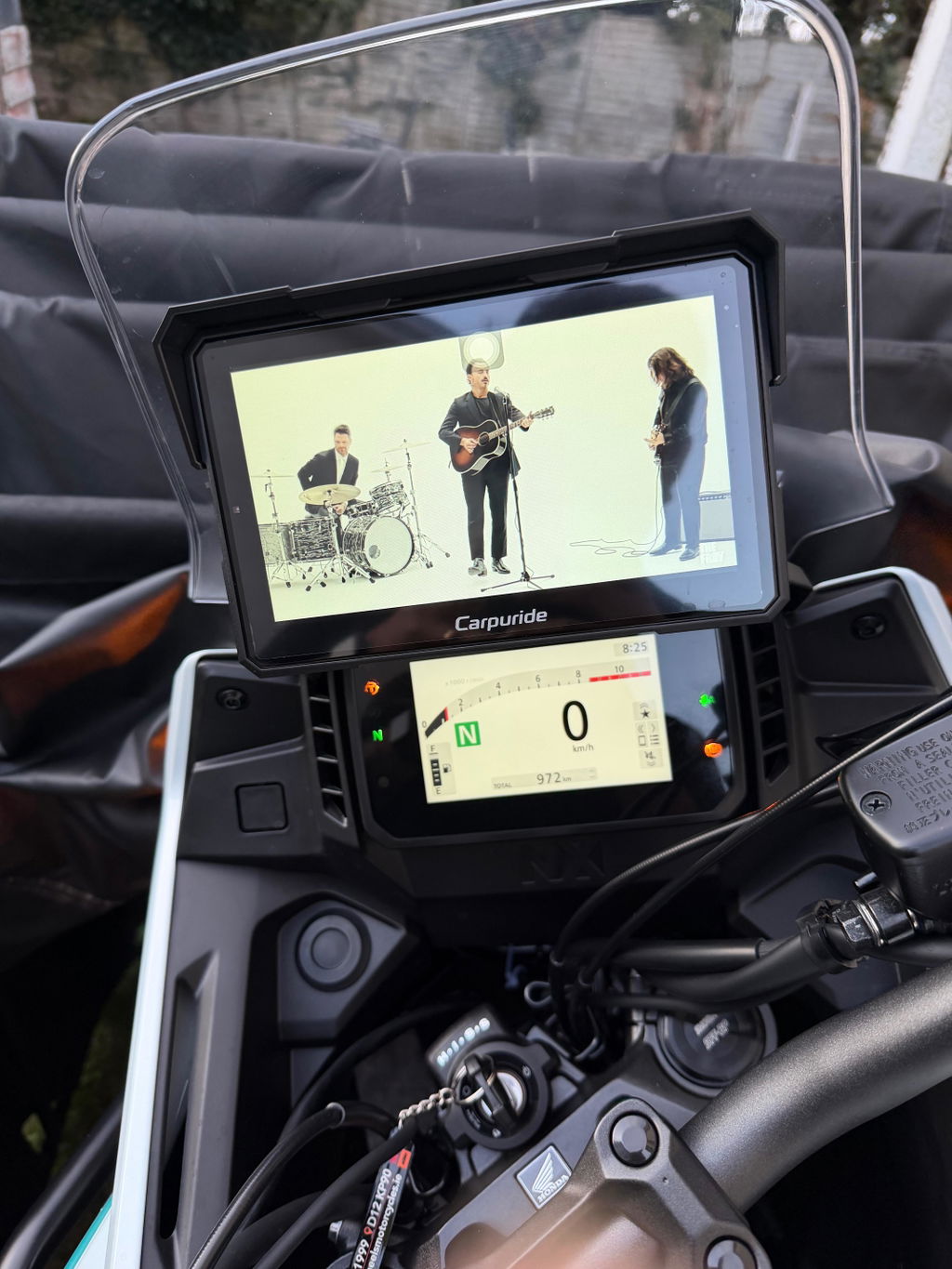
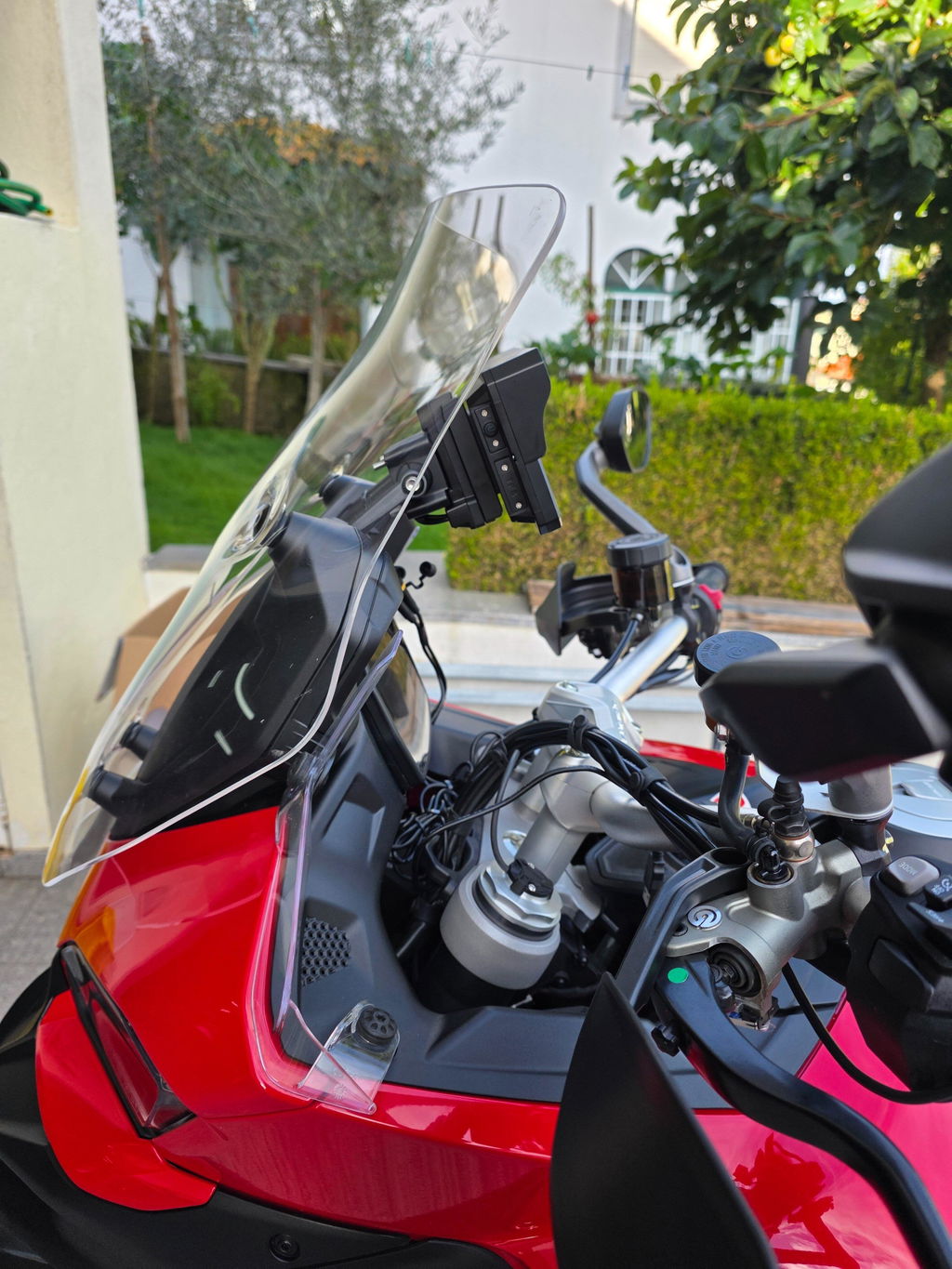
This guide addresses frequently reported issues with our BS Series motorcycle multimedia devices. Most issues can be resolved through firmware updates or understanding model-specific limitations. Please check our official compatibility list first to ensure your motorcycle model is supported.
Common Issues and Solutions for BS Series
Even with compatible motorcycle models, you may encounter some of the issues below due to hardware variations between different motorcycle series. We provide clear explanations and solutions for each scenario.
1. 🚦 Brake Light Display Issue
Issue: The mounting bracket on many F-series motorcycles cannot accurately transmit brake signal data to the BS Series device.
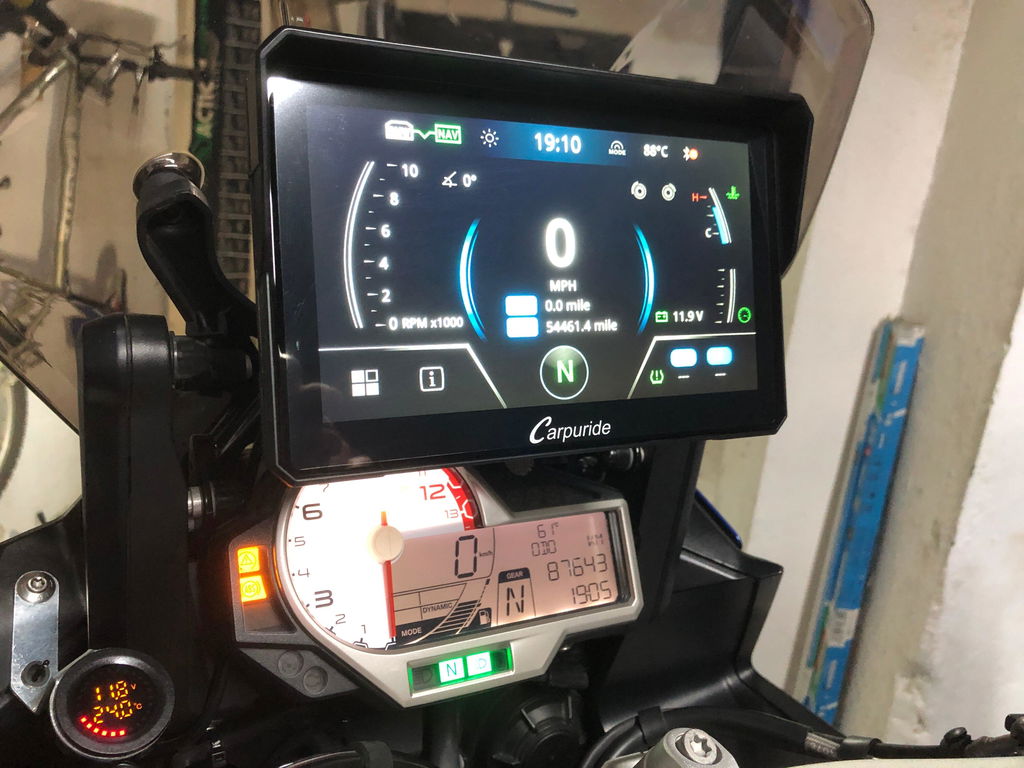
Solution: We have removed the brake light functionality for these specific motorcycle models. However, the brake light icon remains visible in the interface because this feature continues to work normally on other compatible models such as the R1250GS and R1200GS series.
Status: This is a hardware limitation specific to certain motorcycle models, not a device defect.
2. 🌡️ Temperature Display Inaccuracy
- No temperature displayed: Your motorcycle system does not have this feature built-in
- Incorrect temperature shown: Can be resolved through software update
Solution:
- If temperature is not displayed at all, this indicates your motorcycle's system does not support temperature output
- If temperature readings are inaccurate, please update your BS Series device to the latest firmware version
How to update: See the detailed firmware update instructions below.
3. 📐 Lean Angle Display Issue
Issue: Early production units experienced problems with lean angle display accuracy.
Solution: All lean angle display issues have been fixed in recent software versions. If you're still experiencing this problem:
- Check your current firmware version
- Update to the latest software version (see instructions below)
- If the issue persists after updating, contact our support team
4. ⛽ Fuel Gauge Display Issue
Issue: Different motorcycle models have varying fuel tank capacities, making it impossible for the BS Series device to accurately display fuel levels across all compatible motorcycles.
Solution: We have removed the fuel level display feature and replaced it with throttle position and related performance data, which provides more accurate and useful real-time information for riders.
Why this change? This ensures all displayed information is accurate and reliable, rather than showing potentially misleading fuel data.
🔄 How to Update Your BS Series Firmware
Two Update Methods Available:
Method 1: OTA (Over-The-Air) Update - Recommended ✨
The easiest way to update your device wirelessly:
- Ensure your BS Series device is connected to WiFi or has internet access
- Navigate to Settings menu on your device
- Select "System Update" or "Firmware Update"
- Check for available updates
- Follow on-screen instructions to download and install
- Device will restart automatically after update completes
Note: Keep your device powered on during the entire update process.
Method 2: TF Card (SD Card) Update 💾
For manual updates or when OTA is unavailable:
- Contact our customer service team to request the latest firmware version
- Download the firmware file to your computer
- Copy the firmware file to a TF card (SD card)
- Insert the TF card into your BS Series device
- Navigate to Settings → System Update → Update from TF Card
- Select the firmware file and confirm installation
- Wait for the update to complete and device to restart
Important: Do not remove the TF card or power off the device during the update process.
- Always backup your settings before updating (if applicable)
- Ensure battery is at least 50% charged or device is connected to power
- Use a reliable TF card (Class 10 or higher recommended)
- Contact customer service if you encounter any issues during update
🔧 General Troubleshooting Steps
Before Reporting an Issue:
- Verify Compatibility: Check that your motorcycle model is on our official compatibility list
- Update Firmware: Ensure your BS Series device is running the latest software version
- Check Connections: Verify all cables and mounting brackets are properly installed
- Review Documentation: Consult your user manual for model-specific notes
❓ Frequently Asked Questions
Q: How do I check if my motorcycle is compatible?
A: Visit our official BS series compatibility list on website blog page or contact our support team with your motorcycle's year, make, and model.
Q: Where can I download the latest firmware?
A: For OTA updates, use the built-in update function on your device. For TF card updates, contact our customer service team who will provide you with the latest firmware version.
Q: How do I know which firmware version I currently have?
A: Go to Settings → About Device or System Information to view your current firmware version.
Q: What if my issue isn't listed here?
A: Please contact our technical support team with detailed information about your motorcycle model and the specific issue you're experiencing.
Q: My motorcycle is on the compatibility list but I'm still experiencing issues. Why?
A: Even compatible models may experience some of these issues due to hardware variations between different motorcycle series. Most issues can be resolved through firmware updates or the solutions outlined in this guide.
✅ Purchase with Confidence
All BS Series devices come with comprehensive warranty coverage and dedicated technical support. We're committed to ensuring your riding experience is enhanced with reliable, accurate information.
Need Help?
Our technical support team is ready to assist you with any questions or concerns.
Contact us today for personalized support!
Email:service@carpuride.com