Winter riding presents unique challenges that test both rider skill and equipment reliability. From freezing temperatures to icy roads and reduced visibility, harsh weather conditions demand extra preparation and the right technology. Your Carpuride motorcycle CarPlay system can be a critical safety tool during winter months—if you know how to use it effectively.
This guide covers the core essentials of winter riding safety with your Carpuride device, from equipment preparation to emergency handling.
Why Winter Riding Requires Professional Equipment
Traditional smartphone mounts often fail in winter conditions—screens become unresponsive in freezing temperatures, gloves make touch control impossible, and condensation obscures visibility.
Carpuride motorcycle CarPlay systems are designed to handle these challenges:
- IP67 Waterproof Rating - Resists rain, snow, and road spray
- Glove-Friendly Touchscreen - Operates even with winter gloves
- Low-Temperature Stability - Functions normally down to -20°C (-4°F)
- Hands-Free Voice Control - Keep hands on handlebars, eyes on road
- Real-Time Weather Integration - Early warnings for changing conditions
5 Essential Pre-Ride Checks
1. Verify Mounting Security
Cold temperatures affect material flexibility. Check that your Carpuride mount and all bolts are firmly secured to prevent vibration-induced loosening.
2. Protect Cable Connections
Ensure USB and power cables are routed away from snow accumulation areas. Consider using dielectric grease on connections to prevent road salt corrosion.
3. Download Offline Maps
Winter weather can disrupt cellular signals. Download offline maps for your route through CarPlay using Google Maps or Apple Maps to ensure uninterrupted navigation.
4. Configure Emergency Contacts
Set up emergency contacts in your phone's favorites. With voice control, you can call for help without removing gloves.
5. Adjust Screen Brightness
Winter's low-angle sunlight and snow reflection create intense glare. Set your screen to auto-brightness or manually increase it above summer settings.
Core Carpuride Features for Winter Riding
Voice Navigation: Stay Focused on the Road
In winter, looking down at your screen—even for a second—can be dangerous. Enable turn-by-turn voice guidance and increase volume to compensate for wind noise and helmet insulation, allowing you to navigate without taking your eyes off the road.
Hands-Free Communication
Winter gloves make phone operation nearly impossible. Use Siri or Google Assistant for:
- "Hey Siri, call roadside assistance"
- "OK Google, navigate to nearest gas station"
- "Hey Siri, send my location to [contact name]"
TPMS Tire Pressure Monitoring: Critical Winter Safety
If your Carpuride is equipped with TPMS (like W702BS or W702S Pro + TPMS), this feature becomes essential in winter. Cold temperatures cause tire pressure to drop—typically 1 PSI for every 10°F decrease. Real-time pressure readings alert you before drops affect handling on icy roads. Learn more about tire pressure management for safe riding.
Real-Time Weather Alerts
Get real-time alerts about road conditions, ice warnings, and precipitation through Waze or Google Maps via CarPlay. Winter weather changes rapidly—continuous monitoring of your entire route is essential.
Dash Cam Recording
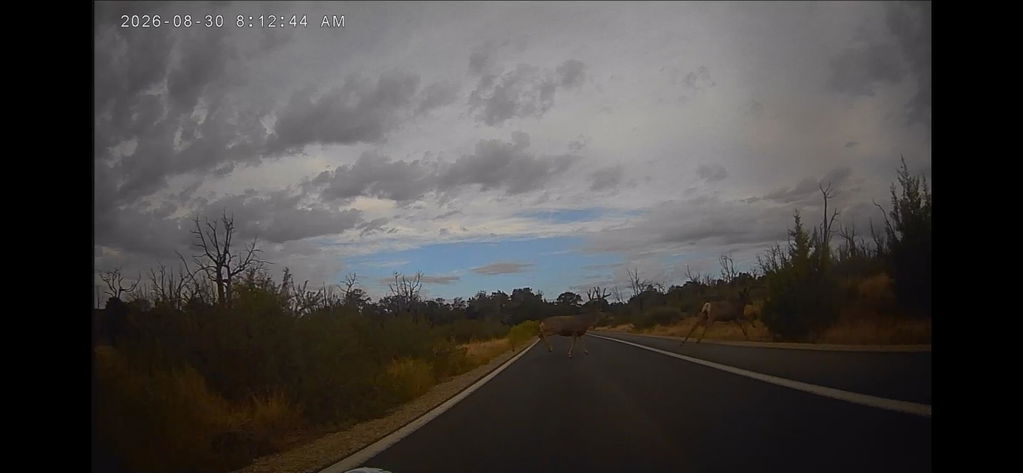
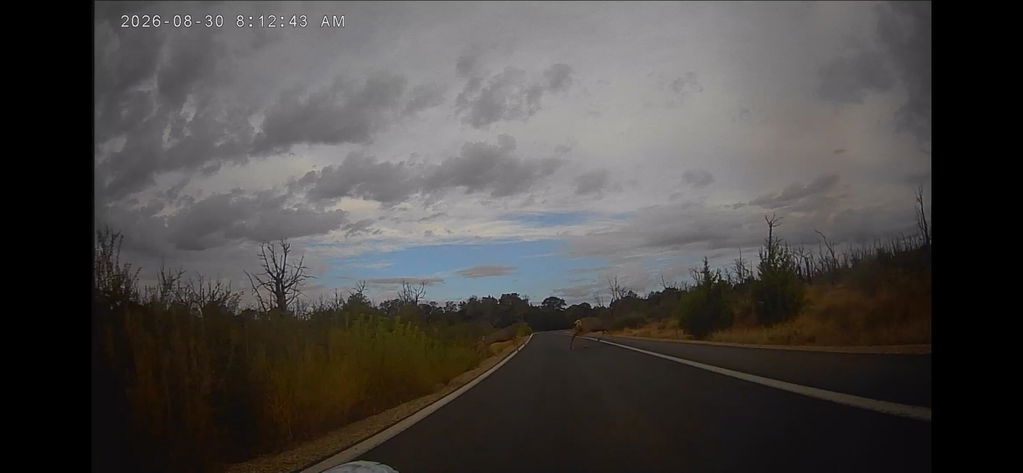
Models with integrated dash cams (like W702 Plus) automatically record your ride, providing crucial evidence in case of accidents or road hazards. The camera continues recording even in freezing temperatures. Discover why dash cams are essential for motorcycle safety.
Winter Riding Safety Checklist
Before Departure:
- ✅ Check mount and cable connections
- ✅ Download offline maps
- ✅ Verify TPMS readings (if equipped)
- ✅ Set emergency contacts
- ✅ Enable voice navigation and test volume
- ✅ Clean screen
During Your Ride:
- ✅ Use voice commands instead of touchscreen
- ✅ Monitor TPMS pressure changes
- ✅ Reduce speed and increase following distance
- ✅ Monitor real-time weather via navigation apps
- ✅ Locate safe stopping points if conditions worsen
If Conditions Deteriorate:
- ✅ Use voice to check alternate routes
- ✅ Navigate to nearest shelter
- ✅ Share location with emergency contacts
- ✅ Call for assistance using hands-free controls
Operating in Extreme Cold
Screen Performance
Carpuride displays operate down to -20°C, but extreme cold may temporarily slow screen response when first powered on. Allow 30-60 seconds for optimal responsiveness. Avoid aggressive tapping—gentle, deliberate touches work better. Voice commands remain fully responsive.
Glove Operation
- Use the pad of your finger, not the tip
- Apply slightly more pressure than bare-hand operation
- Consider capacitive-touch compatible riding gloves
- Rely on voice commands for complex operations
Battery Management
Your phone's battery drains faster in cold conditions:
- Keep phone in an inside jacket pocket when not actively using it
- Use a quality USB cable for stable charging
- Consider a battery pack for extended rides
- Monitor phone battery level through Carpuride display
Winter Route Planning
Avoid High-Risk Roads
Use Carpuride navigation to plan routes that avoid:
- Shaded roads that stay icy longer
- High-elevation passes prone to snow
- Unpaved roads that become muddy
- Remote areas with limited cell coverage
Mark Safe Stopping Points
Save these as favorites in your Carpuride for quick access:
- Gas stations (fuel up more frequently in winter)
- Restaurants/cafes (warm-up stops)
- Motorcycle-friendly hotels
- Emergency services locations
Leverage Real-Time Road Conditions
Waze and Google Maps provide user-reported hazards—ice patches, road closures, and accidents that help you avoid dangerous situations.
Emergency Situations
If Lost or Stranded
- Share your location - Use voice command to send GPS coordinates to emergency contacts
- Call for help - Hands-free calling keeps you connected while staying warm
- Navigate to safety - Find nearest gas station or restaurant
- Monitor weather - Check if conditions are improving or worsening
In Case of Accident or Breakdown
- Dash cam footage provides insurance evidence (if equipped)
- Voice-activated calling to roadside assistance or emergency services
- Precise GPS coordinates help responders locate you quickly
- Real-time weather awareness for rescue response planning
Post-Ride Maintenance
Cleaning Your Device
Use a damp microfiber cloth to remove road salt and grime (salt is corrosive). Thoroughly dry ports and connections. Check cables for damage from cold or road debris.
Long-Term Storage
If storing your motorcycle for extended winter periods:
- Remove Carpuride to prevent theft and weather damage
- Store in climate-controlled environment
- Disconnect power cables to prevent battery drain
- Use downtime to install firmware updates
When NOT to Ride
Technology cannot replace good judgment. Postpone your ride if:
- Active snowfall or freezing rain
- Ice warnings on your planned route
- Temperatures below your skill level
- Visibility under 100 meters
- Wind gusts exceeding safe limits
Your Carpuride will be ready when conditions improve.
Recommended Models for Winter Riding
For BMW Riders: W702BS - OEM integration + TPMS tire monitoring
For Maximum Safety: W702 Plus - App support + dash cam recording
For Universal Compatibility: W602S Pro - Plug-and-play + core features
View complete model comparison in our 2026 Buying Guide
Final Thoughts
Winter riding demands respect, preparation, and the right equipment. Your Carpuride motorcycle CarPlay system provides navigation, communication, and safety features that make cold-weather riding more manageable—but your judgment and skill keep you safe.
Prepare your equipment, plan your routes, monitor conditions, and never hesitate to turn back if weather exceeds your comfort level.
Stay safe out there, and enjoy the unique beauty of winter riding.
For more riding safety tips, check out our complete motorcycle safety guide.