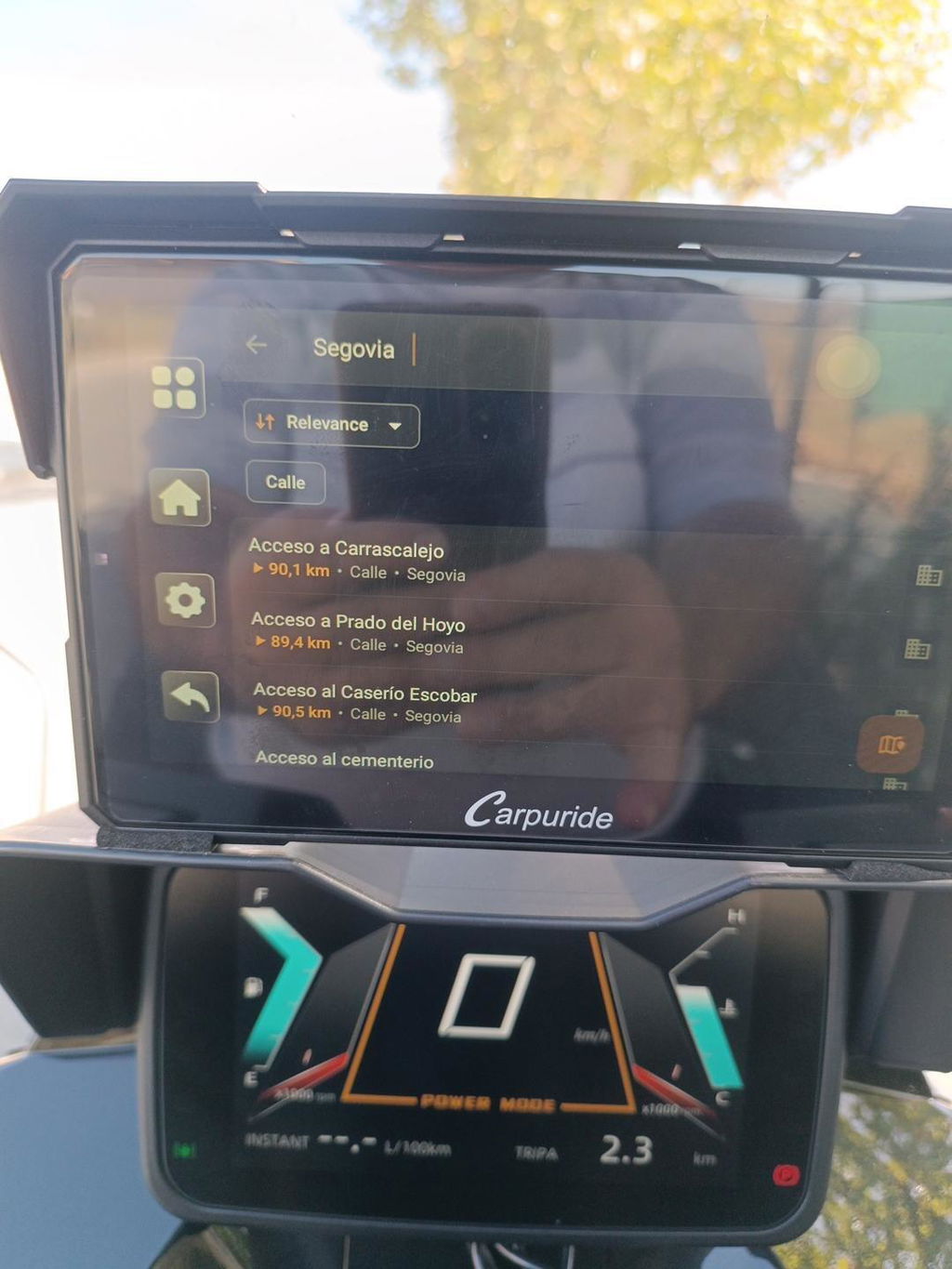
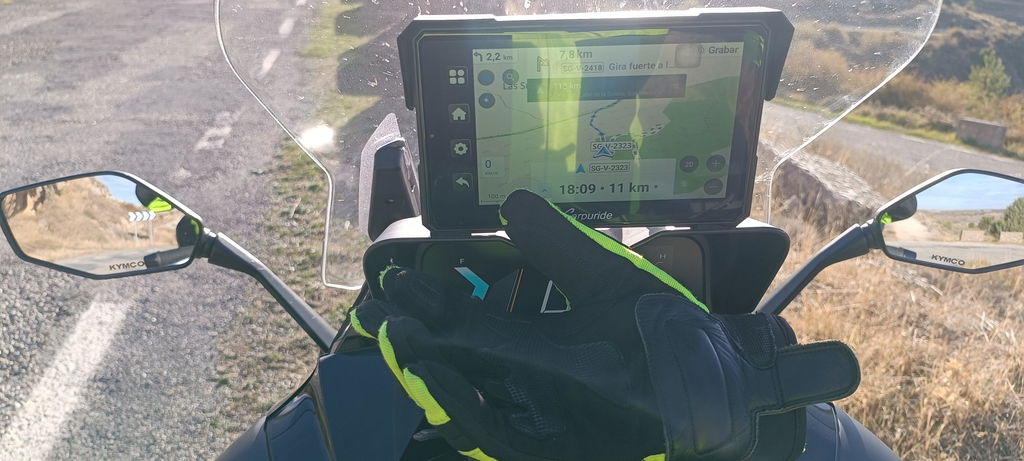
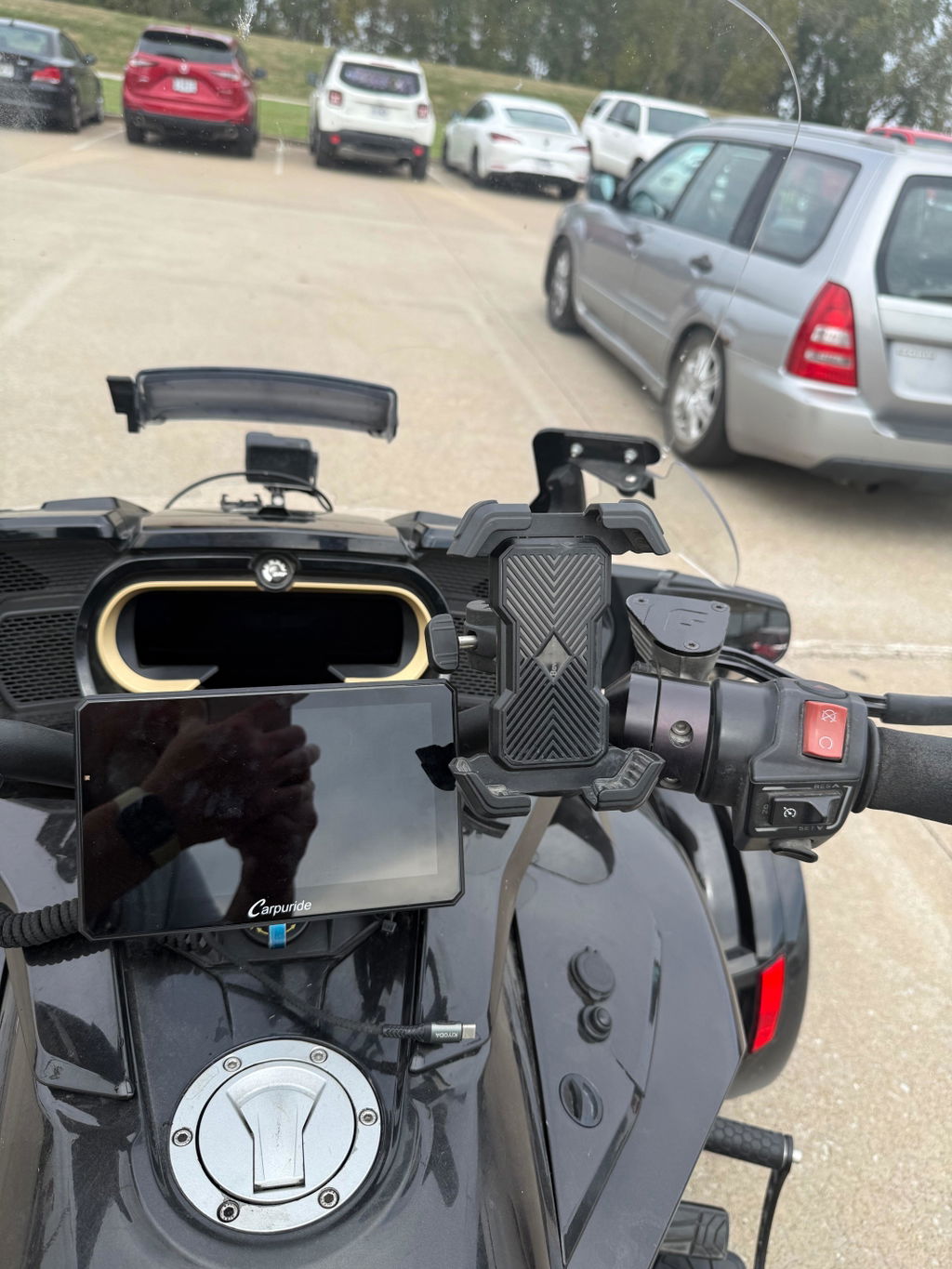
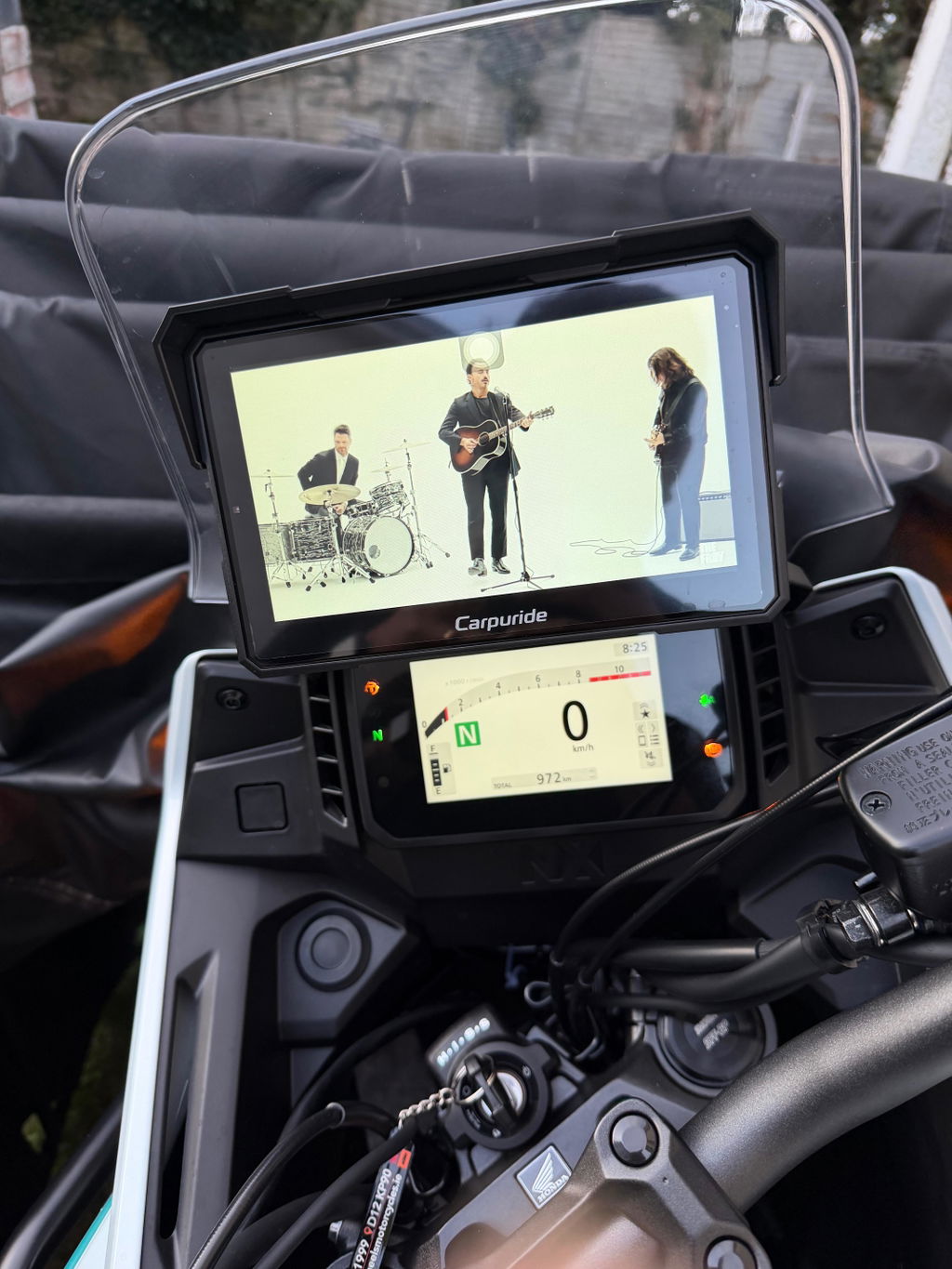
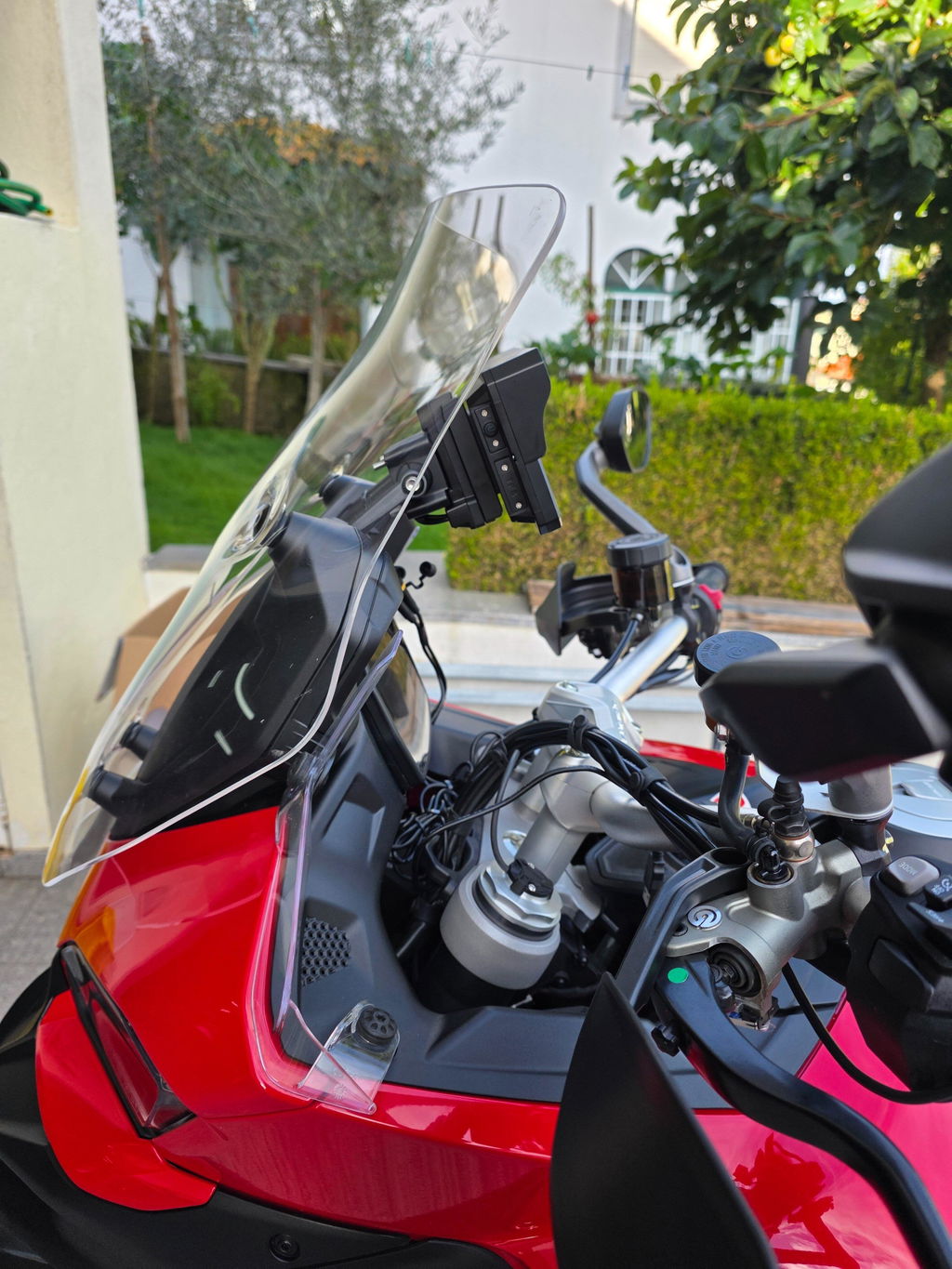
We continuously listen to community feedback to make your riding experience smoother and more reliable. Based on recent rider suggestions, we have released a new firmware update for the Carpuride W502 Pro, W602 Pro, W702 Pro, and BS Series.
Here is everything you need to know about what’s included, compatibility requirements, and update precautions.
🚀 What’s New in This Update
1. Dashboard Optimizations (BS Models)
• Real-Time RPM: The dashboard interface now displays live engine RPM.
• Enhanced Temperature Display: The temperature scale now supports switching temperature units(°C/°F).
2. Customizable Low Tire Pressure Threshold
Added customizable low tire pressure thresholds. An instant on-screen pop-up warning will appear if pressure drops below your set limit.
3. Independent Unit Switching
• Tire pressure, atmospheric pressure, and altitude units can now be switched independently.
• Tap the air pressure or altitude icons directly on the screen to switch units.
4. Automatic Android Time Sync
Connecting an Android phone via Bluetooth now automatically syncs the device home screen clock to your phone's time.
5. Smarter Day/Night Auto Mode
• Light Sensor Switching: In AUTO mode, the screen dynamically switches between Day and Night modes according to ambient light levels detected by the built-in light sensor.
• Manual Mode Switching: In Manual mode, the device now retains your previous state (Day or Night mode) after powering off and restarting.
📲 Version Requirements
Before updating, please check your current decoding version under Settings.
|
Model |
Minimum Version for Direct OTA |
|
Carpuride W502 Pro |
LT-M502PRO-V3.31 and above |
|
Carpuride W602 Pro |
LT-M602PRO-S9-V4.23 and above |
|
Carpuride W702 Pro |
LT-M702PRO-V3.31 and above |
• If your current software meets or exceeds the version above: You can perform a direct online OTA update on your device.
• If your current software is below the version above: Direct OTA is not supported. A manual update via TF card is required.
⛔ Please Do Not Install Unverified Firmware
Carpuride devices may feature hardware differences across different production batches.
For this reason, please do not download or install firmware obtained from unofficial websites, social media groups, forums, or third-party users. Installing firmware intended for a different hardware batch may cause startup failures, missing functions, touch unresponsiveness, or unexpected system behavior.
📩 How to Get the Correct Firmware & Support
If your device requires a manual TF card update, or if you need assistance verifying your hardware batch, please contact our official customer support team with the following details:
• Order number and purchase channel
• Product model
• Device barcode or serial number (located on the back of the device or the original packaging)
• Photo of your current System Info screen showing the software version
• Brief description of your request or issue
Our technical support team will verify your hardware configuration and provide the correct firmware package along with step-by-step TF card installation instructions.
📧 Official Support Email: service@carpuride.com
❓ Frequently Asked Questions (FAQ)
Q: What should I do if my screen enters a boot loop or fails to start after an update?
A: Immediately disconnect the device from power and do not attempt further update installations. Send a photo of your device and your order details to service@carpuride.com so our technical team can provide troubleshooting steps.
Q: My current software version is below the OTA threshold. Can I still get these new features?
A: Yes. Even if your device cannot perform the update directly over the air, you can install the update manually using a TF card. Please contact Carpuride Support using the checklist above to receive the correct firmware file.
Q: Is this software update mandatory if my device is working fine?
A: No, this update is completely optional. If your device is working normally and you do not need the new features, you can safely continue using your current version without upgrading.
Thank you for your continued support and valuable feedback as we keep improving our products for your ride.
Carpuride Team
Redefining the Journey