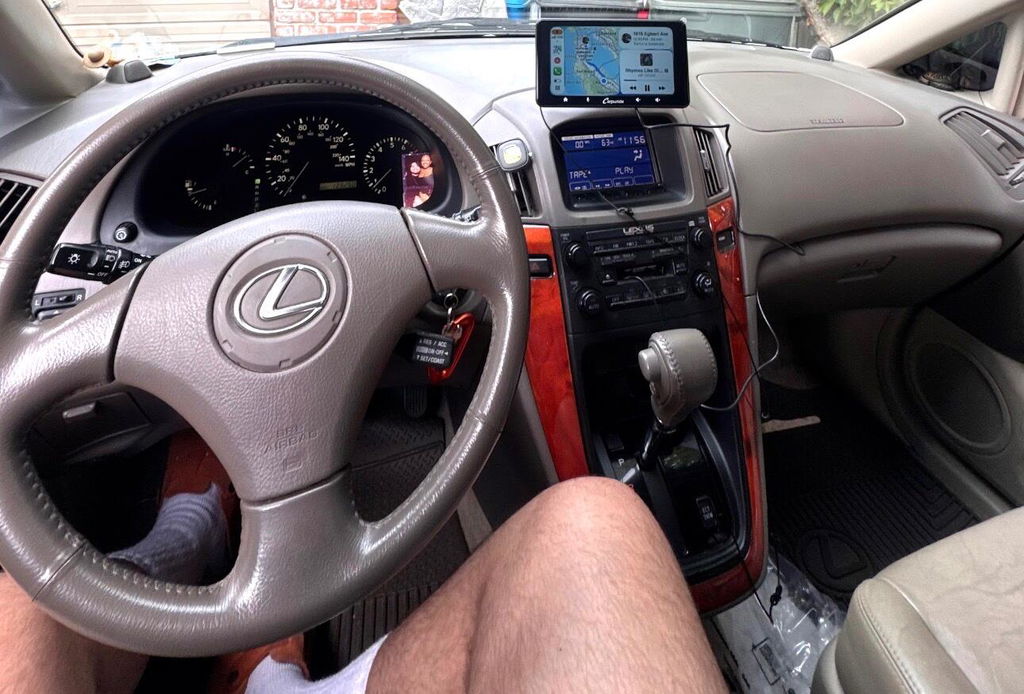
Motorcycle Wireless Apple CarPlay can keep a compatible phone off the handlebars for navigation, calls and music, but it does not make the display cable-free. The phone-to-display link is wireless; the display still needs motorcycle power. That distinction matters when choosing a display, mounting hardware and wiring for a bike.
The Rider Pain Point: Less Cable Clutter on the Bars
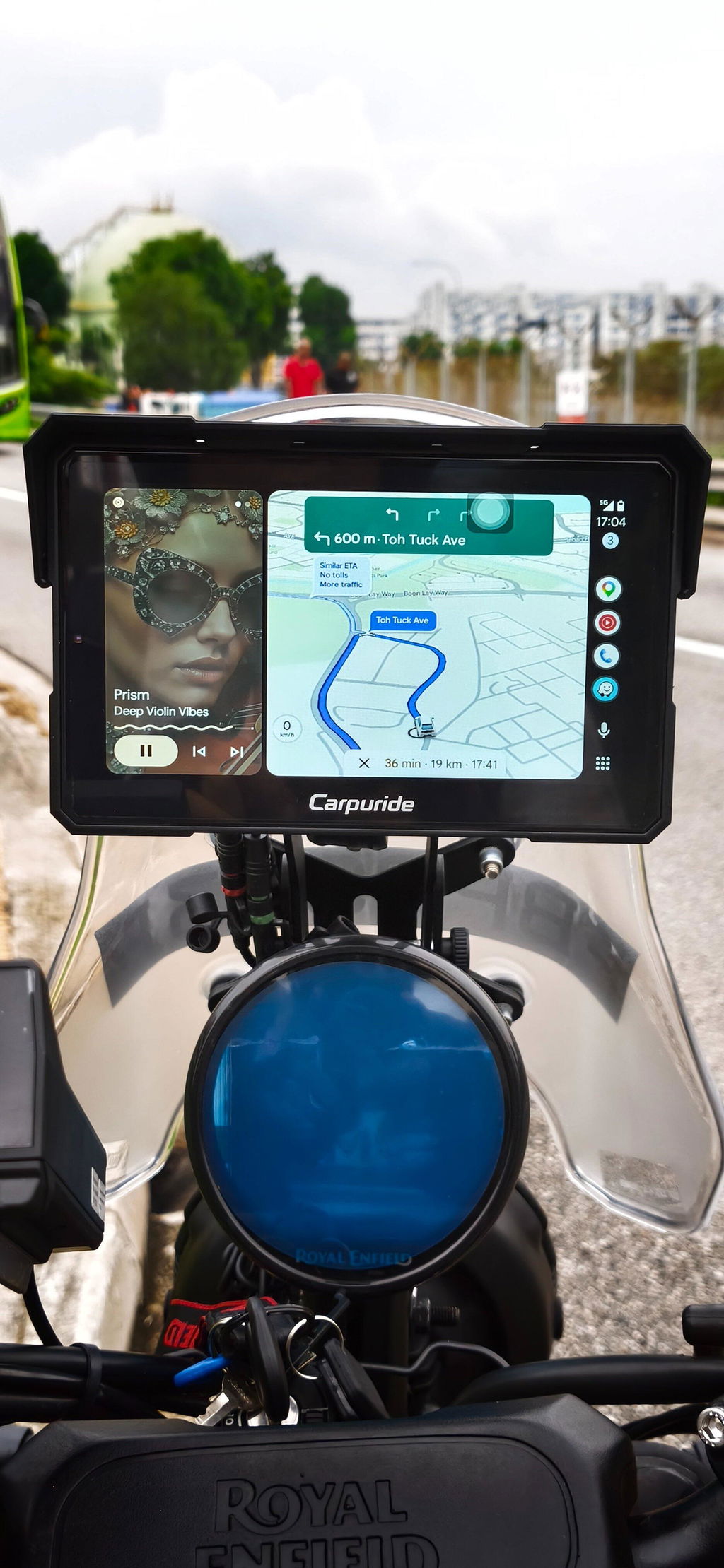
A phone on handlebars can mean a charging cable, a power adapter and an exposed phone. A dedicated display can make compatible navigation, calls and music easier to view while the phone stays off the bars. Motorcycle Wireless Apple CarPlay removes the phone-to-display cable; it does not remove the display’s need for power.
Check Your Motorcycle’s Factory CarPlay Support
Motorcycle equipment varies. Some bikes have a factory display; others do not, and factory connection options depend on the model. A wireless adapter cannot create CarPlay from nothing; it needs a compatible host display or motorcycle system and, in many setups, a powered USB connection. A standalone motorcycle display is another option, but it still needs a suitable mount and a power source. Apple’s wireless CarPlay guidance calls for Bluetooth and Wi-Fi enabled on the iPhone. That lets a wireless display communicate with the phone without a USB cable between them, even though the display remains wired to the motorcycle electrical system. Check the bike and display manuals before choosing an installation route.
What Motorcycle Wireless Apple CarPlay Requires
A practical setup includes:
- A compatible display with wireless CarPlay support
- A suitable mount for the bike
- A properly installed power connection
- A Bluetooth helmet headset for audio and calls
Calls require a helmet or headset with a microphone. The phone can stay off the handlebars, but the display power harness remains part of the installation. Cable-free is most accurate for the connection to the phone, not the entire motorcycle.
Before buying, check display compatibility against your phone, the bike mounting space and power connections. Weather resistance, mounting hardware, audio routing and included accessories are model-specific. For the W702S Plus, the listed rating is IP67; consult the product manual for fitment and installation details.
Example Setup: Carpuride W702S Plus Mounting and Power
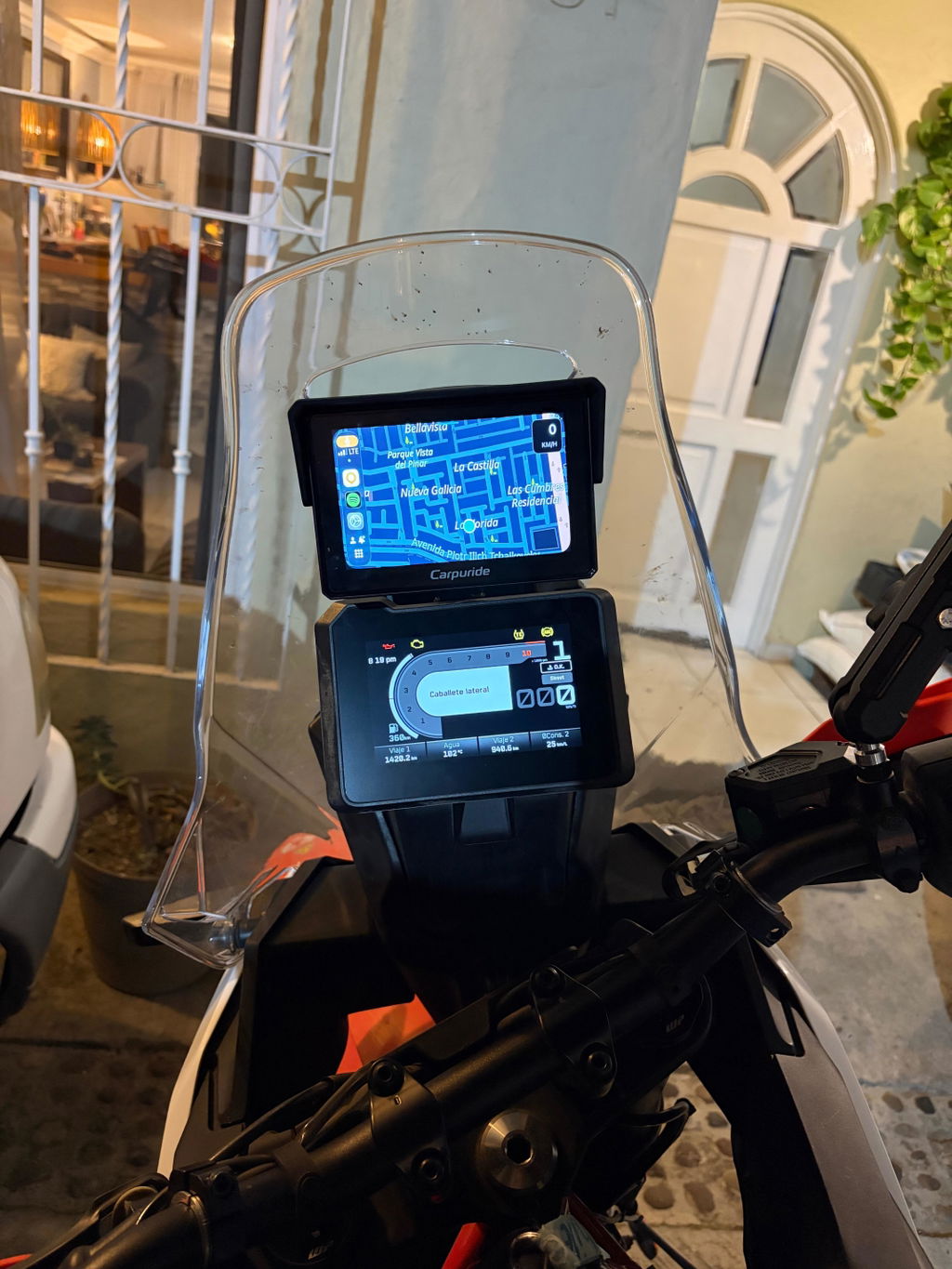
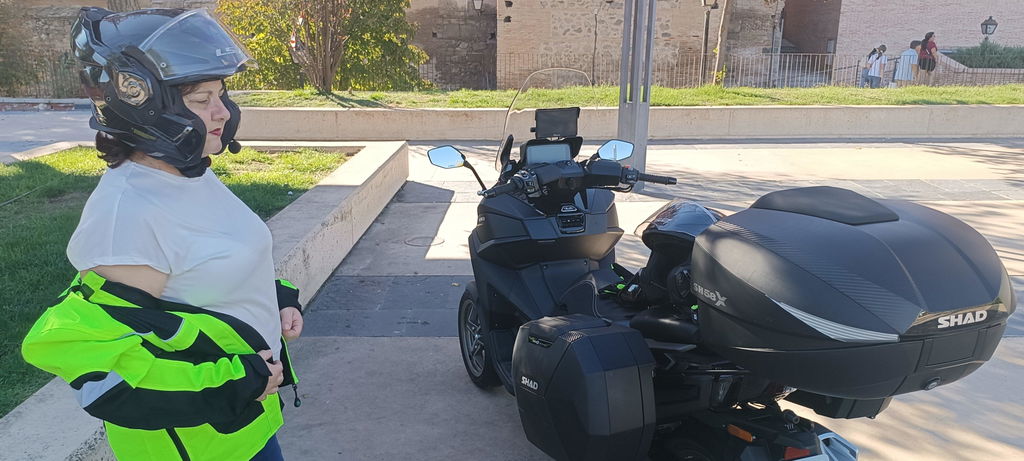
Carpuride W702S Plus is one example of a motorcycle display with wireless CarPlay. Listed features include a 7-inch IPS touchscreen, 1024×600 resolution, listed 1000 nits, built-in GPS, IP67 protection and a dedicated BM05 quick-release bracket. The W702S Plus BM05 is model-specific; do not assume a bracket or wiring harness for a different Carpuride model will fit. Brand information for the W702S Plus is dated October 21, 2026; menus and accessories depend on device version and purchased package.
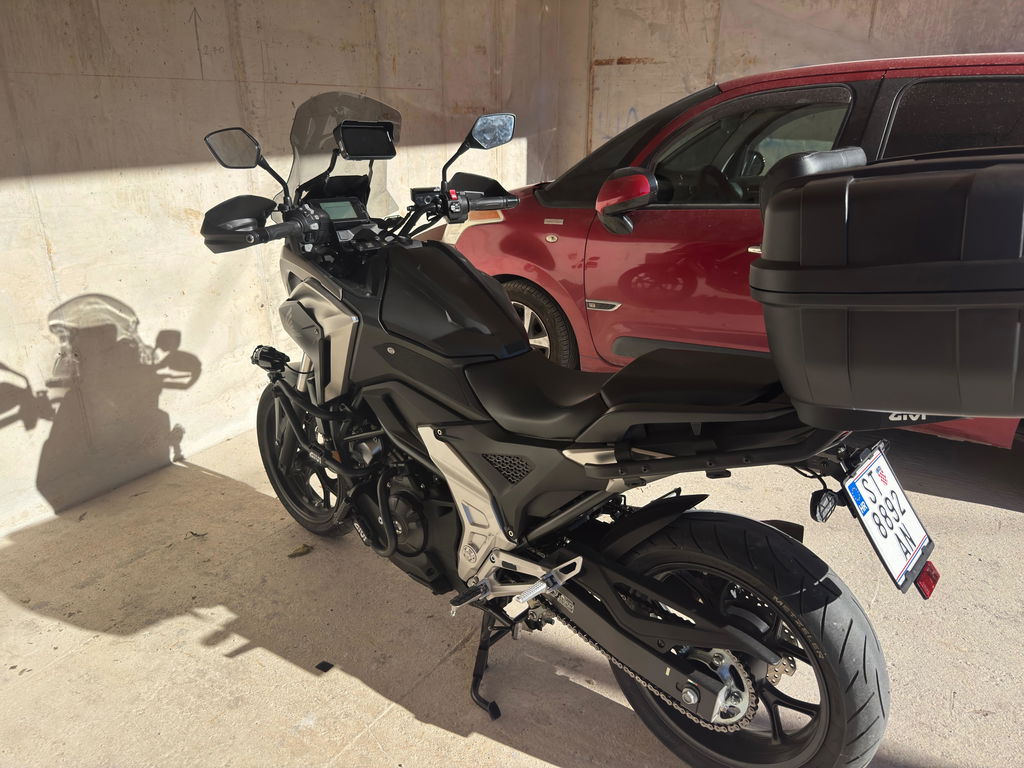
The W702S Plus manual shows shim-selection examples for 12, 22, 25.4 and 28 mm handlebars. Use the supplied clamp parts and shims as directed; check the actual fit against the handlebar, available space and manual. Lock the display into the BM05 with its metal key; when removing the screen, unlock it rather than pulling on the wiring. Check that controls and cables have adequate clearance.
The W702S Plus four-part harness includes connections for power, the rear camera, the front camera and the controller. For power, the specified assignments are yellow to battery positive (B+), red to switched ACC, and black to battery negative/ground. Do not connect the red and yellow leads together to battery positive. The Type-C port is for factory debugging only; it does not supply power, and a voltage above 5V may damage the device. Follow the W702S Plus wiring instructions exactly; installation and power details vary by model.
Pairing and Daily Use: Phone Off the Bars, Audio in the Helmet
On the iPhone, turn on Bluetooth and Wi-Fi, select Carpuride-xxxx in Bluetooth settings, and follow the pairing and authorization prompts. Choose “Use CarPlay” when prompted. Apple also advises keeping Bluetooth and Wi-Fi on for wireless CarPlay. For Android, add a new Bluetooth device, pair with Carpuride-xxxx, and follow the prompts to activate Android Auto. Most Android 11-or-later phones are generally compatible, but compatibility is not guaranteed for every model. HarmonyOS devices and Huawei EMUI P and Mate series are listed as unsupported for this wireless connection.
With phone projection, connect the Bluetooth helmet headset to the phone for audio. When using compatible apps installed directly on the W702S Plus, the display can connect to a Bluetooth headset through More settings > Pair new device. The manual states that direct-to-display headset mode cannot be used at the same time as CarPlay or Android Auto. Calls require a headset or helmet with a microphone. Confirm the audio path matching the mode you plan to use.
Review and Troubleshooting: Checks Before You Blame the Screen
If pairing fails, check that Bluetooth and Wi-Fi are on, confirm phone compatibility, and test with another compatible phone if available. If there is no sound, first identify whether audio should come from phone projection or an app running on the display, then check the relevant phone, headset and app connection. Avoid a factory reset as an automatic first step because it clears data and pairing information.
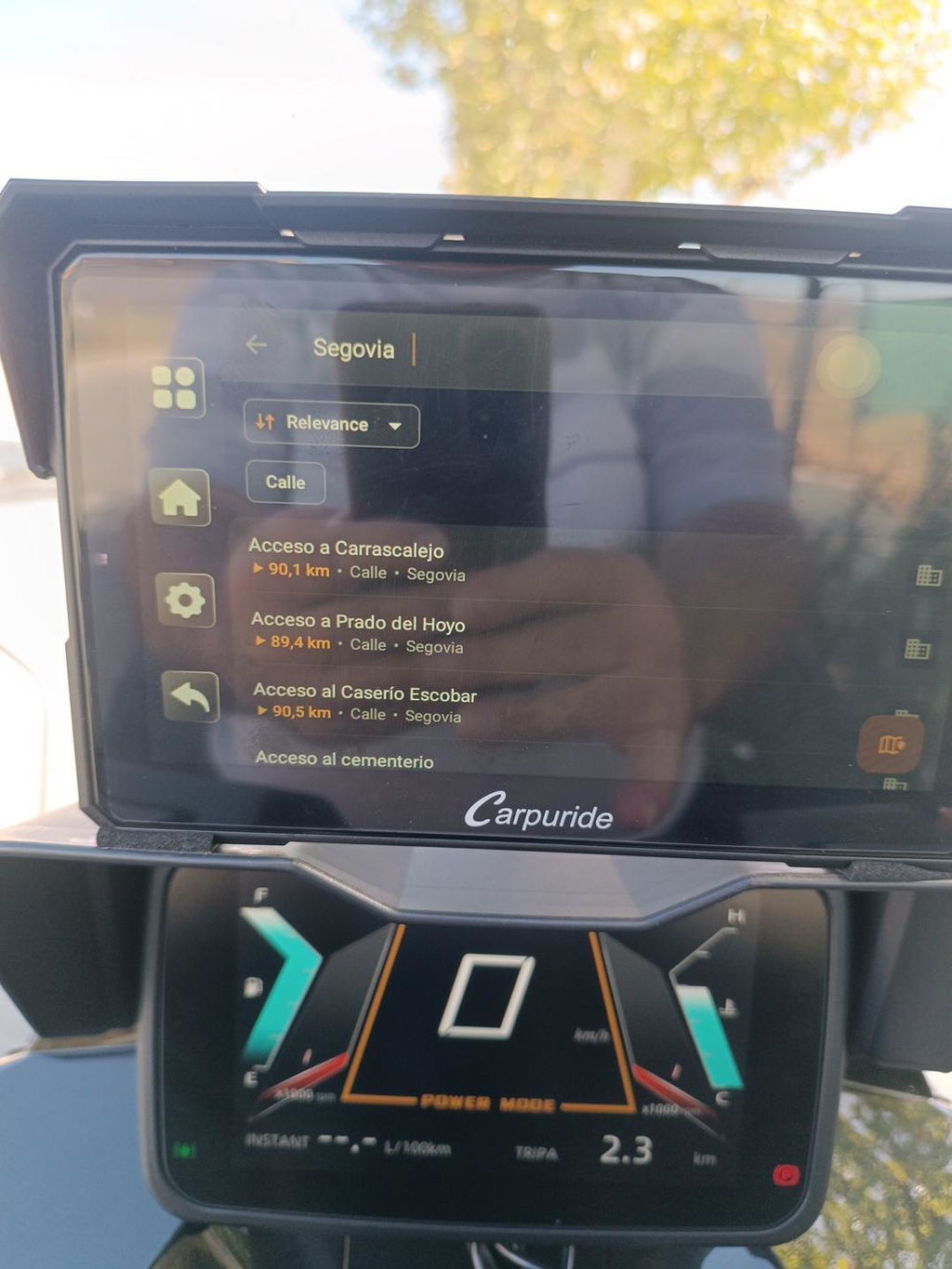
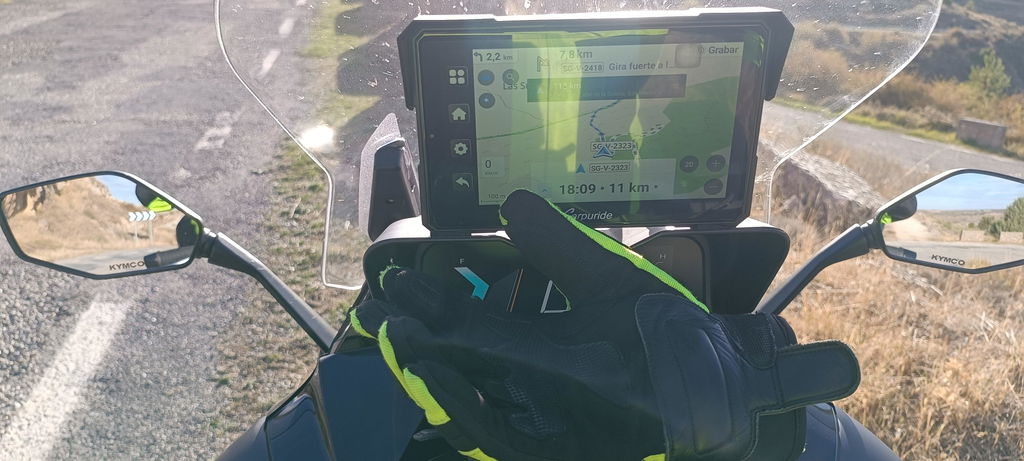
If GPS is not working as expected, check the navigation app permissions and whether maps are available offline; GPS alone does not provide maps, live traffic or an internet connection. GPS Test Plus may help with GPS checks. If recording fails, check the TF card and DVR status, and back up important footage before formatting because formatting permanently deletes its contents. For unresolved update or device issues, contact official support with the order number, model, device barcode and software version, and follow the instructions for your specific model.
Common Misconceptions About Wireless CarPlay
Motorcycle Wireless Apple CarPlay means the phone connects to the display without a phone cable; it does not mean the display runs without motorcycle power. The W702S Plus is listed at 12V, 1A and should use its specified battery-and-ACC wiring, not its Type-C debugging port. Correct ACC wiring can allow the device to sleep, but the manual notes that some battery drain may occur. It gives a version-specific example in which the device resumes within four hours and shuts down fully after more than four hours.
Offline navigation also takes preparation: the W702S Plus needs a compatible navigation app and downloaded offline maps; offline use does not provide live traffic. Before installation or purchase, verify phone compatibility, mounting fit and power connections in the product manual and official product information. A properly matched wireless display can keep the phone off the handlebars while leaving the motorcycle essential power wiring in place.
FAQ
Q: Does Motorcycle Wireless Apple CarPlay need a phone cable?
A: No phone-to-display cable is needed when the display and phone are paired wirelessly, but the display still needs motorcycle power.
Q: Can a wireless adapter add CarPlay to any motorcycle?
A: No. Check the adapter maker’s supported systems and connection requirements before buying. A CarPlay-capable aftermarket display is a separate option and needs its own mounting and power setup.
Q: What should I check before buying a Carpuride W702S Plus?
A: Check phone compatibility, handlebar space, mounting fit and power connections in the product manual. The W702S Plus BM05 is model-specific and is listed with IP67 protection.
Q: How is the W702S Plus powered?
A: The four-part harness uses yellow to battery positive, red to switched ACC and black to battery negative/ground. Do not join red and yellow to battery positive. The Type-C port is for factory debugging only and does not supply power.
Q: Why does audio sometimes not play?
A: First identify whether audio should come from phone projection or an app running on the display, then check the relevant phone, headset and app connection. Direct-to-display headset mode cannot be used at the same time as CarPlay or Android Auto.
Q: Does GPS work without a map download?
A: GPS alone does not provide maps, live traffic or an internet connection. Offline navigation needs a compatible app and downloaded offline maps.