🏍️ BMW Motorcycle Information Sync Troubleshooting Guide
For W702BS, W602BS, and W502BS Devices
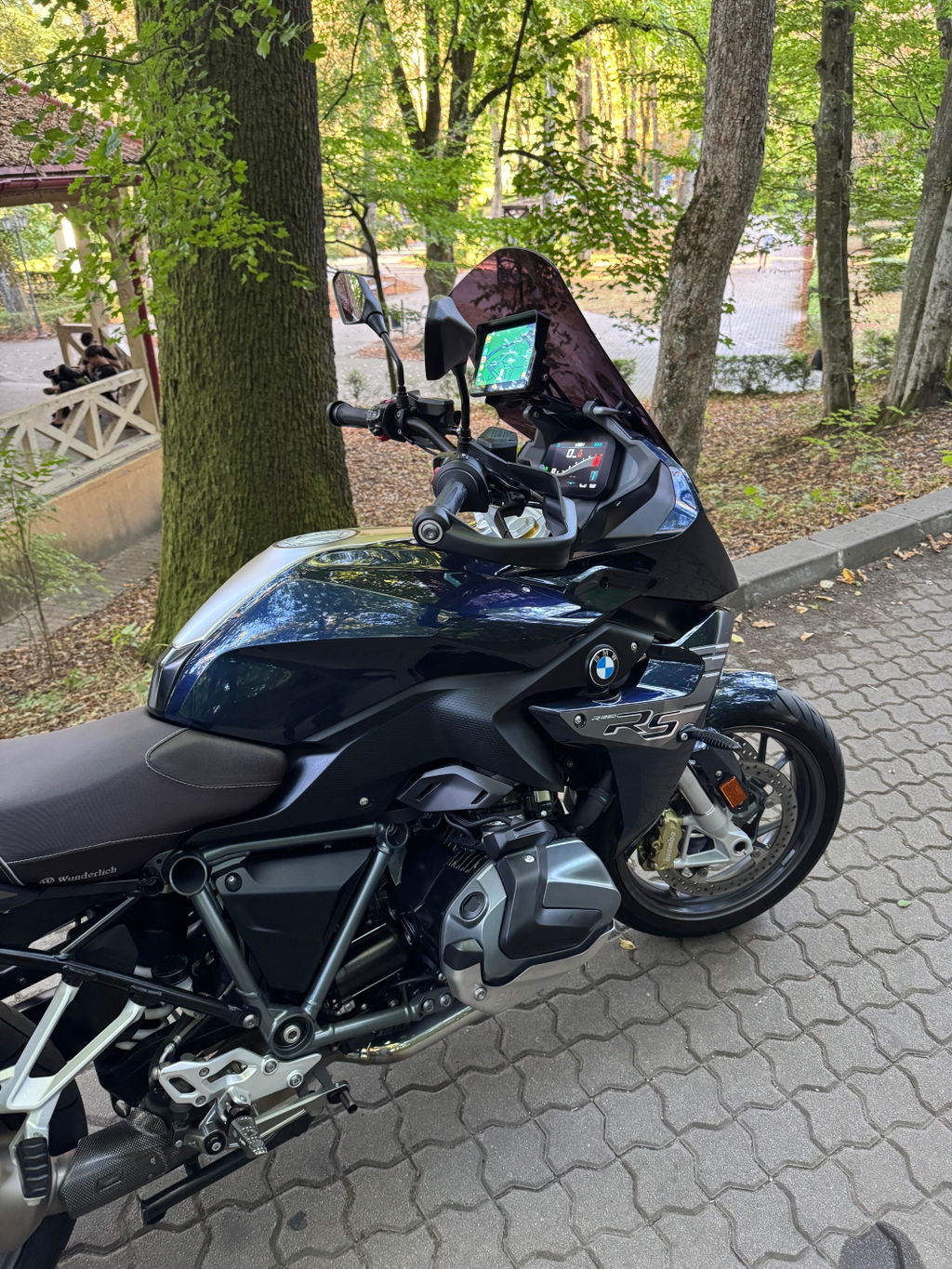
If your BMW motorcycle cannot sync information with your Carpuride device, this guide will help you diagnose and resolve the issue.
Problem Overview
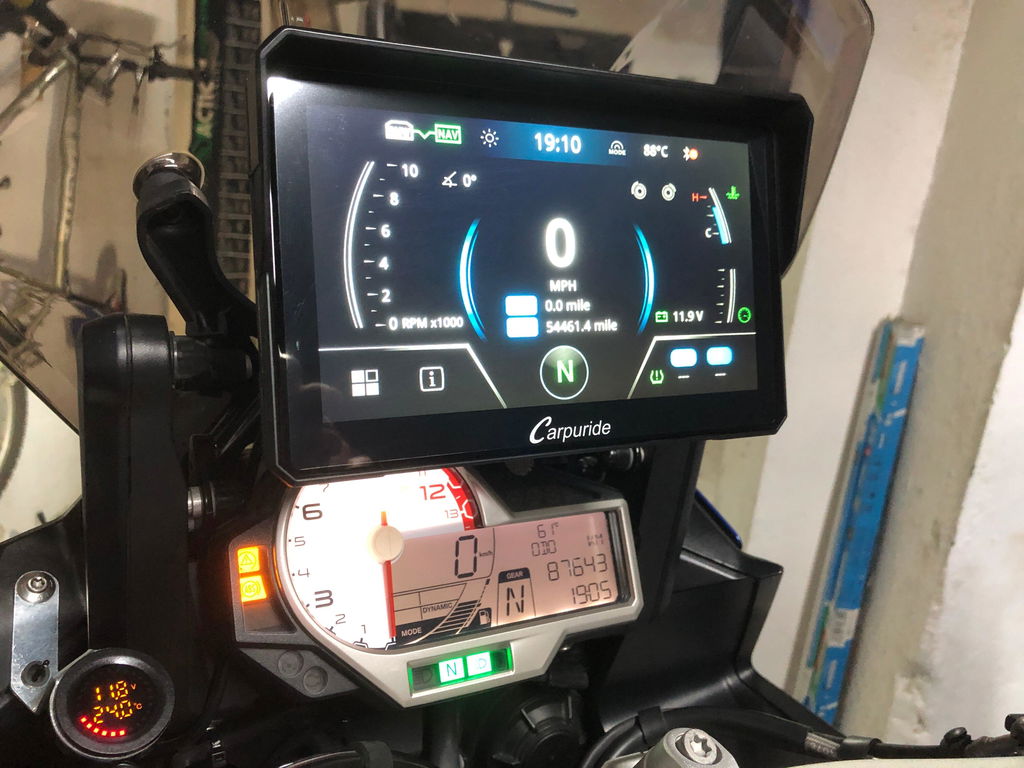
Some BMW motorcycle users may experience issues with syncing motorcycle information after installing W702BS/W602BS/W502BS devices. This means the device cannot display motorcycle data such as speed, gear position, fuel level, tire pressure, or use the Wonder Wheel control function.
⚠️ Important Notice:
This guide applies to the following Carpuride products:
- ✅ Carpuride W702BS
- ✅ Carpuride W602BS
- ✅ Carpuride W502BS
🔍 Quick Diagnostic Process
✓ Recommended Troubleshooting Order
Follow these steps from easiest to most difficult - most issues can be resolved quickly:
- Step 1: Verify Compatibility - Check if your motorcycle model and year are on the compatibility list (1 minute)
- Step 2: Clean Cradle Pins - If compatible but not syncing, it's usually dirty cradle pins (5 minutes)
- Step 3: Update Firmware - Update to the latest version via OTA or TF card (10-15 minutes)
- Step 4: Professional Inspection - Visit BMW dealer to check navigation function activation status (appointment required)
- Step 5: Contact Support - If all else fails, get technical assistance
💡 Solutions (From Easiest to Most Difficult)
Solution 1: Verify Device Compatibility ⭐ (Easiest, 1 minute)
✅ First Step: Check Compatibility
Before trying any other solutions, you must first confirm whether your BMW motorcycle model and year are compatible with BS series devices.
- Visit our BMW Motorcycle Compatibility List
- Find your motorcycle model and year in the list
- Confirm your model is in the "✅ Compatible Models" column
⚠️ Incompatible Models (Examples):
- ❌ R1200RT / R1250RT (all years)
- ❌ K-Series (K1600GT, K1600GTL, etc.)
- ❌ F700GS, F800R, F900R (before 2025)
- ❌ M1000XR (2025 model)
Note: The above list shows only some common incompatible models. For a complete compatibility list, please refer to our BMW Motorcycle Compatibility List.
If your model is incompatible, please consider our other BMW products (such as W702B, W702B Pro, W603B, etc.).
Solution 2: Clean Navigation Cradle Pins ⭐⭐ (Simple, 5 minutes, Most Common Issue)
✓ Most Common Solution
Important: If your motorcycle model is confirmed compatible but still cannot sync information, it's generally a cradle pin issue!
Dirty or oxidized cradle pins (contact points) are the most common cause of information sync failure, and you can fix this yourself.
🧹 Cleaning Steps
- Disconnect motorcycle power - Turn off the ignition switch
- Remove navigation cradle - Remove the original BMW navigation cradle according to BMW instructions
-
Clean contact points - Use any of the following methods:
- ✅ Recommended: Spray contact points with electronic contact cleaner
- ✅ Gently wipe contact points with a clean soft cloth
- Clean motorcycle interface - Also clean the contact points on the motorcycle's 3-pin navigation interface
- Ensure completely dry - Wait for contact points to completely dry before reinstalling
- Reinstall and test - Ensure cradle is securely installed, start motorcycle and test
💡 Pro Tip:
Regular cleaning of cradle pins (recommended every 3-6 months) can prevent information sync issues, especially after riding in dusty or humid environments.
Solution 3: Update Device Firmware ⭐⭐⭐ (Moderate difficulty, 10-15 minutes)
Ensure your W702BS/W602BS/W502BS device is running the latest firmware version, as new versions may include compatibility improvements and bug fixes.
📥 Firmware Update Methods
Method 1: OTA Online Update (Recommended)
- Ensure device is connected to WiFi or mobile hotspot
- Enter device settings menu
- Select "MCU Update"
- Click "Check for Updates", download and install if new version is available
- Restart device after update and test
Method 2: TF Card Update (If OTA update fails)
- Contact customer service at service@carpuride.com to request the latest firmware file
- Download the firmware file to your computer
- Copy the firmware file to a TF card (SD card)
- Insert the TF card into the device
- Follow device prompts to perform firmware update
- Restart device after update and test
Solution 4: Visit BMW Authorized Dealer for Inspection ⭐⭐⭐⭐ (More difficult, appointment required)
🏍️ Professional Inspection Service
If the above simple methods don't resolve the issue, we recommend taking your motorcycle to a BMW authorized dealer for professional inspection:
- Check navigation function activation status: Use professional diagnostic tools to check if option code 272 is activated
- Verify TFT configuration: Confirm if your TFT display configuration supports data transmission
- Inspect navigation cradle: Verify the cradle is original and properly installed
- Activate navigation function: If not activated and your model supports it, can help activate (may require payment)
📋 About Navigation Function (Option Code 272)
BMW motorcycle navigation software function (option code 272) is an optional configuration. If not activated:
- ❌ Motorcycle adapter cannot transmit information to device
- ❌ Device cannot display speed, gear position, fuel level, etc.
- ❌ Wonder Wheel control function may not work
Note: Activation fees vary by region and dealer. Please consult your local BMW dealer for accurate pricing.
Solution 5: Contact Carpuride Customer Service ⭐⭐⭐⭐⭐ (Last resort)
📧 Get Technical Support
If all the above steps fail to resolve the issue, please contact our customer service team:
- 📧 Email: service@carpuride.com
- ⏰ Response Time: Within 24 hours
- 💬 Please Provide: Motorcycle model and year, whether equipped with TFT display, whether cradle is original, whether pins have been cleaned, whether firmware has been updated, device firmware version
🔧 Possible Causes Analysis
| Cause | Frequency |
|---|---|
| Dirty or oxidized navigation cradle pins | ⭐⭐⭐⭐⭐ Most Common |
| Incompatible motorcycle model | ⭐⭐⭐⭐ Common |
| Navigation function not activated (option code 272) | ⭐⭐⭐ Moderate |
| Using non-original or modified navigation cradle | ⭐⭐ Less Common |
| Outdated device firmware | ⭐ Rare |
❓ Frequently Asked Questions
Q1: My device can power on and display, but cannot sync motorcycle information. Why?
Power supply and information sync use different data channels. Even if the device powers on normally, if the cradle pins are dirty, navigation function is not activated, using non-original cradle, or motorcycle model is incompatible, it may still fail to sync information. The most common cause is dirty cradle pins - try cleaning them first.
Q2: Can cleaning the cradle pins really solve most problems?
Yes! Based on our experience, if the motorcycle model is confirmed compatible but cannot sync information, over 90% of cases are caused by dirty or oxidized cradle pins. This is the simplest and most effective solution - we recommend trying it first.
Q3: How do I update the device firmware?
We recommend using OTA online update: In device settings, select "System Update" or "Firmware Update", then click "Check for Updates". If OTA update fails, you can contact customer service at service@carpuride.com to request the latest firmware, then update using a TF card.
Q4: How much does it cost to activate BMW navigation function (option code 272)?
Activation fees vary by region and dealer. Some models may already include this function but not activated, in which case activation may be free. In other cases, software activation fees may apply. Please consult your local BMW authorized dealer for accurate pricing.
Q5: My motorcycle doesn't have a TFT display. Can I still use the information sync function?
Some BMW motorcycles without TFT displays can still support information sync, provided they use an original, unmodified navigation cradle. However, compatibility may vary by model and year, especially for 2013-2015 models. We recommend contacting customer service to confirm if your specific model is supported.
Q6: Can I use a third-party navigation cradle?
Not recommended. BS series devices need to receive motorcycle data through the contact points of the original BMW navigation cradle. Third-party cradles, even if they can provide power, may not be able to transmit data signals, causing information sync function to fail.
Q7: If my motorcycle model is incompatible, are there other options?
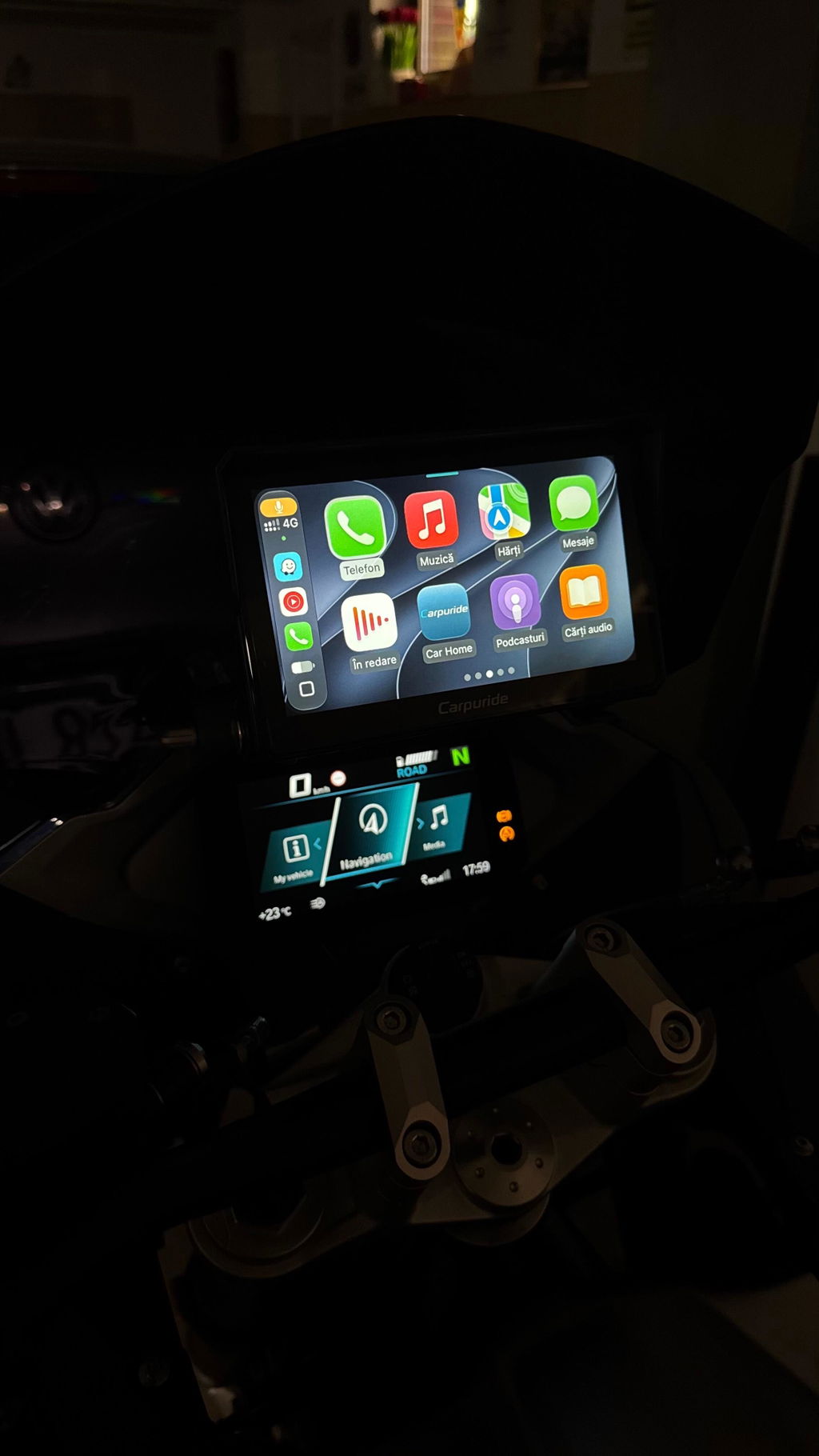
Yes! If your BMW motorcycle is not compatible with BS series information sync function, you can still consider our other BMW products (such as W702B, W702B Pro, etc.). These products provide CarPlay/Android Auto functionality but do not include Wonder Wheel control and motorcycle information sync. Their compatibility requirements are simpler - as long as your motorcycle has a navigation cradle that can power the device, you can use them.
📋 Troubleshooting Checklist
| Check Item | Status |
|---|---|
| ✓ Confirmed motorcycle model and year are on compatibility list | ☐ |
| ✓ Cleaned navigation cradle pins and motorcycle interface contact points | ☐ |
| ✓ Using original BMW navigation cradle (unmodified) | ☐ |
| ✓ Device firmware updated to latest version | ☐ |
| ✓ Confirmed whether motorcycle is equipped with TFT display | ☐ |
🎯 Summary
✓ Recommended Solution Process (From Easiest to Most Difficult)
- Step 1: Check if your motorcycle model and year are on the compatibility list
- Step 2: If compatible, immediately try cleaning the navigation cradle pins (this is the most common issue!)
- Step 3: Update device firmware to the latest version via OTA or TF card
- Step 4: If still unresolved, take motorcycle to BMW authorized dealer to check navigation function activation status
- Step 5: Contact Carpuride customer service (service@carpuride.com) for further technical support
📞 Need Help?
Our customer service team is ready to support you:
- 📧 Email: service@carpuride.com
- ⏰ Response Time: Within 24 hours
- 🌍 Support: Multilingual service worldwide
Related Articles:
W702BS/W602BS/W502BS BMW Motorcycle Compatibility List | View All Guides