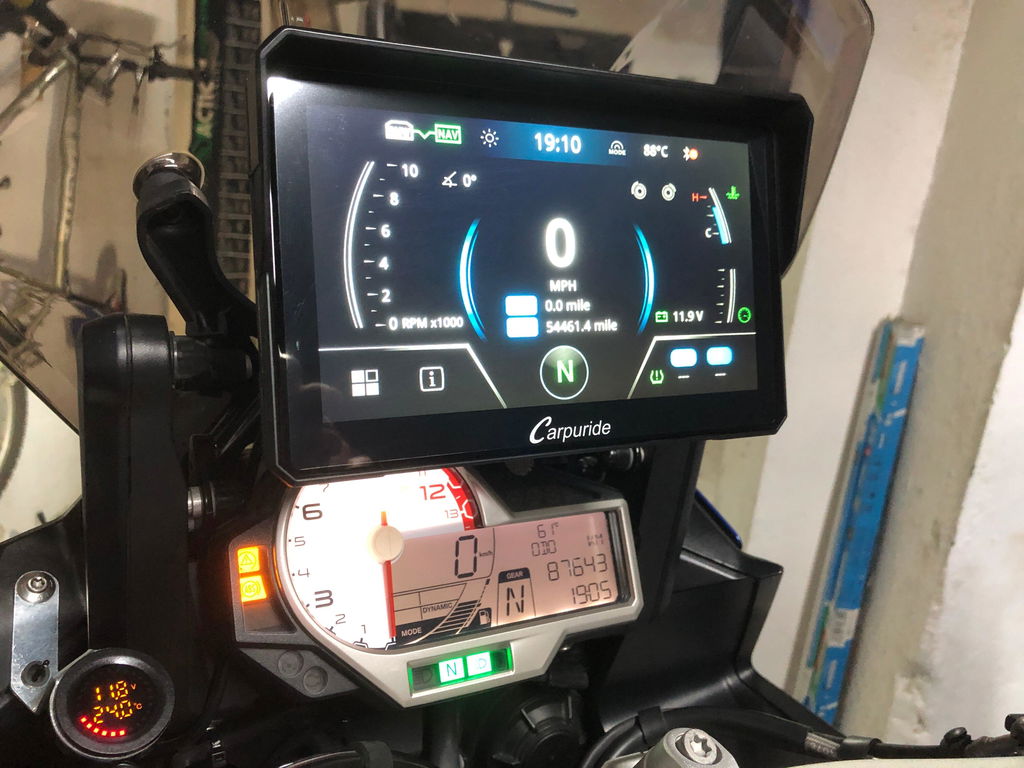
Choosing a 7-inch screen for your motorcycle often comes down to Carpuride’s two flagship models: the W702 Plus and the W702S Pro. While both feature 1000-nit high-brightness displays, IP67 waterproofing, and auto-brightness sensors, they are designed for different riding needs.
The W702 Plus is a full Android 12 system supporting app downloads and dual 1080P cameras. The W702S Pro is a dedicated wireless CarPlay and Android Auto screen featuring a BM05 key-lock quick-release bracket, built-in compass, barometer, and SOS emergency call.
Here is a clear, feature-by-feature comparison to help you choose the right screen for your bike.
📊 At-a-Glance Comparison
| Feature / Specification | W702 Plus | W702S Pro |
|---|---|---|
| System | Full Android 12 System (Google Play Store) | Linux System (Wireless CarPlay & Android Auto) |
| Navigation Options | 3 Modes: Phone Mirroring, Online Apps, Offline Maps | 1 Mode: Wireless Apple CarPlay & Android Auto |
| Mounting Bracket | Universal Bracket | BM05 Quick-Release Bracket (Key-Lock) |
| Dash Cam (DVR) | Dual 1080P Cameras (Front & Rear, 64GB TF Card Included) | None |
| Wired Controller | Included (Camera Switch, Answer Calls, Lock Video) | Included (Track Switch, Answer Calls) |
| Riding Features | Standard App Features | Built-in Compass & Barometer |
| Safety Features | Standard Call Functions | SOS Emergency Call |
| Bluetooth Mode | Bluetooth 5.2 | Dual Bluetooth (2-Rider Sharing) |
| TPMS Support | Optional Upgrade (+TPMS Package) | Optional Upgrade (+TPMS Package) |
⚙️ 1. System & Navigation Flexibility
Understanding how each unit handles system processing and navigation is the easiest way to make your choice.
W702 Plus: 3 Navigation Options
Operating on a full Android 12 system with an octa-core processor, 4GB RAM, and 64GB internal storage, the W702 Plus features a built-in GPS module for three distinct navigation pathways:
• 📱Phone Mirroring: Connect wirelessly via Apple CarPlay or Android Auto to display Apple Maps, Google Maps, or Waze from your smartphone.
• 🌐Online Apps: Connect the screen to Wi-Fi or your phone's personal hotspot to download and run navigation apps directly on the display.
• 🗺️Offline Maps: Pre-download offline map packages using compatible navigation apps (like Rever or Kurviger). Combined with the built-in GPS, you can navigate even when riding through areas without cellular service. (Note: Offline navigation requires downloading map files in advance onto the system).
W702S Pro: Wireless CarPlay & Android Auto
The W702S Pro runs on a Linux system built specifically for wireless Apple CarPlay and Android Auto. It connects seamlessly to your smartphone for map routing, music, and calls, providing an instant boot-up time, low power consumption, and thermal stability during long highway rides.
🔒 2. Mounting Bracket & Handlebar Control
How you mount and control your screen affects daily convenience and anti-theft security.
• 🔐W702S Pro (BM05 Quick-Release Security): Designed for riders who park in public areas. It includes the BM05 quick-release bracket with a key lock, allowing you to lock the screen to your bike while riding and detach it quickly when parked. The handlebar wired controller lets you switch tracks, change volume, and answer calls without taking your hands off the grips.
• 🔧W702 Plus (Fixed Dual-Camera Setup): Uses a standard universal bracket for fixed handlebar installation. Its included handlebar wired controller allows you to switch between front and rear camera views on screen, answer calls, and lock emergency video recordings.
📹 3. Dual 1080P Cameras vs. Compass, Barometer & SOS Safety
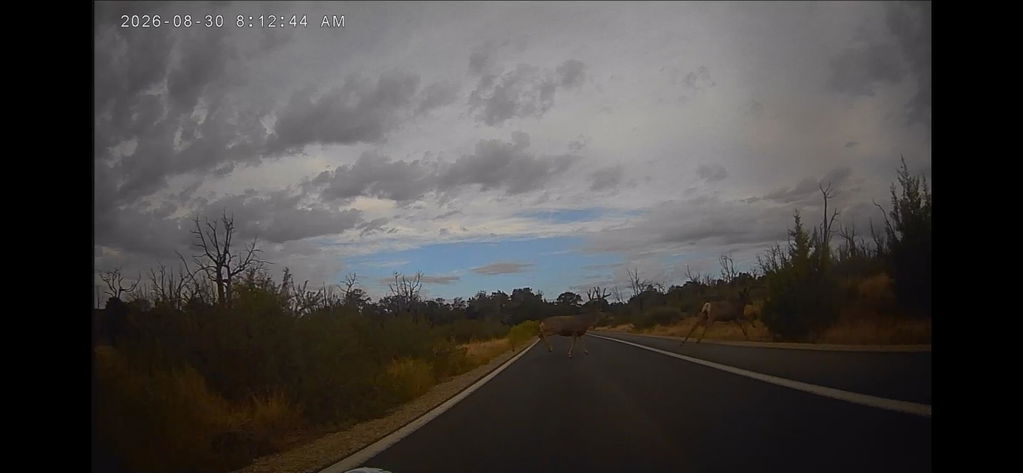
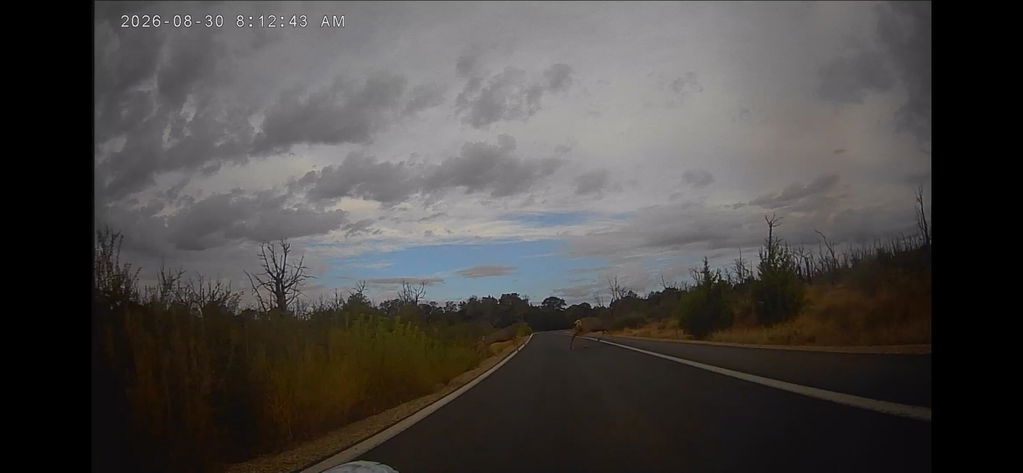
• 📹W702 Plus (Full Ride Recording): Includes front and rear 1080P wide-angle cameras and an included 64GB TF card for external video storage. It automatically records loop footage of your ride, securing video evidence and capturing scenery without needing extra action cameras.
• 🧭W702S Pro (Compass, Barometer & SOS Call): Built for adventure riding, it includes a built-in digital compass and barometer for altitude and direction tracking. It also features an SOS emergency call function that detects severe impacts or tip-overs to trigger an automated countdown for emergency help.
🤔 Which Screen Should You Choose?
✅ Choose the W702 Plus if you want:
1. Full Android 12 System: You want to install riding apps directly onto the screen via the Google Play Store or use pre-downloaded offline maps.
2. Dual 1080P Cameras: You want built-in front and rear video recording with an included 64GB TF card for road security.
3. Built-in GPS: You want independent GPS routing support without relying solely on smartphone mirroring.
✅ Choose the W702S Pro if you want:
1. BM05 Quick-Release Mount: You want a key-lock quick-release bracket to detach your screen easily when parking.
2. Compass, Barometer & SOS: You want real-time altitude, atmospheric pressure, direction tracking, and emergency impact calling.
3. Dual Bluetooth Sharing: You want the 2-rider Dual Bluetooth system to share navigation and music with a passenger's headset.
💡 Looking for a Base Model?
If you prefer a classic setup without standalone Android apps, dual cameras, or quick-release locks:
• W702 Pro: Includes the W702S Pro’s 1000-nit auto-brightness screen, compass, barometer, and SOS system, but uses a standard universal bracket.
• W702: The base 7-inch model, delivering IP67 waterproof wireless CarPlay, Android Auto, and Bluetooth connectivity at an entry-level price.